You have logged in to the TKE console and gone to the management page for the cluster.
Operation Steps
Viewing Cluster Metrics
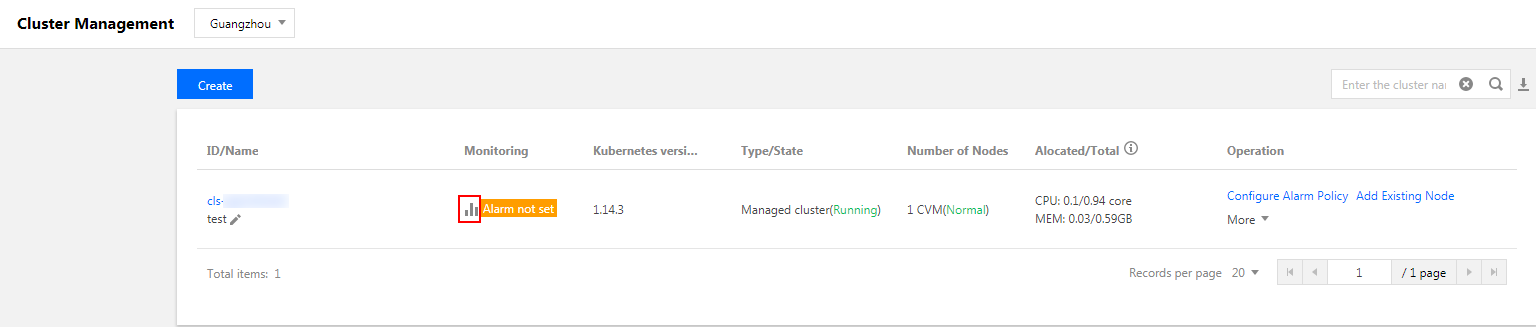
In the row of the cluster for which you want to view monitoring data, click
to go to the cluster monitoring information page. The following figure shows the process:
Viewing Node Metrics
Perform the steps below to view monitoring information for regular nodes and master and etcd nodes.
1. Select the cluster ID/name to go to the cluster's management page.
2. Expand Node Management to view monitoring information for regular nodes and Master&Etcd nodes.
Select Node > Monitoring to go to the Node Monitoring page and view monitoring information. The following figure shows the process:
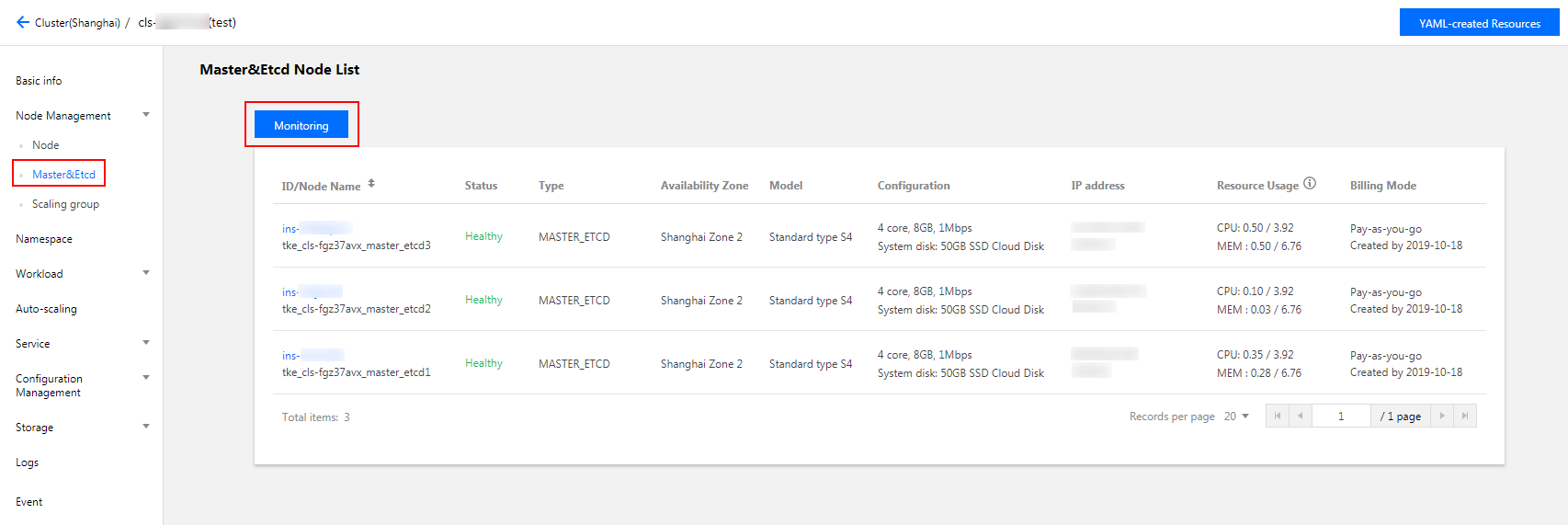
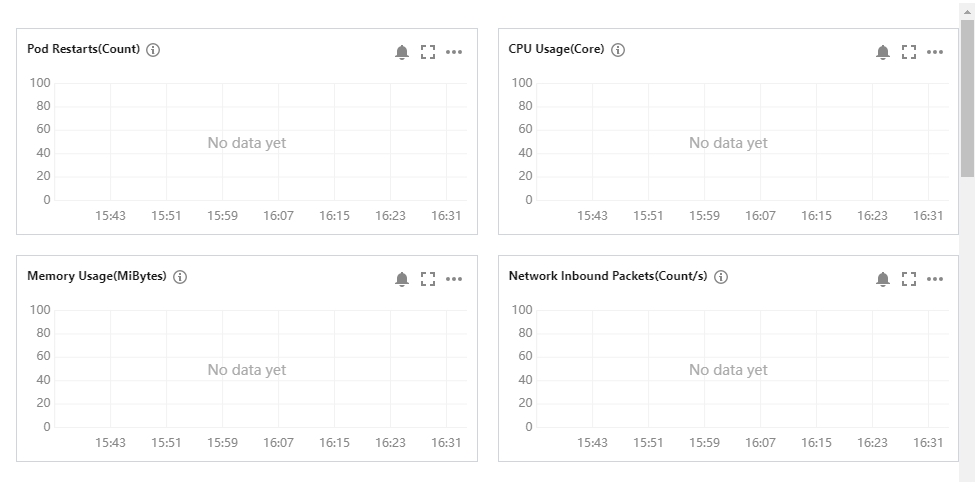
Select Master&Etcd > Monitoring to go to the Master&Etcd Monitoring page and view monitoring information. The following figure shows the process:
Viewing Pod Metrics in a Node
1. Select the cluster ID/name to go to the cluster's management page.
2. Choose Node Management > Nodes to go to the node list page.
3. Select a node name, and then click Monitoring on the Pod Management tab to view the monitoring metric graphs for the Pods within that node. The following figure shows the process:
Viewing Workload Metrics
1. Select the cluster ID/name to go to the cluster's management page.
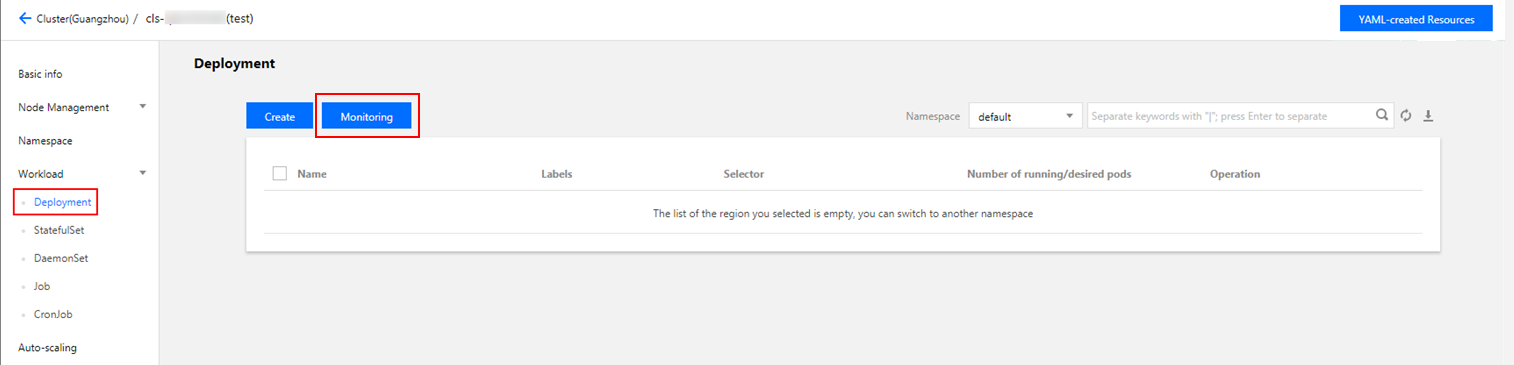
2. Choose Workload > Any Type of Workload. For example, select Deployment to go to the Deployment management page.
3. Click Monitoring to view the monitoring information for this workload. The following figure shows the process:
Viewing Pod Metrics in a Workload
1. Select the cluster ID/name you want to view to go to the cluster's management page.
2. Choose Workload > Any Type of Workload. For example, select Deployment to go to the Deployment management page.
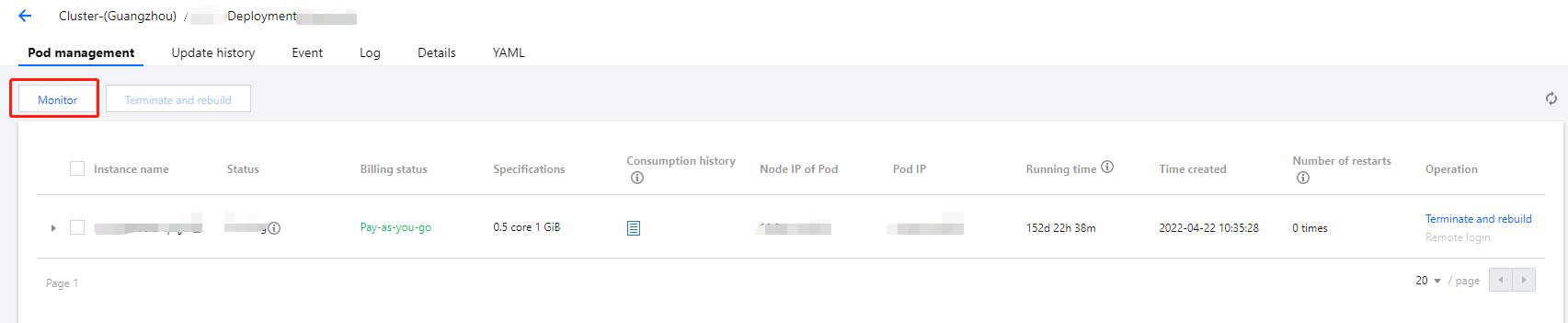
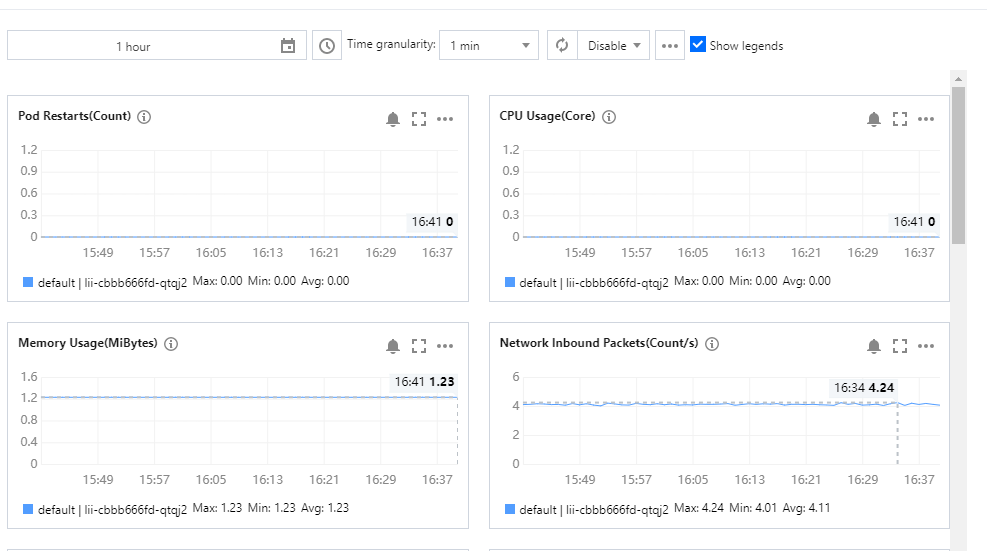
3. Select a workload name, and then click Monitoring on the "Pod Management" tab of that workload to view a comparison of monitoring metrics for all Pods within the workload. The following figure shows the process:
Viewing Container Metrics in a Pod
1. Select the cluster ID/name to go to the cluster's management page.
2. Choose Workload > Any Type of Workload. For example, select Deployment to go to the Deployment management page.
3. Select a workload name, and then click
in front of the instance name on the "Pod Management" tab of that workload to view the Container information for that Pod.
4. Click
to view a comparison of monitoring metrics for the Containers within this Pod. The following figure shows the process: