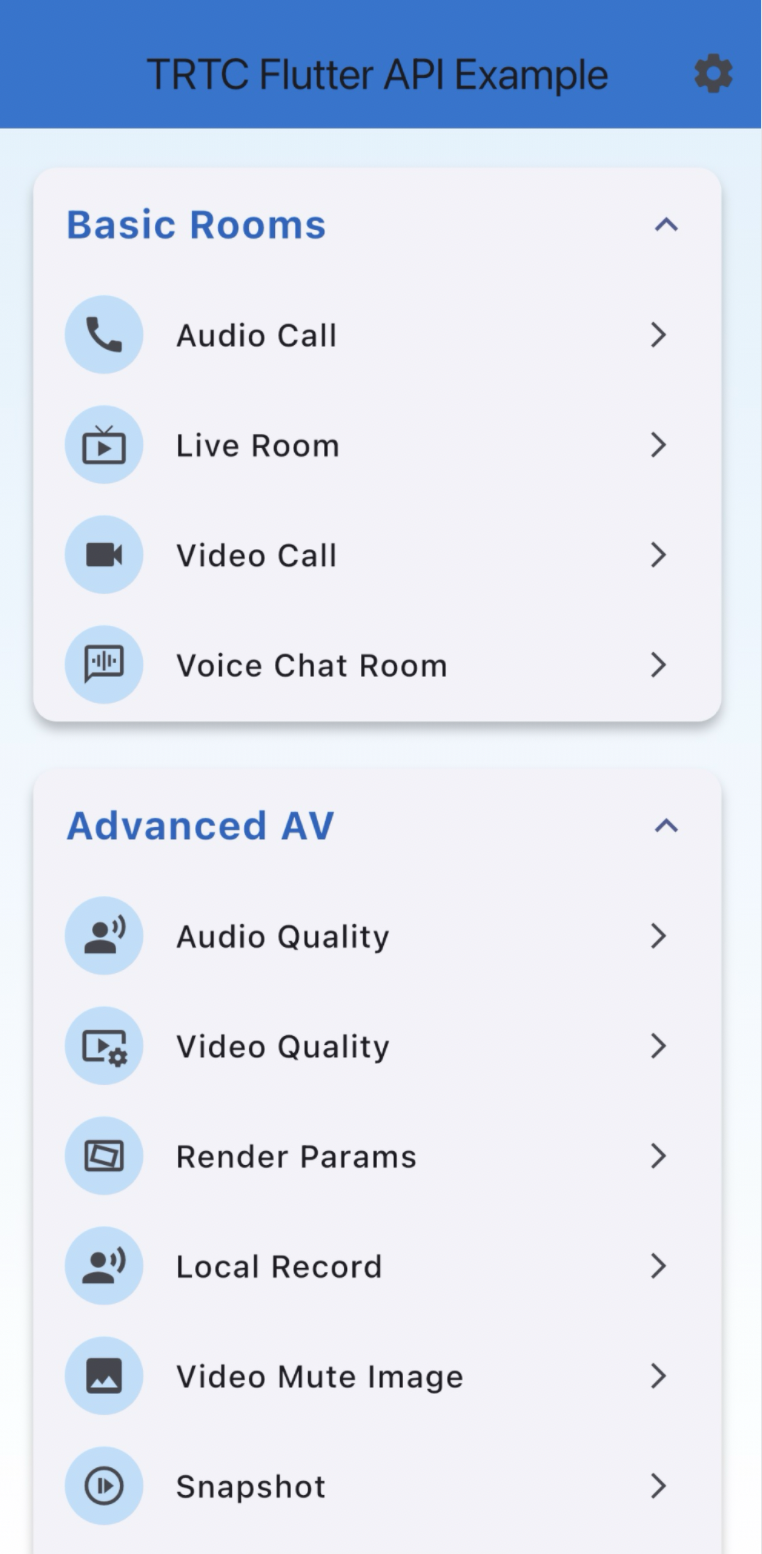
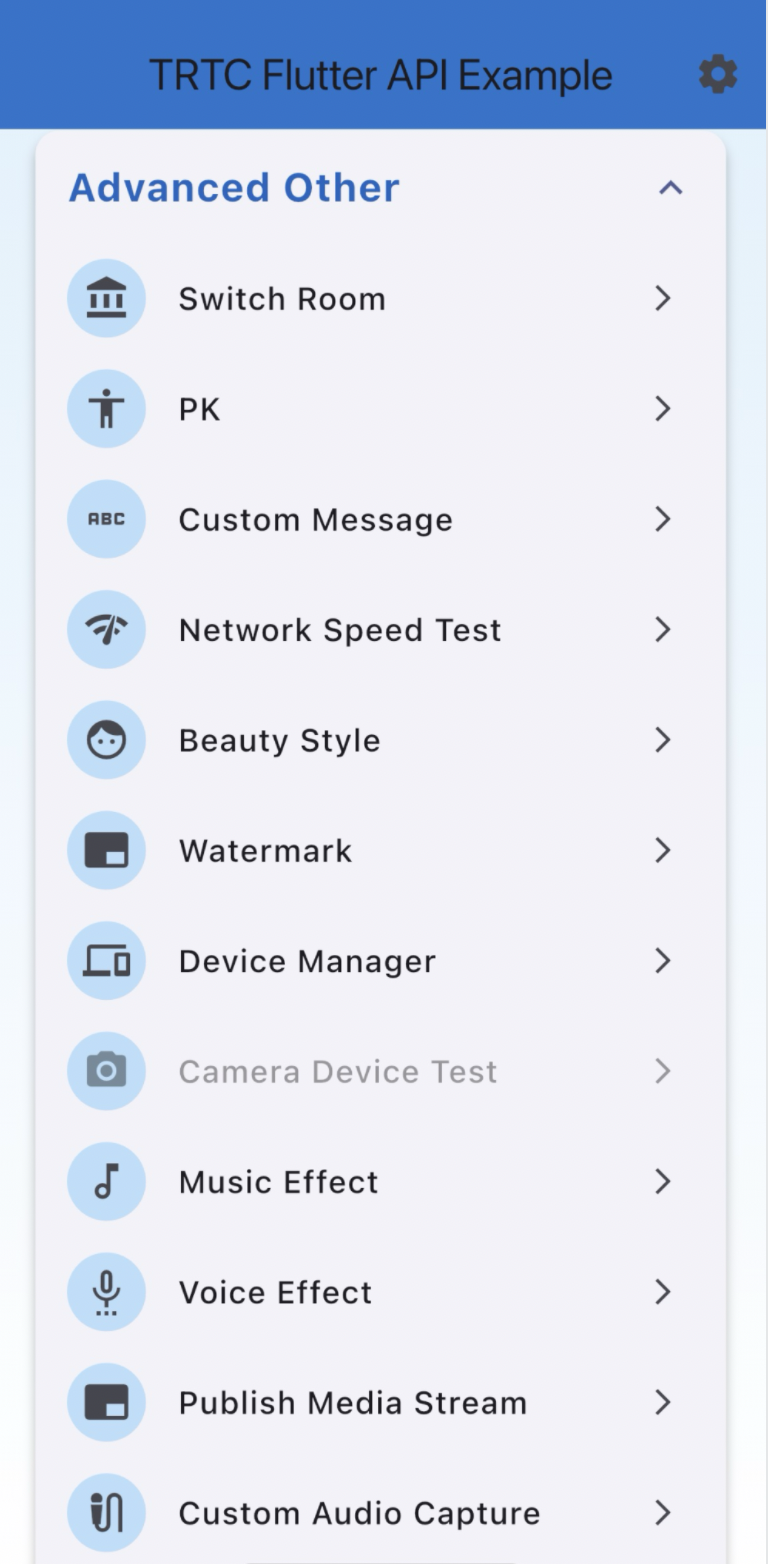
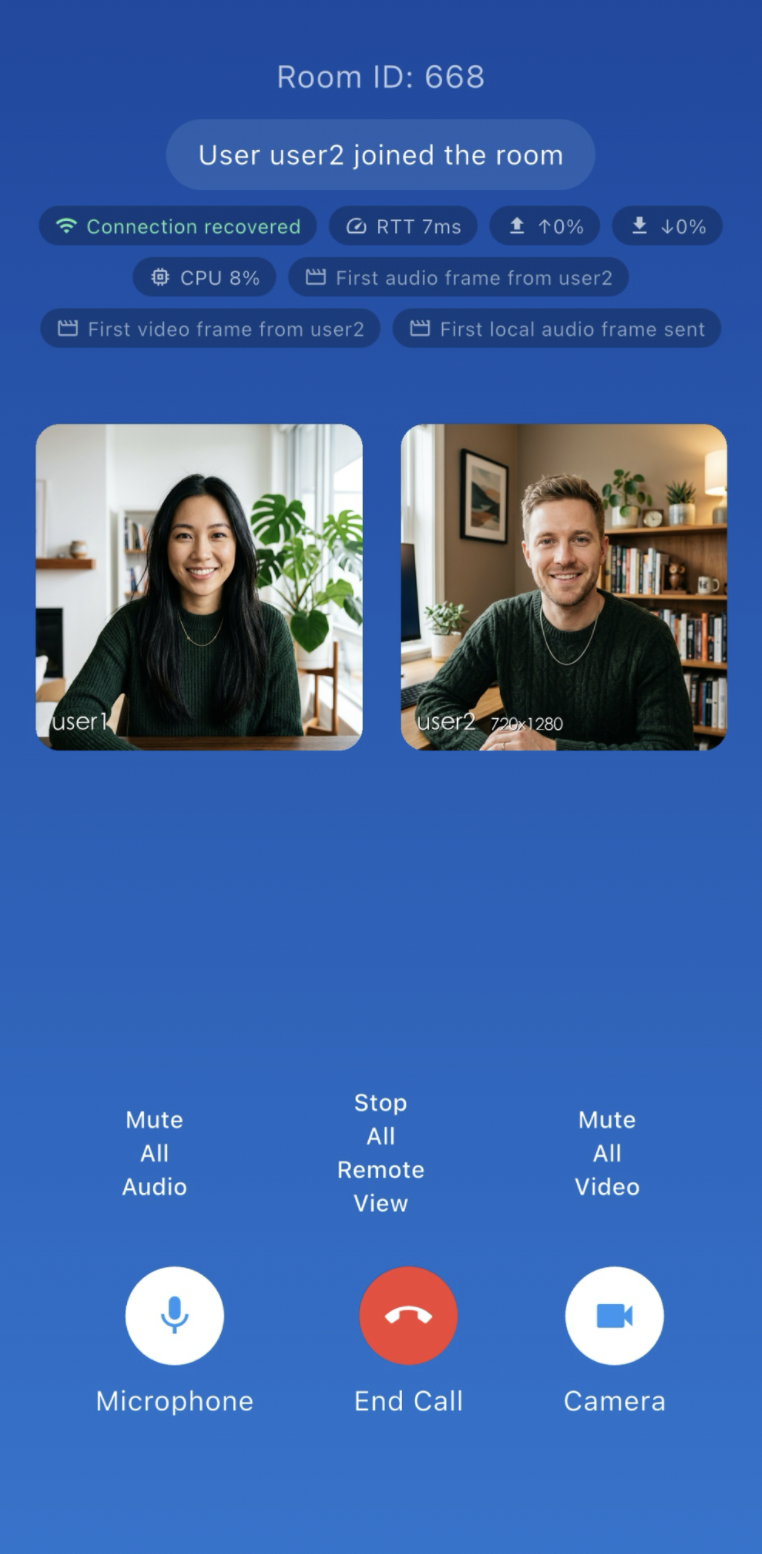
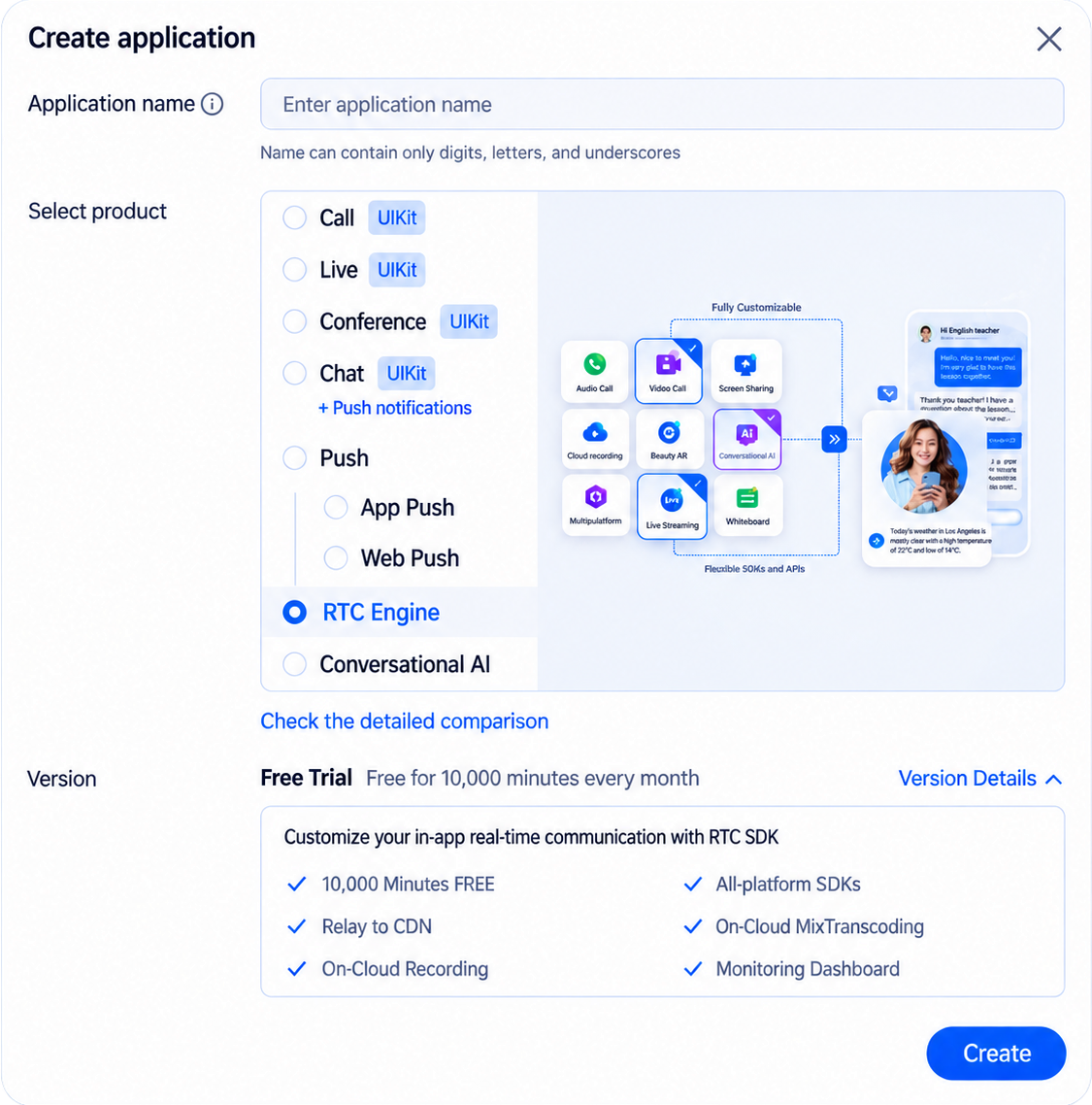
1. Log in to the TRTC console overview page, click Create Application.If you have already created an application, you can skip this step.
2. In the popup page, select RTC Engine, enter the application name, and then click Create.
Step 2. Get your SDKAppId and SecretKey
After your application created, you can get your SDKAppID and SDKSecretKey on Basic informaction. SDKAppID and SDKSecretKey is needed for running demo.
Step 3. Download the sample code
1.Download Demo Source Code: GitHub Download or ZIP Package Download.
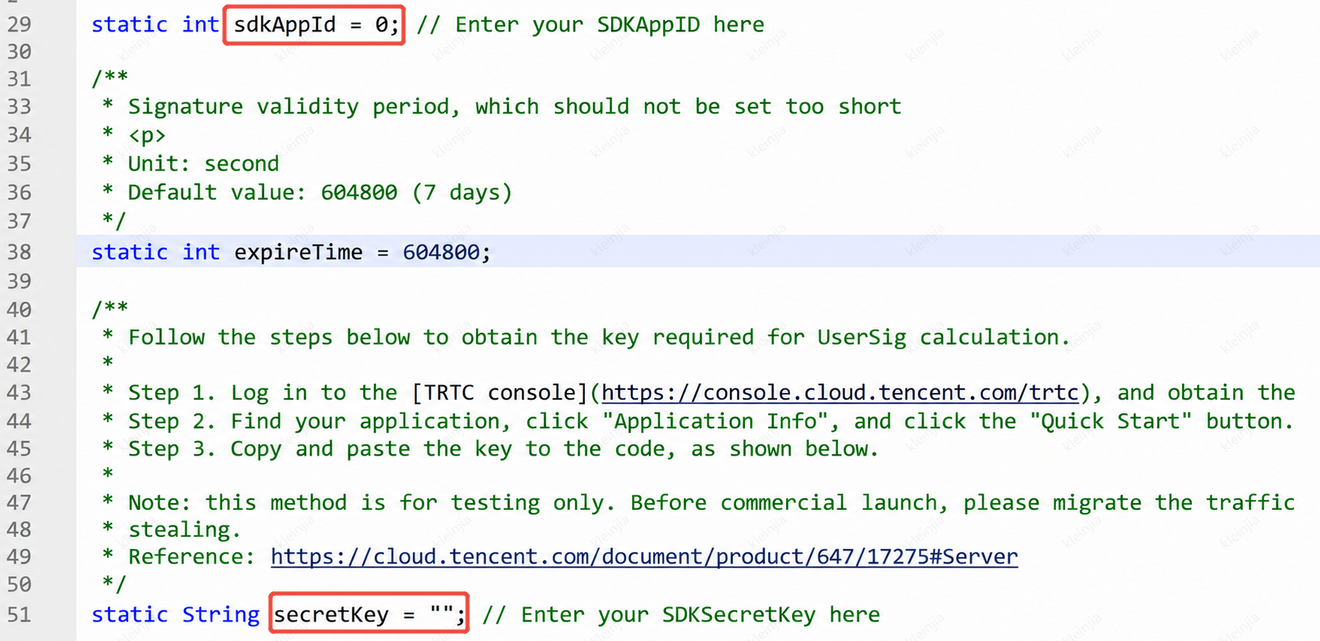
1. In the local Demo project, locate and open the file example/lib/debug/generate_test_user_sig.dart.
2. Set the relevant parameters in the generate_test_user_sig.dart file:
sdkAppId: A placeholder by default. Set it to the actual SDKAppID.
secretKey: A placeholder by default. Set it to the actual secret key(SDKSecretKey).
3. After pasting, the Demo project is configured.
Note:
The method for generating UserSig described in this document involves configuring SDKSecretKey in the client code. In this method, SDKSecretKey may be easily decompiled and reversed, and if your key is disclosed, attackers can steal your Tencent Cloud traffic. Therefore, this method is only suitable for the local execution and debugging of TRTC-Simple-Demo.
The best practice is to integrate the calculation code of UserSig into your server and provide an application-oriented API. When UserSig is needed, your application can send a request to your server for a dynamic UserSig. For more information, see How do I calculate UserSig during production.
Step 5. Compile and run the demo
1. Open a terminal, navigate to the /example directory in the demo source code, and execute the following commands.
2. General Steps (All Platforms).
# Install Flutter Dependencies
flutter pub get
3. Build for Each Platform.
Android
iOS
Windows
Mac
List Available Android Devices.
flutter devices
Build and Run (Replace <device_id> with the actual device ID).
flutter run -d<device_id>
Navigate to the iOS directory and install CocoaPods dependencies.
cd ios
pod install
Open ios/Runner.xcworkspace in Xcode, configure your code signing settings, select a device, and build and run the app.
Enable Developer Mode:
Flutter plugins on Windows use symbolic links (symlinks), which require administrator privileges or Developer Mode to be enabled.
To enable Developer Mode:
1. Run the following command in PowerShell or the Run dialog:start ms-settings:developers
2. In the Settings page that opens, turn on Developer Mode.
Run the build command, or build and run the app directly:
flutter config --enable-windows-desktop # Enable Windows Desktop Development Support
flutter build windows # Build Only (Do Not Run)
flutter run -d windows # Build and Run Automatically
flutter config --enable-macos-desktop # Enable macOS Desktop Development Support
cd macos
pod install
flutter build macos --debug# Build Only (Do Not Run)
flutter run -d macos # Build and Run Automatically
FAQs
How do I view TRTC logs?
TRTC logs are compressed and encrypted by default (XLOG format). You can find them at the following paths:
iOS: Documents/log of the application sandbox
Android:
v6.7 or earlier: /sdcard/log/tencent/liteav
v6.8 or later: /sdcard/Android/data/package name/files/log/tencent/liteav/
What should I do if videos show on Android but not on iOS?
Make sure that in info.plist of your project, the value of io.flutter.embedded_views_preview is YES.
What should I do if the "Manifest merge failed" error occurs in Android Studio?
Open /example/android/app/src/main/AndroidManifest.xml.
1. Add xmlns:tools="http://schemas.android.com/tools" to manifest.
2. Add tools:replace="android:label" to application.