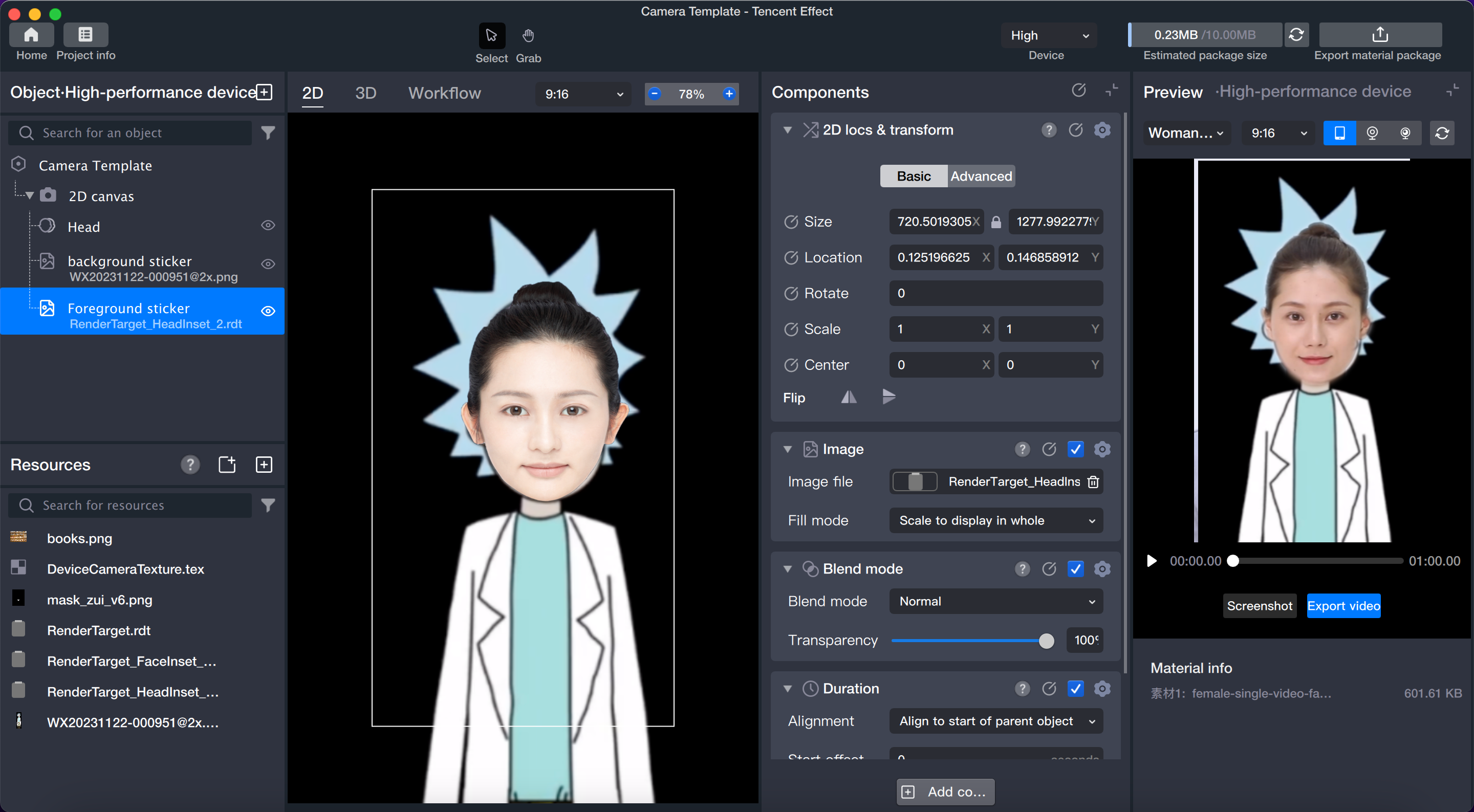
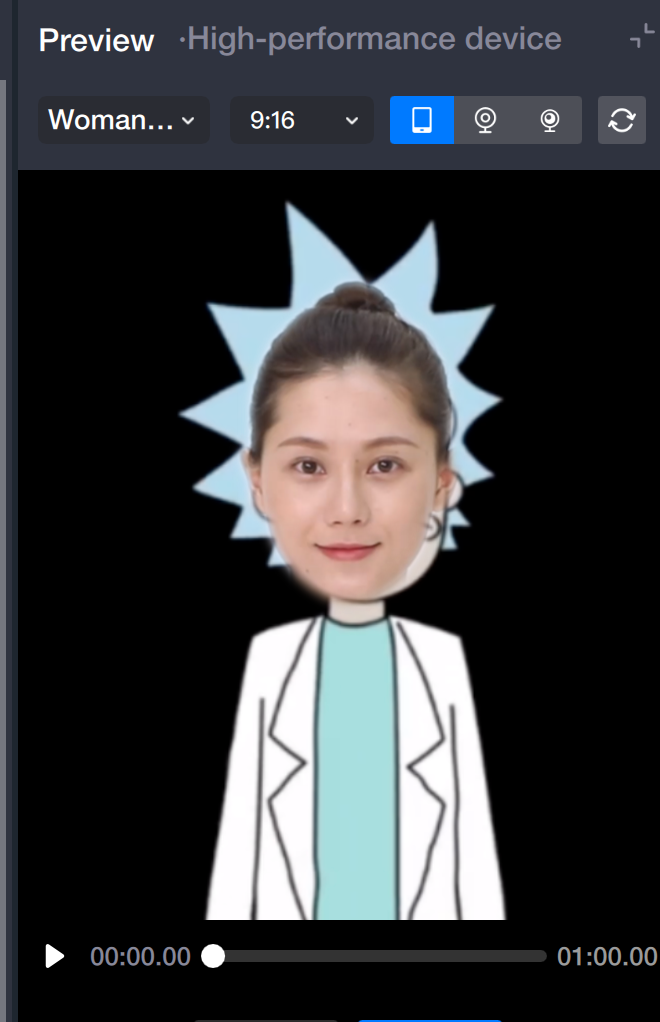
Head segmentation is an image processing feature that isolates a person's head from the rest of an image or video, creating a clear outline around the head. With Tencent Effect, the head segmentation function accurately detects both the position and rotation angle of the head, providing real-time, high-precision segmentation results.
Basic Usage
Step 1: Import Assets
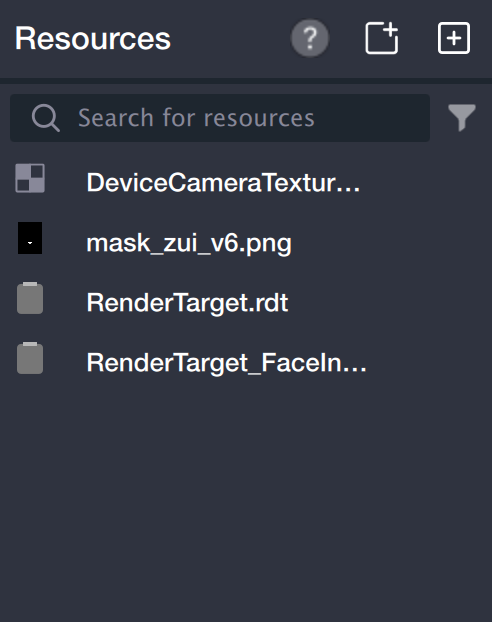
Drag files directly into the asset panel, or click + to import them.
Step 2: Create Head Segmentation Object
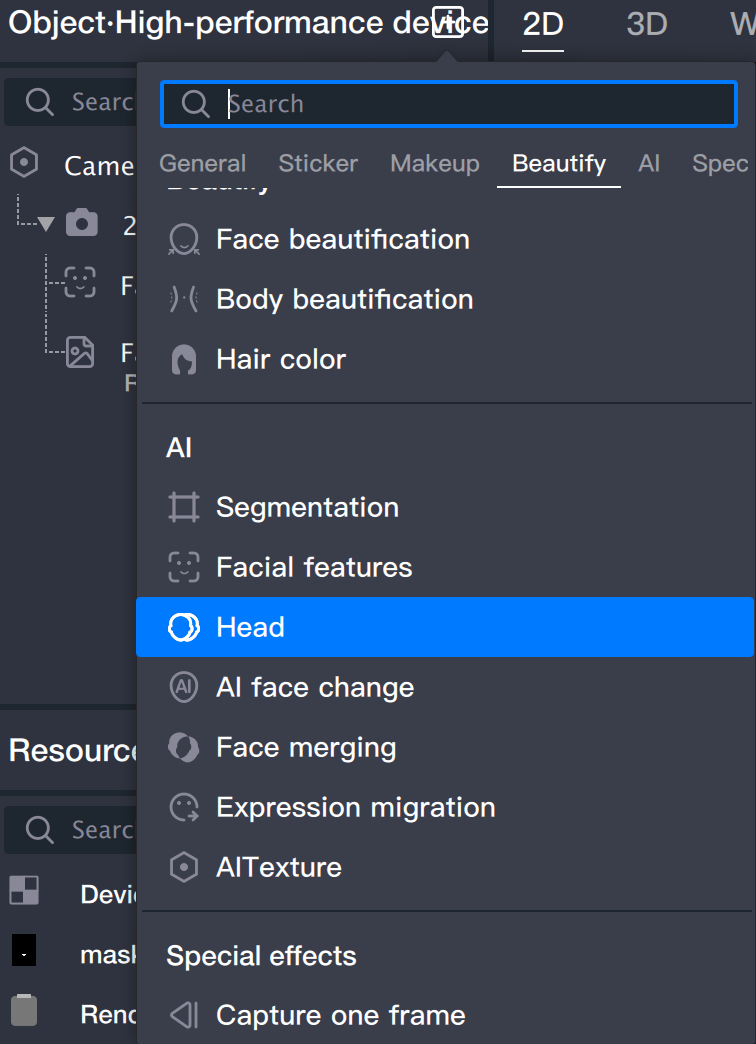
1. In the object panel, add a head segmentation object.
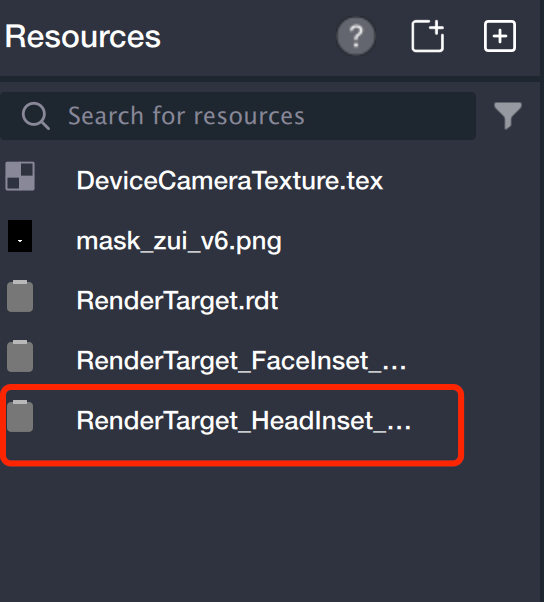
2. Once head segmentation is enabled, the asset panel displays a file named RenderTarget_HeadInset_1.rdt. This file contains the segmented head image output, which you can use later as a sticker.
Step 3: Add Background
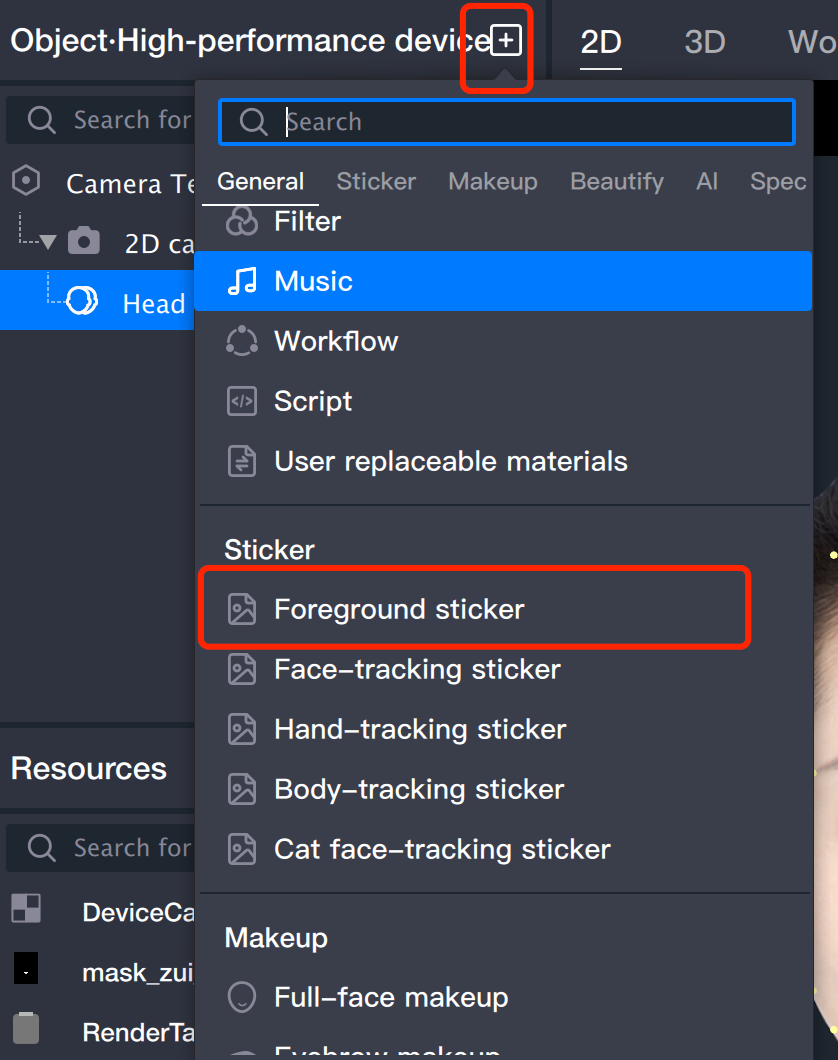
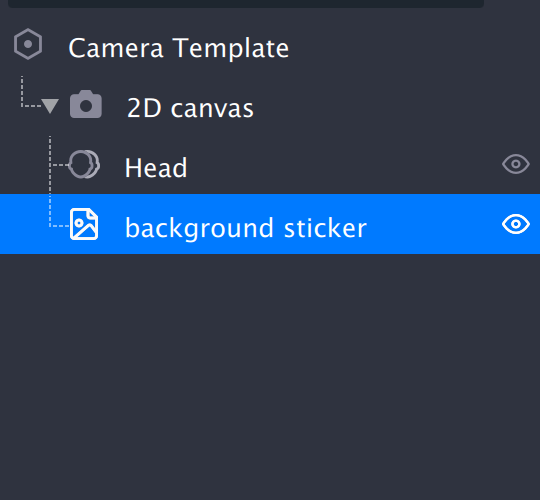
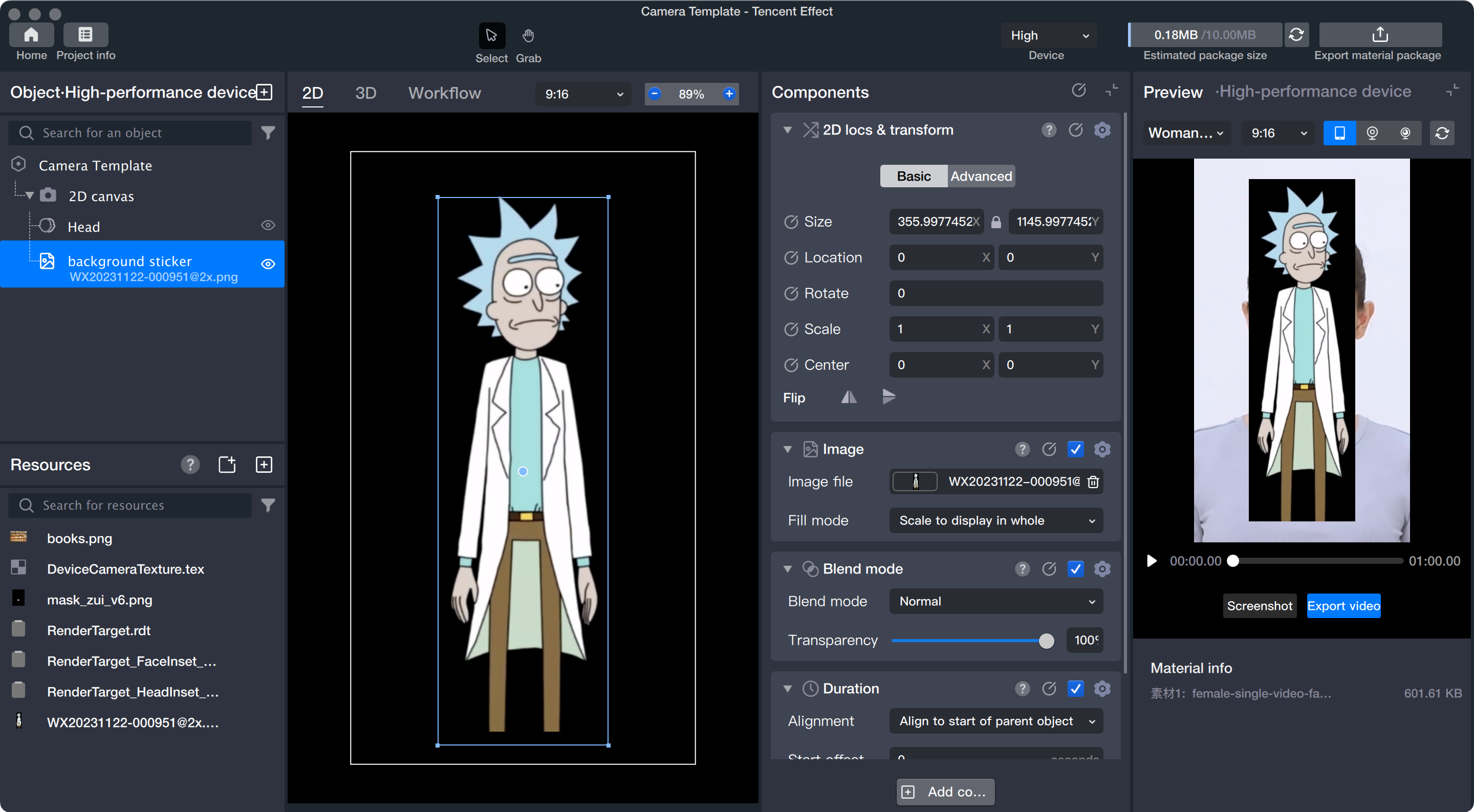
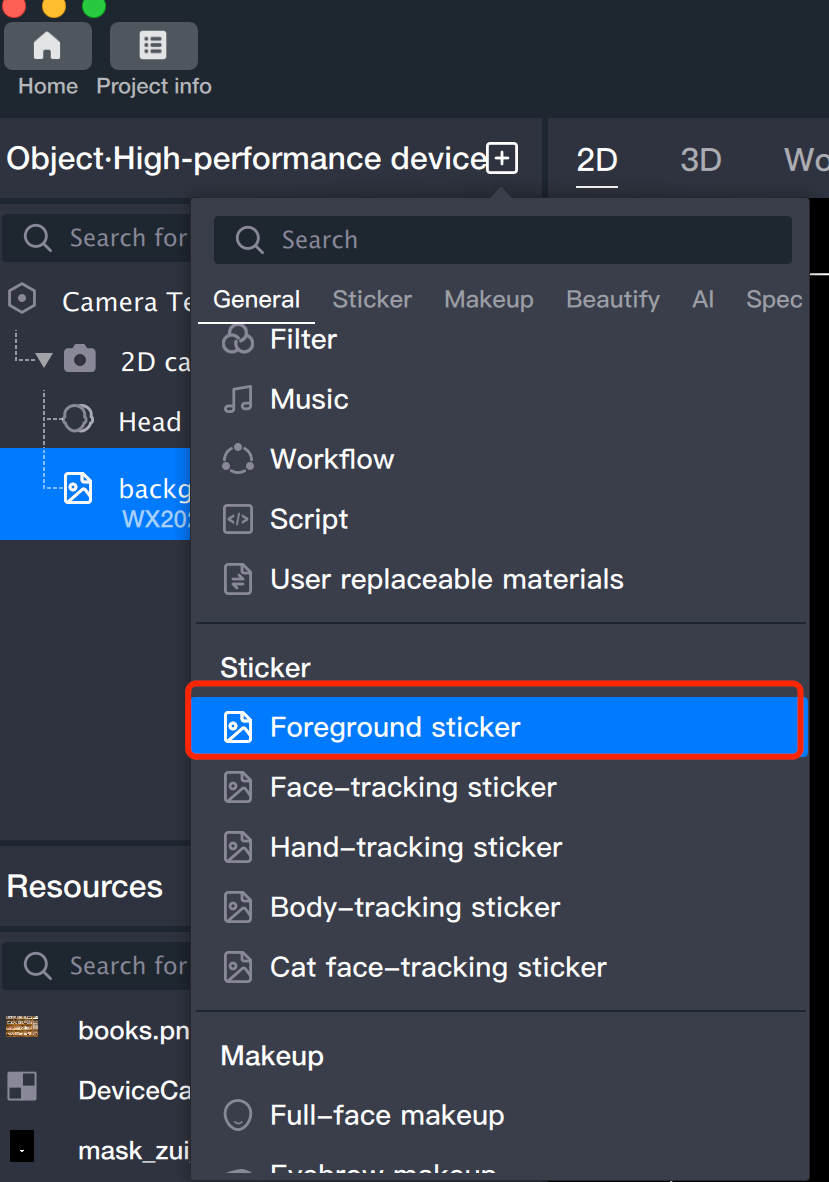
1. Click + to add a foreground sticker, which will act as your new background layer. (In this step, the foreground sticker is used to replace the background.)
2. Rename the foreground sticker to "Background Image" to distinguish it from any other foreground stickers you add later.
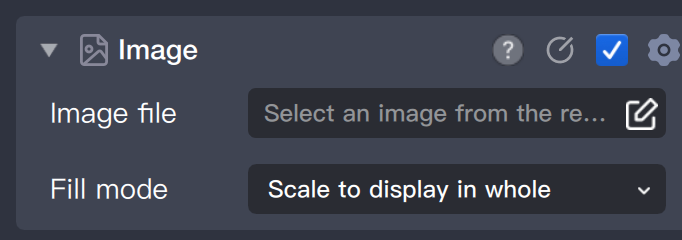
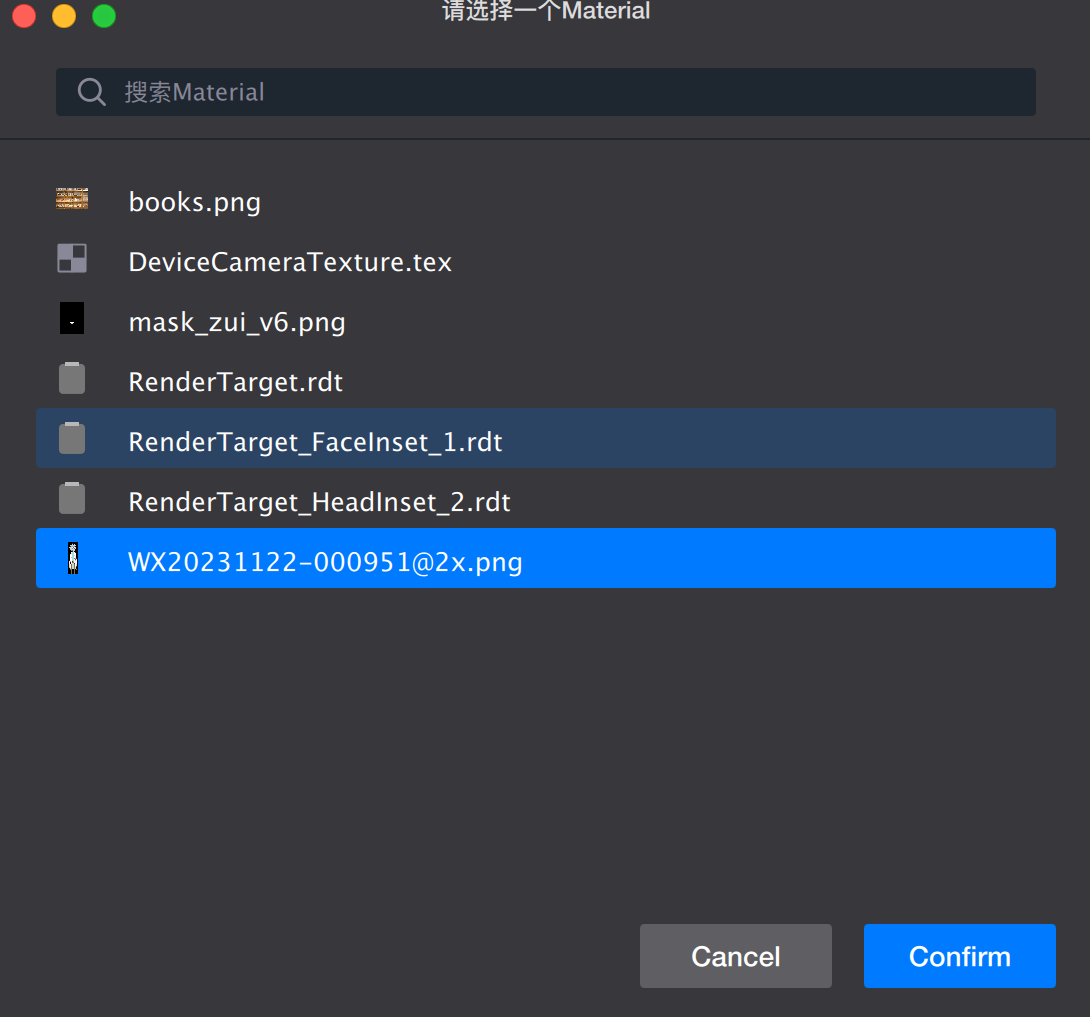
3. Select your desired image file.
4. Adjust the position and size of the background image as needed.
Step 4: Add Foreground Sticker for Segmented Head
1. In the object panel, add a foreground sticker.
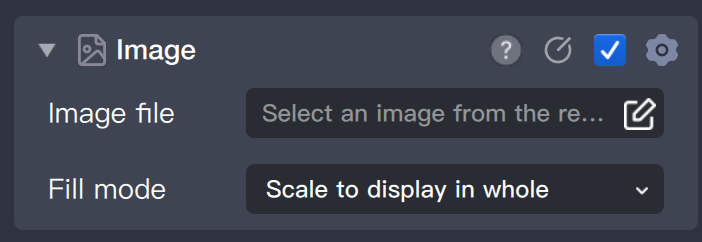
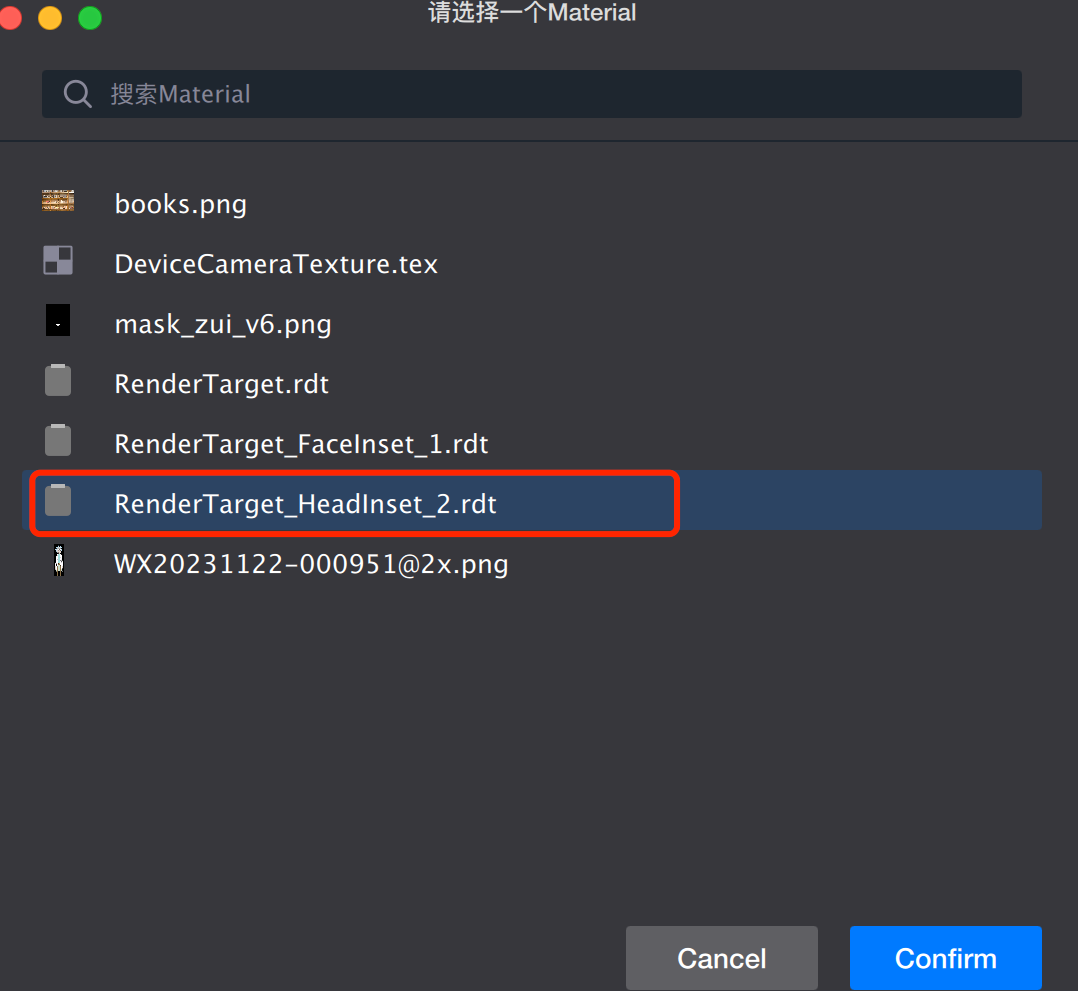
2. In the property panel, click the input box next to the image file. From the resource list that appears, select the RenderTarget_HeadInset_2.rdt file generated in Step 2 and assign it as the sticker's texture.