This document describes how end users can activate their Cloud Virtual Desktop (CVD) accounts.
Operation Steps
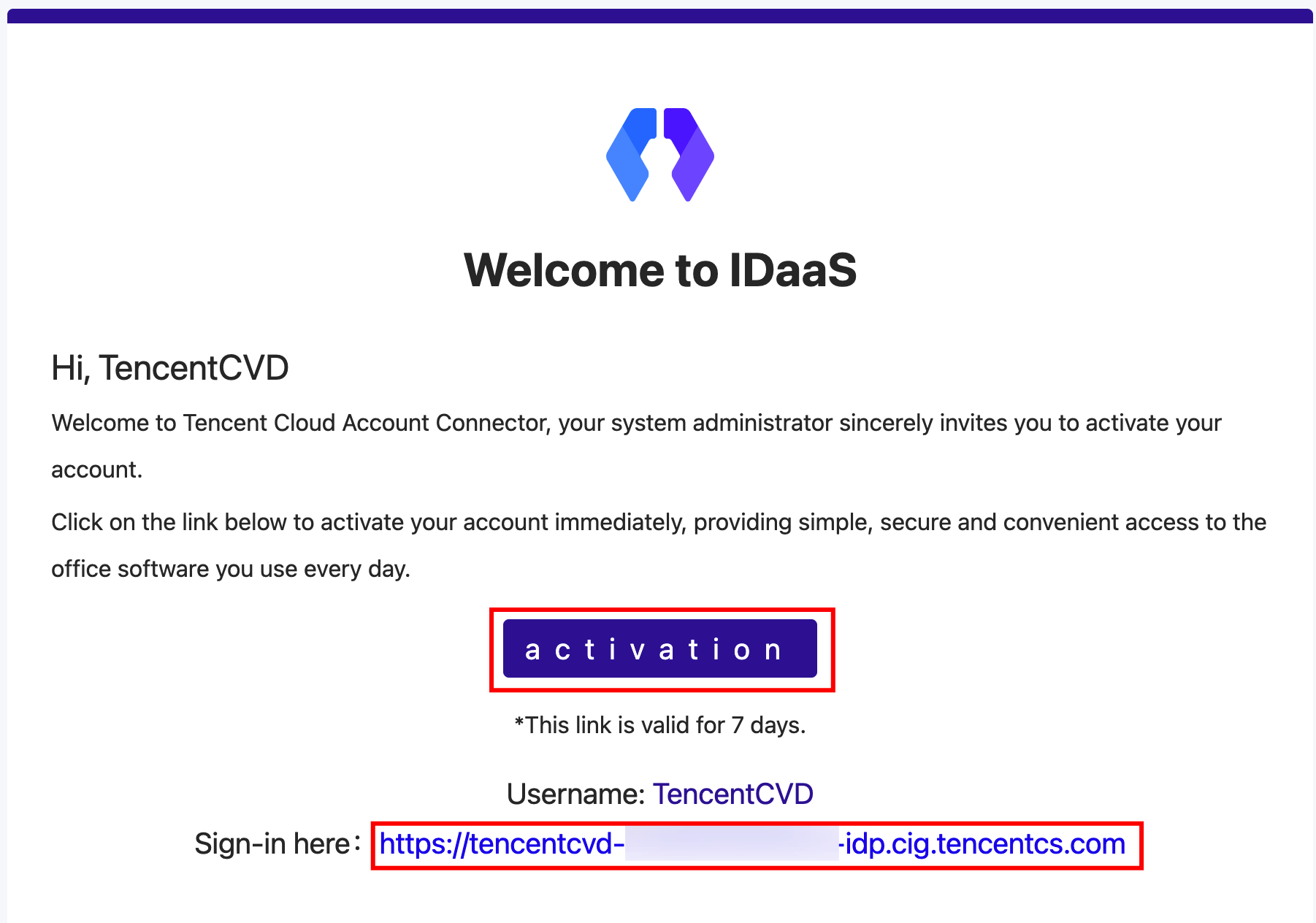
1. After a CVD administrator adds you as a CVD user, you will receive an activation email.
2. Click activation in the email. You will be redirected to the activation page, where you need to set your CVD password and security questions.
Note:
To ensure the security of your CVD account, the password must meet the complexity rules. Otherwise, the setup will fail.
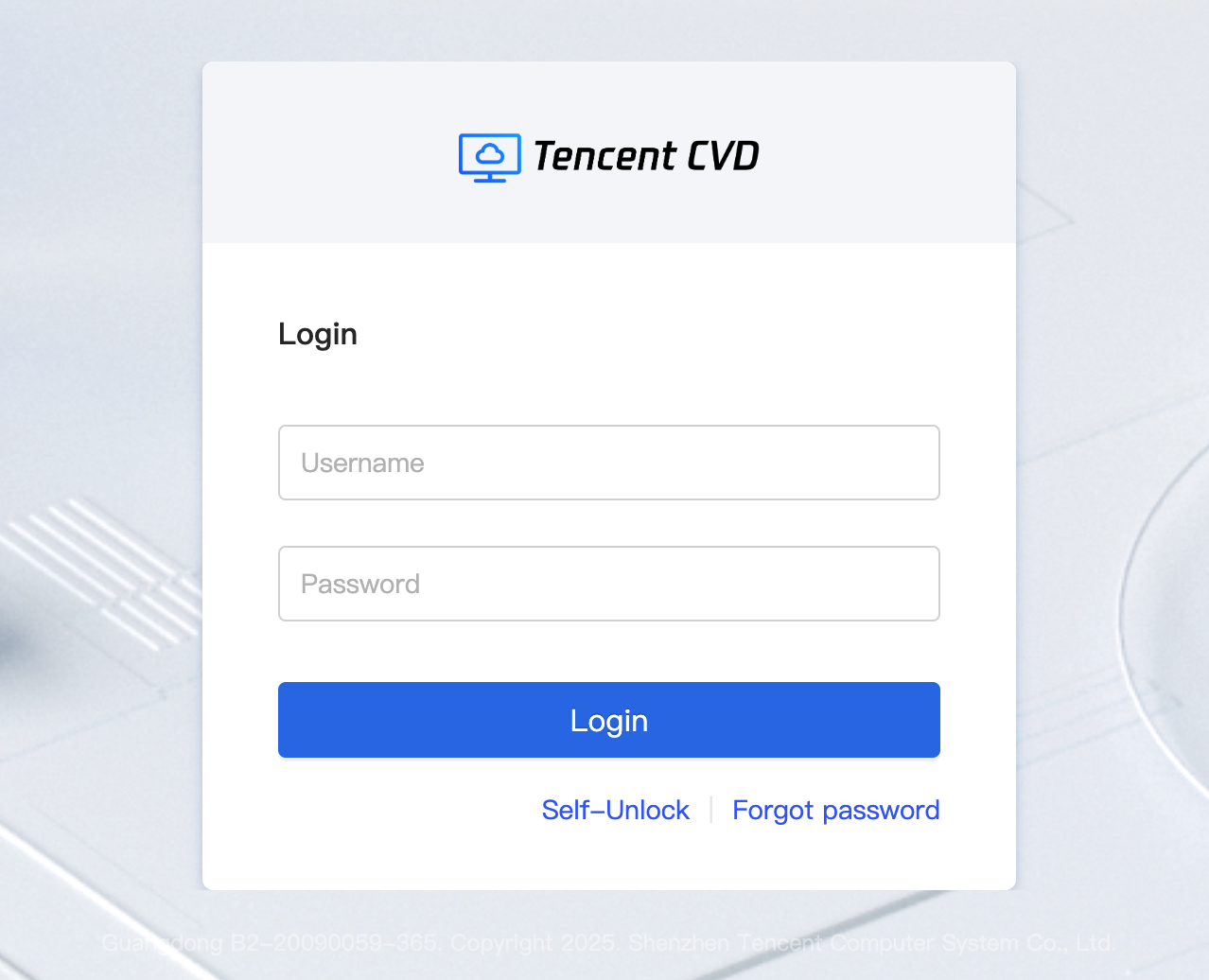
3. After the password is set, you will be redirected to the CVD login page. It is recommended to use a recent version of the Chrome browser for access.
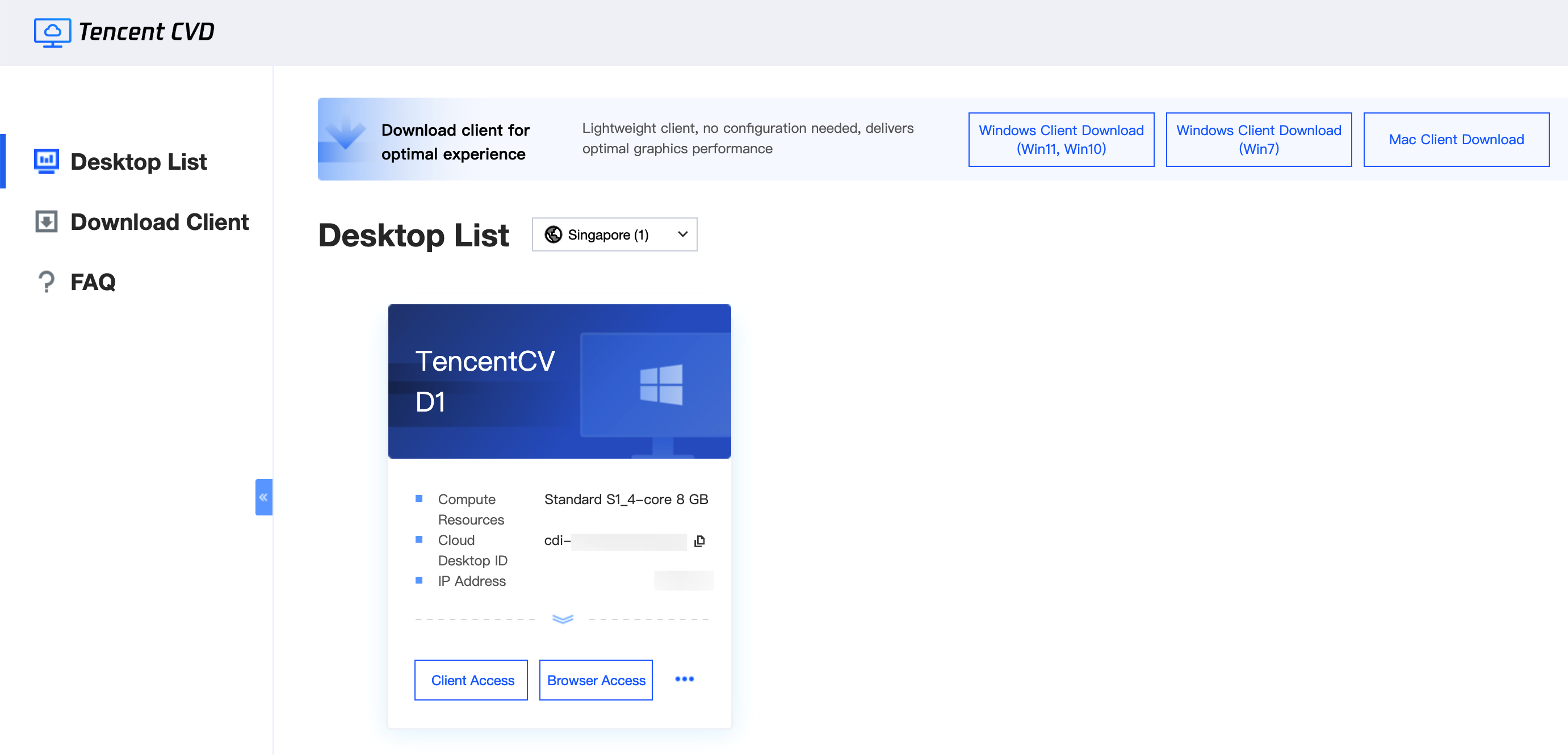
4. Enter your username and password to access CVD resources.