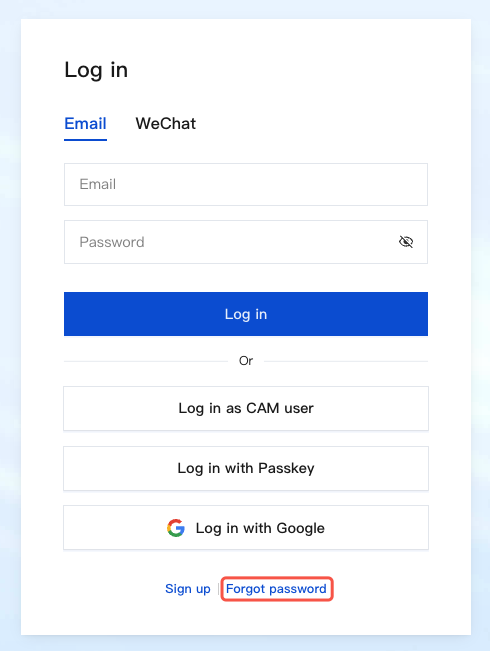
This document guides you through resetting your password if you forget the login password of your Tencent Cloud account.
Notes
During the password recovery process, you need to log in to the email account bound to your Tencent Cloud account and open the password reset email.
If you forget your account, go to Find Account to recover it by account ID or mobile number.
If a sub-user forgets their password, they must contact the root account or an authorized admin account to reset it. See Reset Login Password for Sub-User.
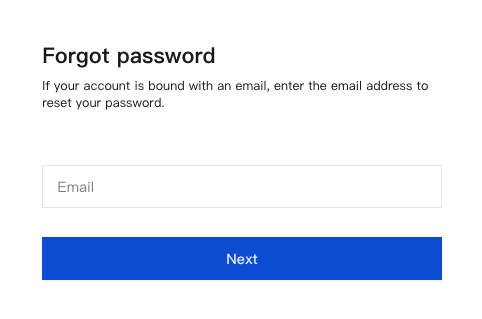
4. On the Forgot Password page, enter your email address and click Next.
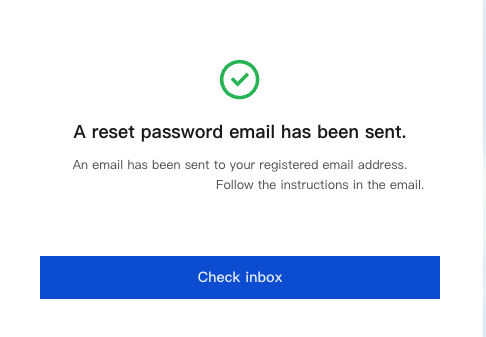
5. The system will automatically send a password reset email to your login email.
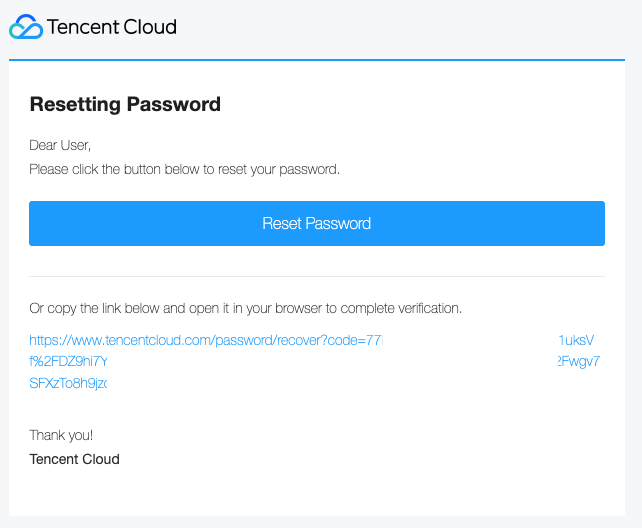
6. Go to your email inbox and open the received email. Follow the on-screen instructions to click Password Reset or copy the link to verify in your browser. The password reset link is valid for 48 hours.
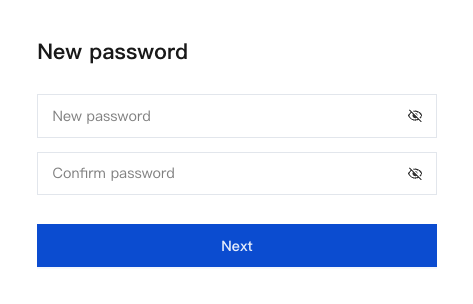
7. On the Set New Password page, enter a new password and click Next.
Note:
The password must be 8-20 characters long.
It must contain numbers, letters, and special characters (non-space characters such as !@#$%^&*()).
The password cannot be the same as your login email address.
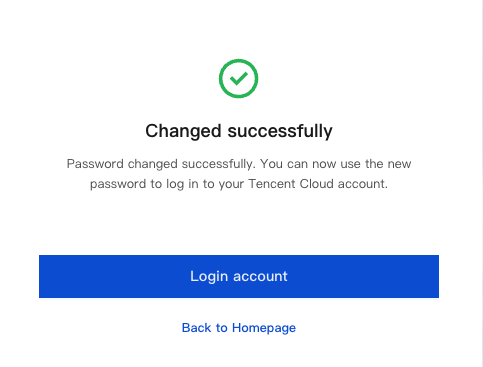
8. On the Identity Verification page that pops up, follow the on-screen instructions to complete identity verification. After identity verification is successful, returning to the following page indicates that the login password has been changed successfully. The new password takes effect immediately. The next time you log in to Tencent Cloud with your email, use the new password.