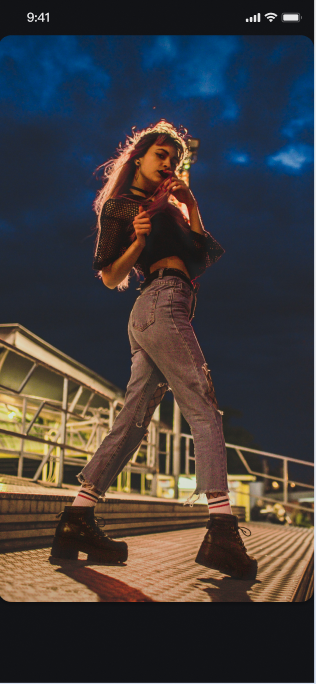
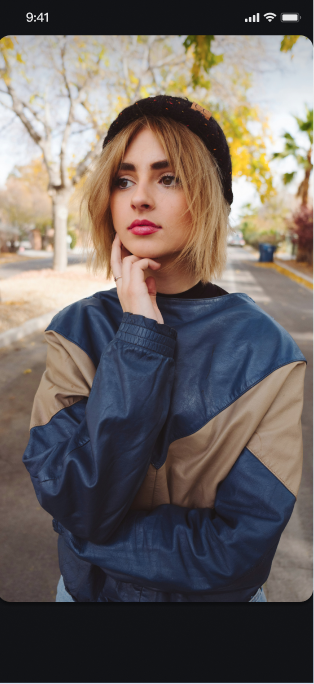
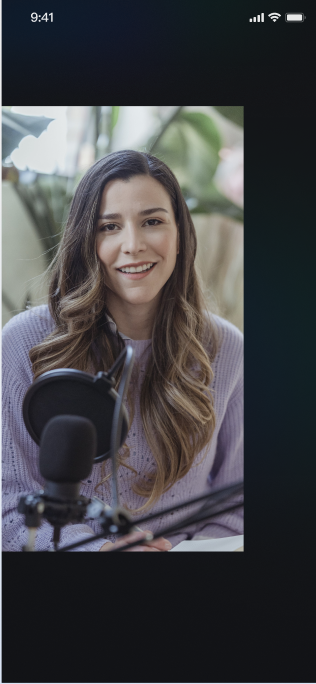
This guide walks you through integrating the core component AtomicLiveView from the AtomicXCore SDK, along with AtomicPusher (for host streaming) and AtomicPlayer (for audience playback), to quickly build a basic live streaming app supporting host broadcasting and audience viewing.
Key Features
AtomicLiveView is a lightweight UIView designed specifically for live streaming. It acts as the canvas for your video layout. On the host side, AtomicPusher manages local audio/video capture and streaming. On the audience side, AtomicPlayer handles stream playback. Both components use setView to render video onto the same AtomicLiveView. You only need to focus on building your UI and interaction logic.
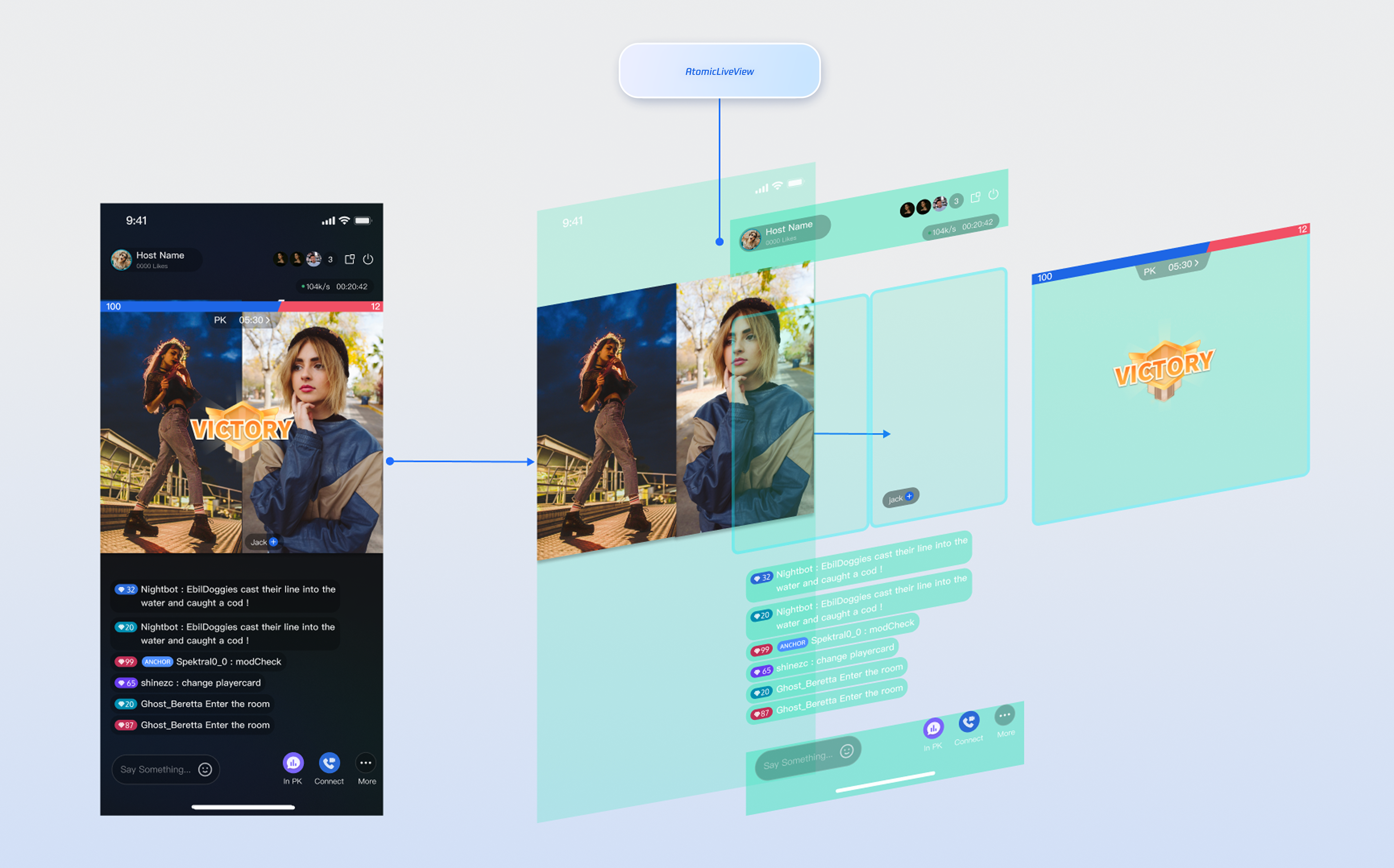
The diagram below illustrates where AtomicLiveView fits within the live streaming interface:
The ID of the live application created in the Console.
userId
string
Unique identifier for the current user. Use only letters, numbers, hyphens, and underscores. Avoid simple IDs like 1, 123, etc., to prevent multi-device login conflicts.
userSig
string
A ticket for Tencent Cloud authentication. Please note:
Development Environment: You can use the local GenerateTestUserSig.genTestSig function to generate a UserSig or generate a temporary UserSig via the UserSig Generation Tool.
Production Environment: To prevent key leakage, you must use a server-side method to generate UserSig. For details, see Generating UserSig on the Server.
Build Basic Live Room
Step 1: Implement Host Streaming
Follow these steps to quickly set up host video streaming:
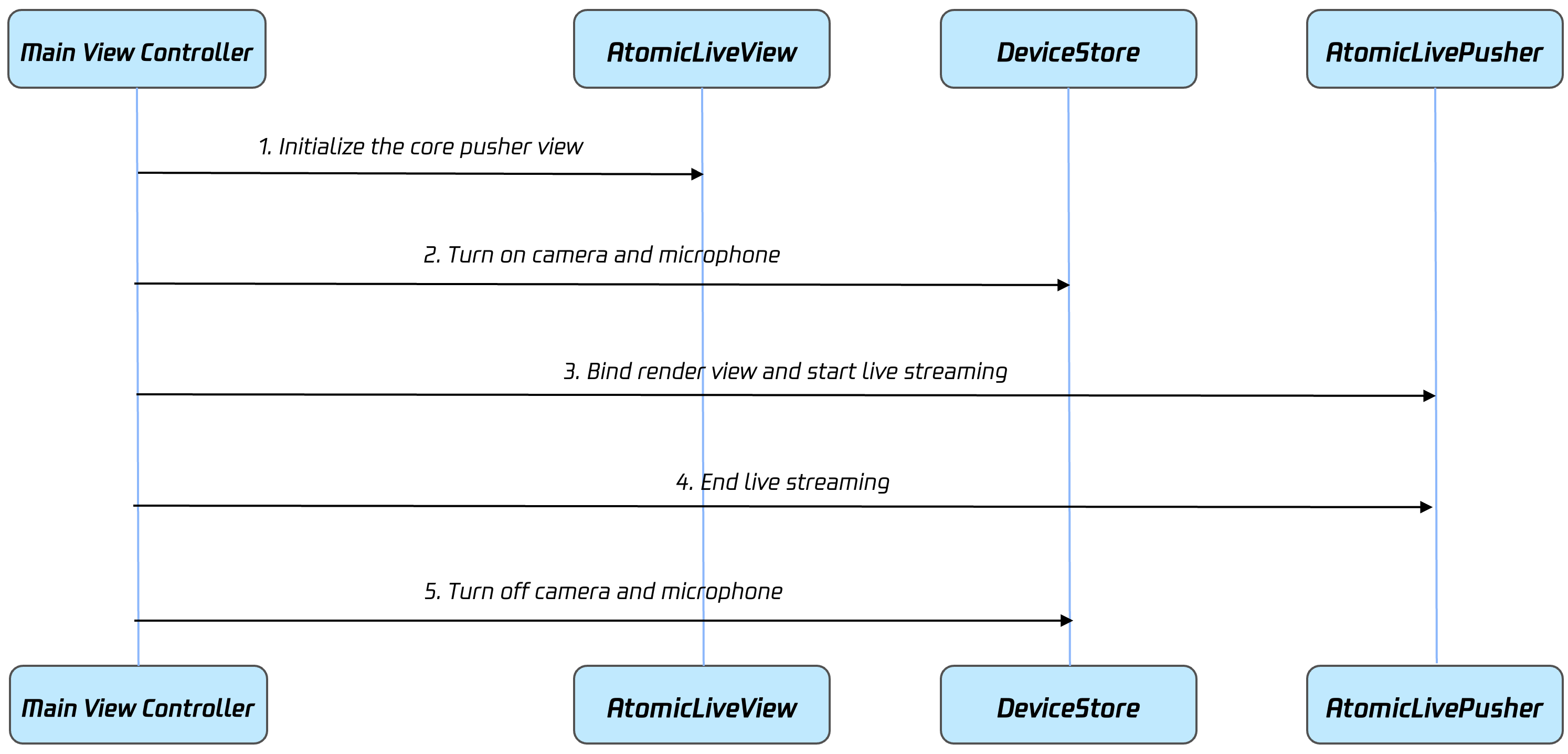
1. Initialize Host Streaming View
In your host view controller, create an AtomicLiveView instance and set viewType to AtomicLiveViewType.pushView.
importAtomicXCore
// YourAnchorViewController is your host streaming view controller
fatalError("init(coder:) has not been implemented")
}
publicoverridefuncviewDidLoad(){
super.viewDidLoad()
// 3. Add the streaming view to the controller's view
view.addSubview(liveView)
}
}
2. Enable Camera and Microphone
Use DeviceStore's openLocalCamera and openLocalMicrophone APIs to enable the camera and microphone. AtomicLiveView automatically previews the camera stream. Example:
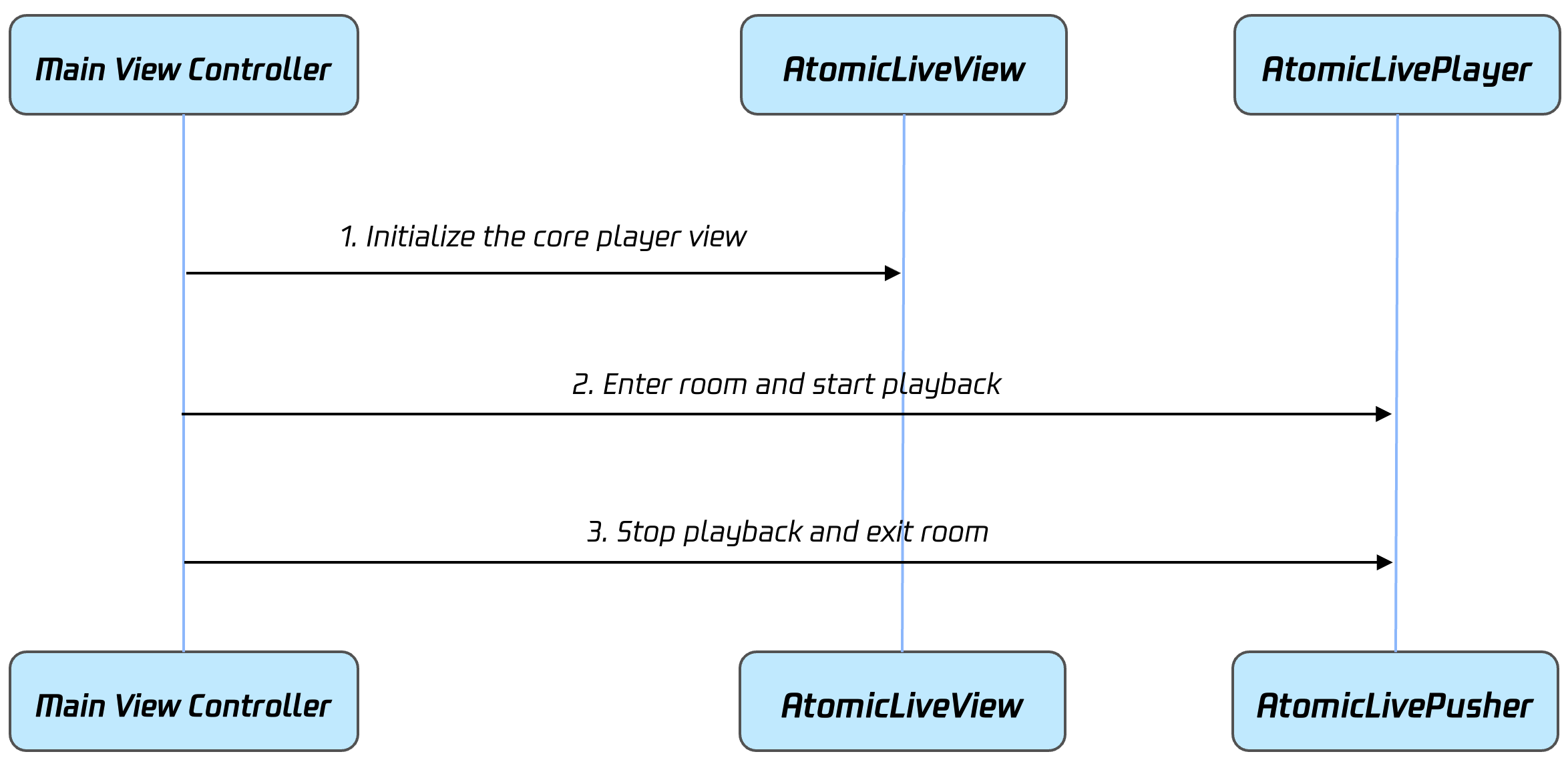
When the audience leaves the live room, call AtomicPlayer's stopPlay and leaveChannel to exit. The SDK will stop playback and exit the room.
importAtomicXCore
classYourAudienceViewController:UIViewController{
// ... other code ...
// Exit live stream
privatefuncleaveLive(){
player.stopPlay()
player.leaveChannel()
debugPrint("leaveLive success")
}
}
Step 3: Listen for Live Events
After the audience enters the live room, handle passive events such as the host ending the stream or the audience being kicked out. If you don't listen for these events, the audience UI may remain on a black screen, affecting user experience.
Subscribe to AtomicPlayer's playerEvent to listen for events.
debugPrint("Kicked out of live. reason: \\(reason.rawValue), message: \\(message)")
// Handle exit logic
// self.dismiss(animated: true)
}
}
.store(in:&cancellableSet)// Manage subscription
}
// ... joinLive() and leaveLive() methods ...
}
Run Effect
After integrating AtomicLiveView, you'll have a clean video rendering view. The host streams via AtomicPusher, the audience plays via AtomicPlayer, and both render to this view. Note: AtomicLiveView does not include interactive UI. See Enrich Live Streaming Scenarios to enhance your live streaming experience.
Layout Type
Dynamic Grid Layout
Floating Window Layout
Fixed Grid Layout
Fixed Window Layout
Template ID
600
601
800
801
Description
Default layout, dynamically adjusts grid size based on the number of co-hosts.
Co-host guests are displayed as floating windows.
Fixed number of co-hosts, each guest occupies a fixed grid.
Fixed number of co-hosts, guests are displayed as fixed windows.
Run Effect
Enrich Live Streaming Scenarios
After implementing basic live streaming, use the following guides to add interactive features to your live stream.
Live Feature
Feature Introduction
Feature Stores
Implementation Guide
Audience Audio/Video Co-hosting
Audience can request to take a mic seat and interact with the host in real-time video.
Live room lifecycle management: Create/join/leave/destroy room, query room list, modify live info (name, announcement, etc.), listen for live status (e.g., kicked out, ended).
Why is the screen black with no video after the host calls startPush or the audience calls joinChannel?
Check setView: Make sure you have called setView to bind AtomicLiveView to AtomicPusher or AtomicPlayer before starting streaming or playback.
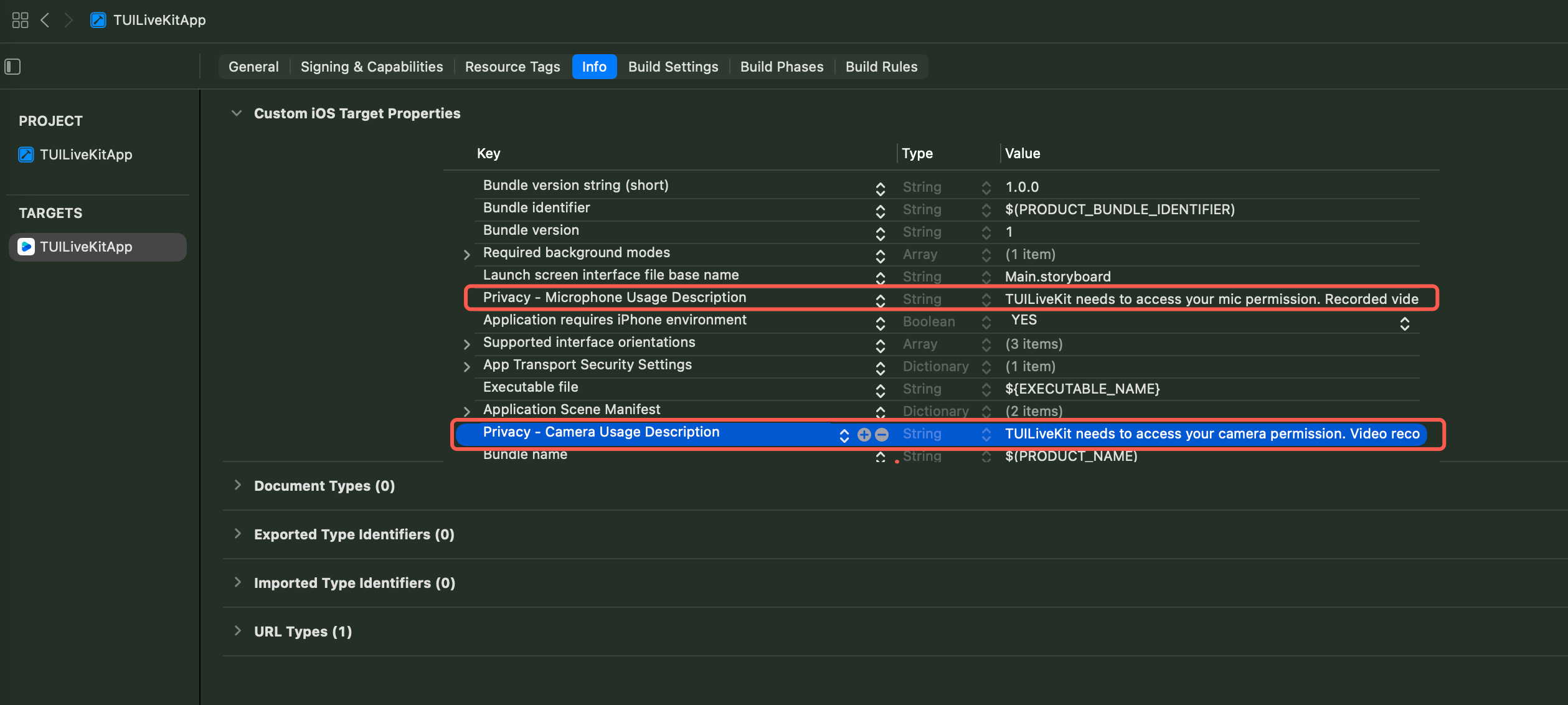
Check device permissions: Ensure the app has camera and microphone permissions.
Check host side: Confirm the host has called DeviceStore.shared.openLocalCamera(isFront: true) to enable the camera.
Check network: Verify the device has a stable network connection.
Why does the host see a local video preview after starting streaming, but the preview is black before starting?
Check host side: Ensure the host streaming view AtomicLiveView uses viewType as AtomicLiveViewType.pushView.
Check audience side: Ensure the audience playback view AtomicLiveView uses viewType as AtomicLiveViewType.playView.
rsync fails to copy third-party library resources due to insufficient permissions
For example, when integrating the SnapKit framework with Xcode, you may encounter the following build error:
rsync(xxxx):1:1: SnapKit.framework/SnapKit_Privacy.bundle/: mkpathat: Operation not permitted
Cause
Xcode's user script sandbox mechanism restricts the rsync script's write permissions to SnapKit.framework resource files during the build process, causing the SnapKit_Privacy.bundle in the framework to fail to copy properly.
Solution Steps
1. After disabling user script sandboxing, open your Xcode project, go to Build Settings, search for User Script Sandboxing (or ENABLE_USER_SCRIPT_SANDBOXING), and change its value from YES to NO.
2. Clean and rebuild the project by executing Product → Clean Build Folder to clear the project cache, then recompile and run.