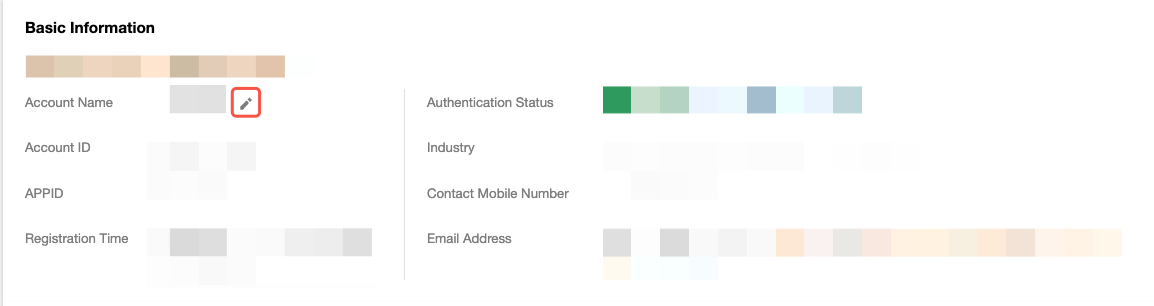
1. Log in to the Account Center > Account Information page. In the Basic Information section of the Account Information page, locate the account name and click the edit icon
.
2. Enter the new account name and click Save to complete the modification.
Modifying Industry
Set your industry affiliation. We will provide you with more professional services to support your business development.
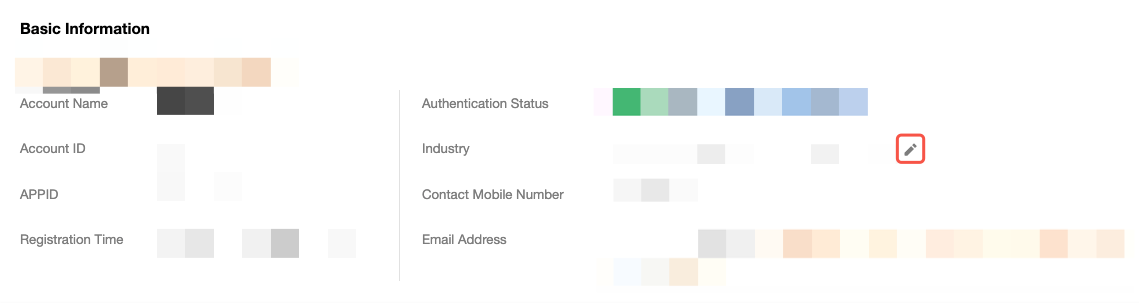
1. Log in to the Account Center > Account Information page. In the Basic Information section of the Account Information page, locate the industry and click the edit icon
.
2. Select your industry affiliation and click Save to complete the modification.
Modifying Contact Address
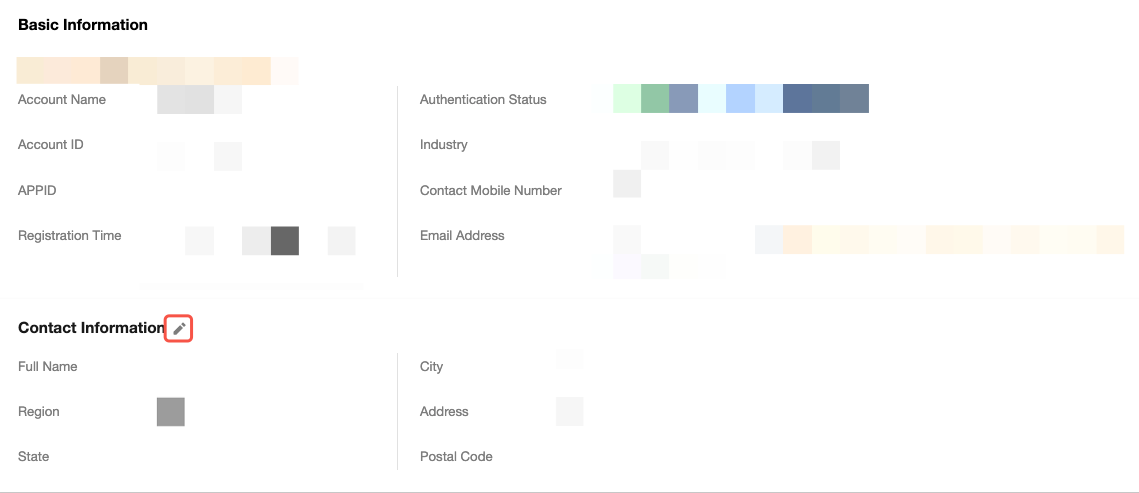
1. Log in to the Account Center > Account Information page. In the Contact Information section of the Account Information page, click the edit icon
.
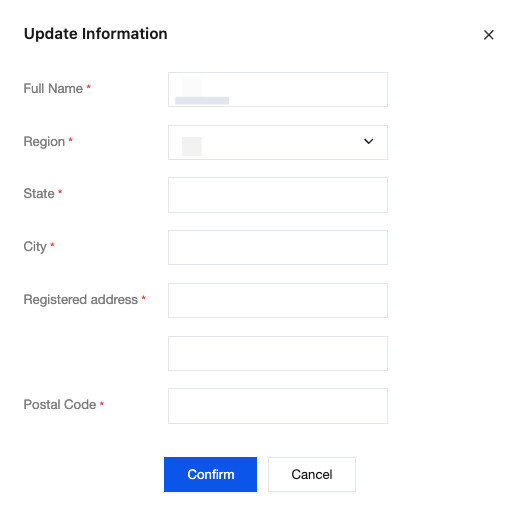
2. Enter the new address information in the pop-up window and click Confirm to complete the modification.