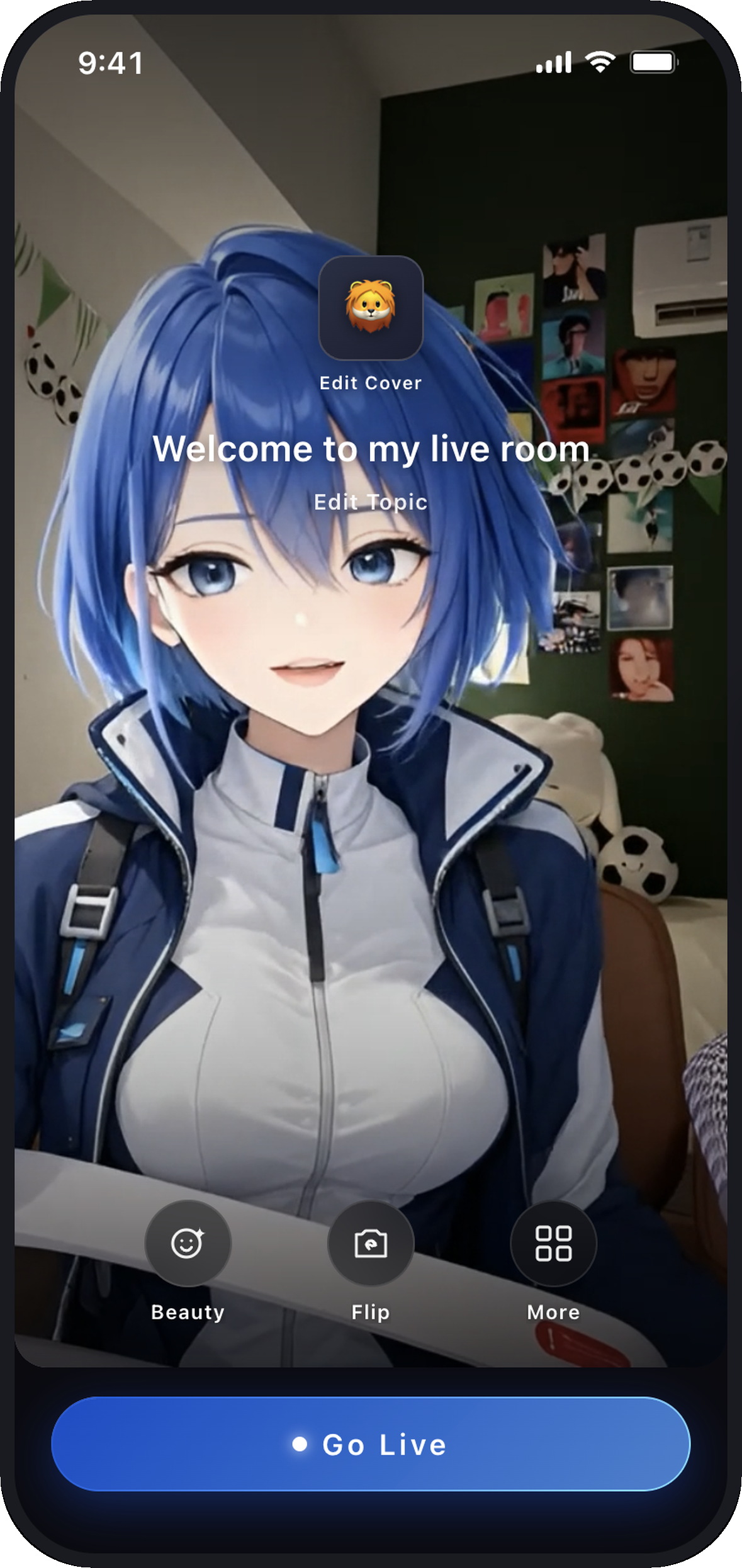
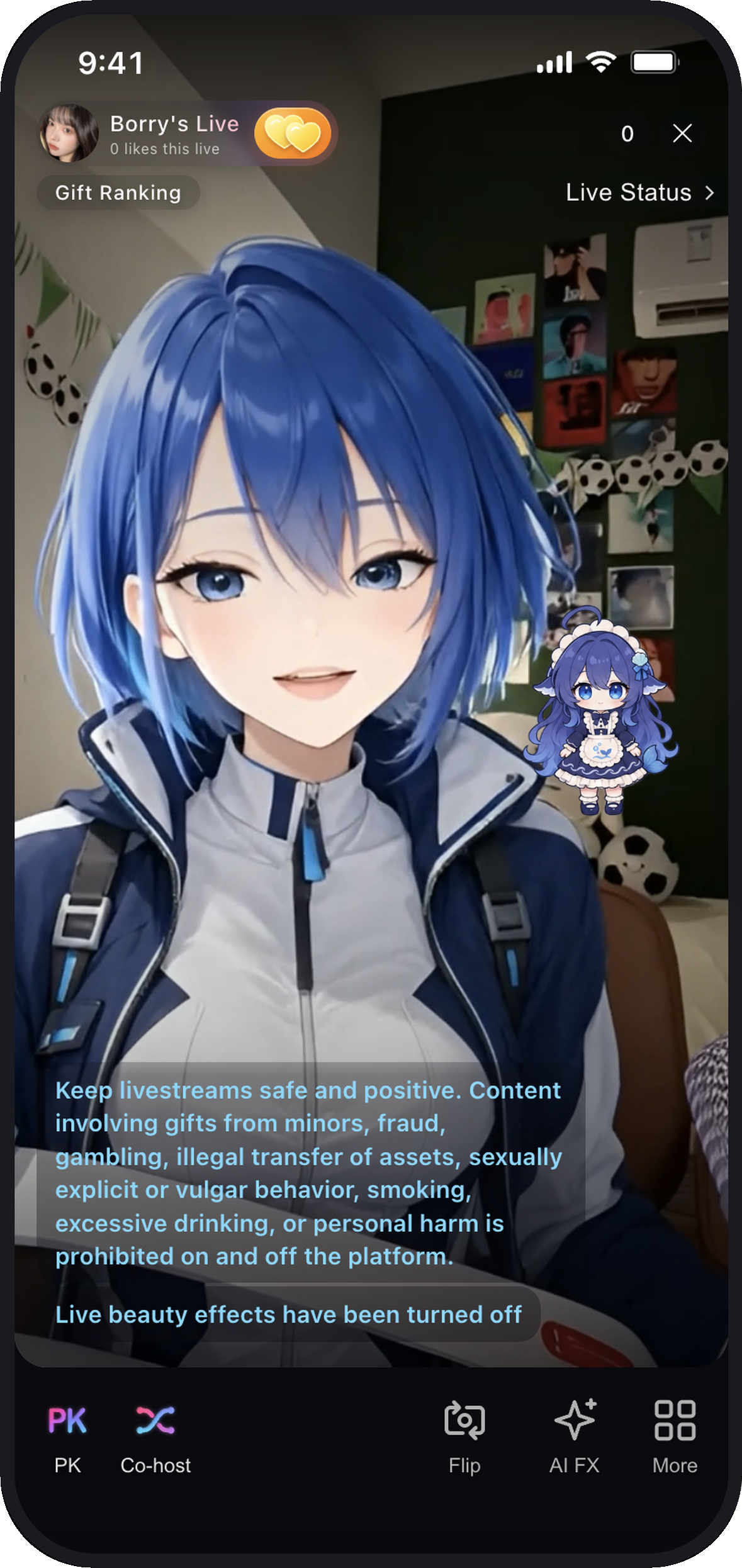
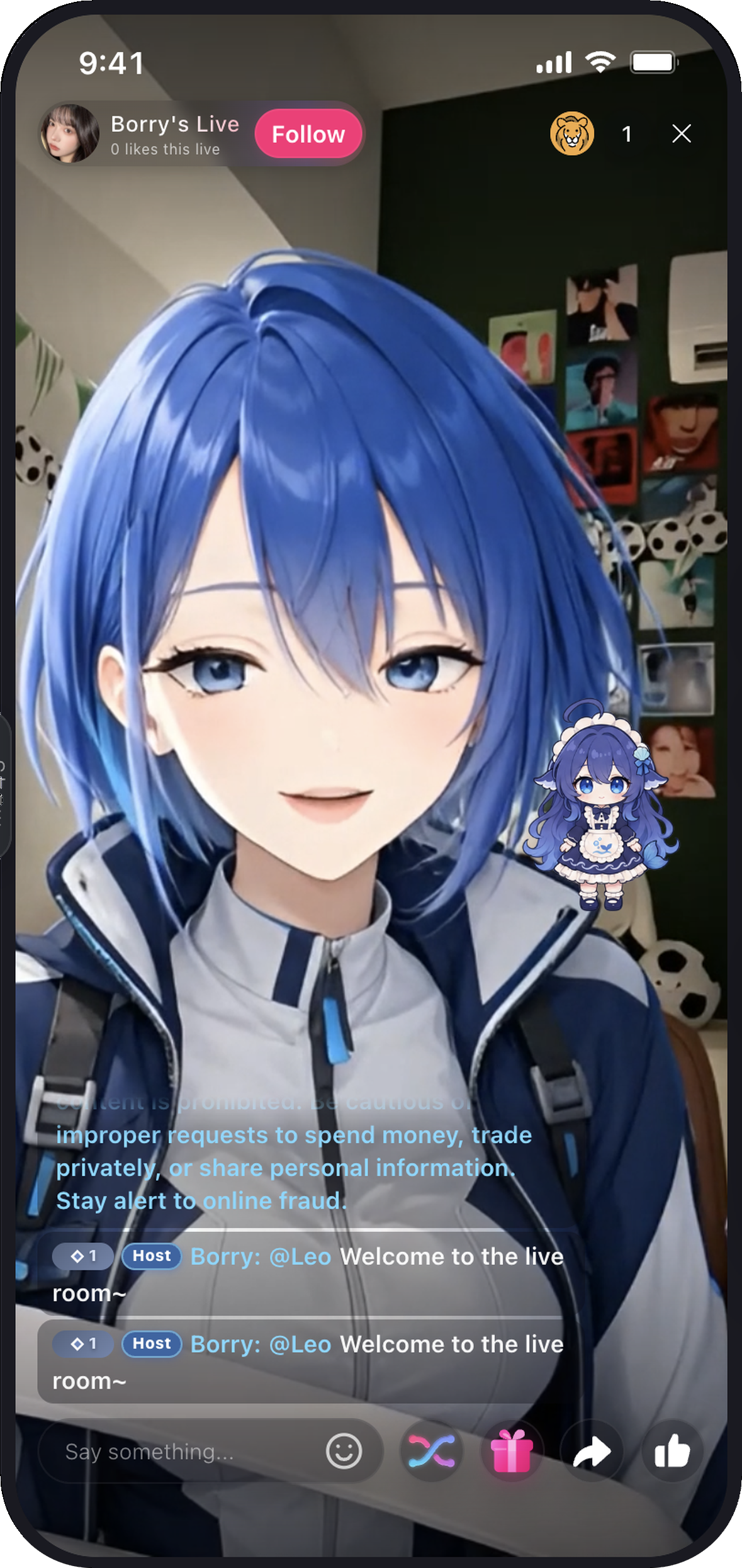
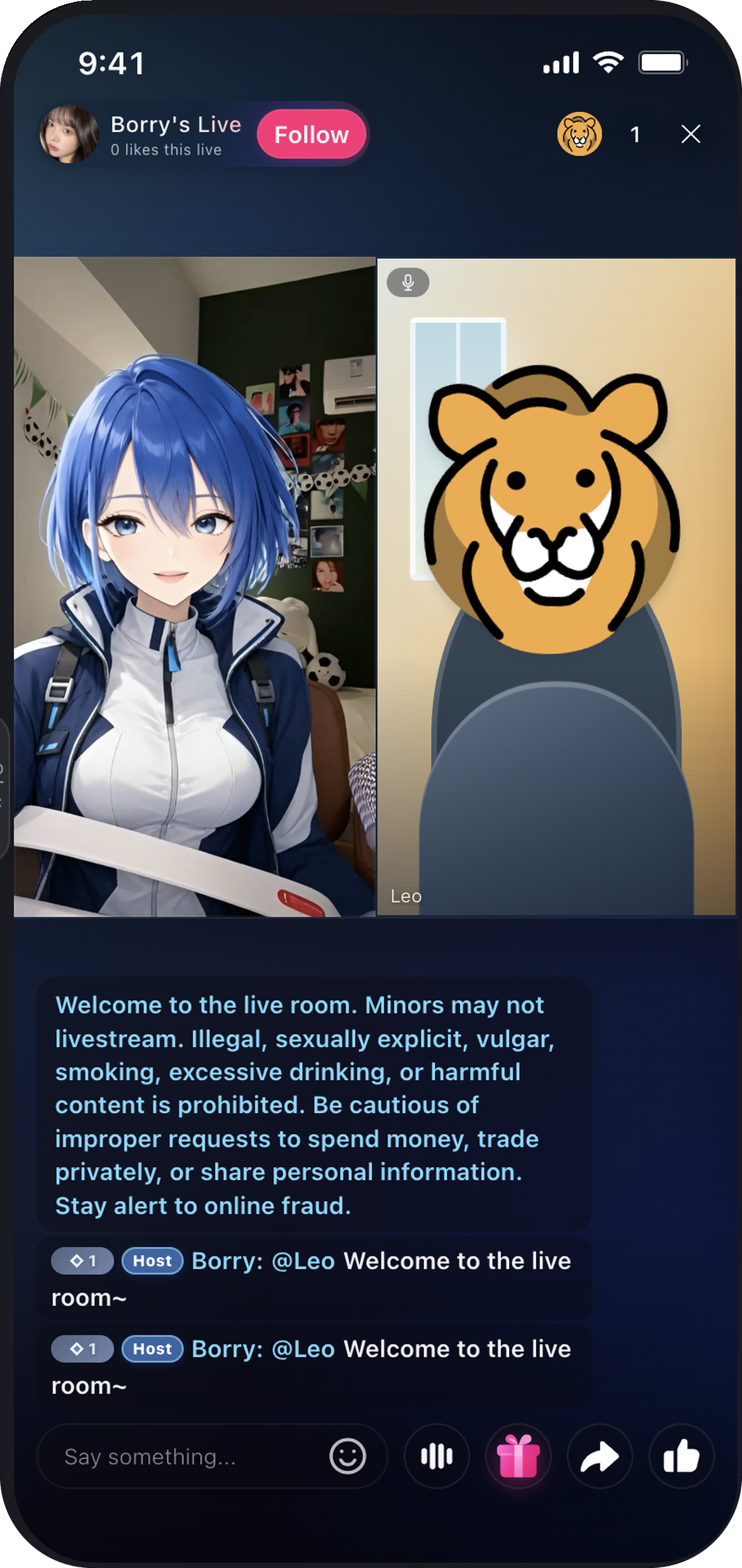
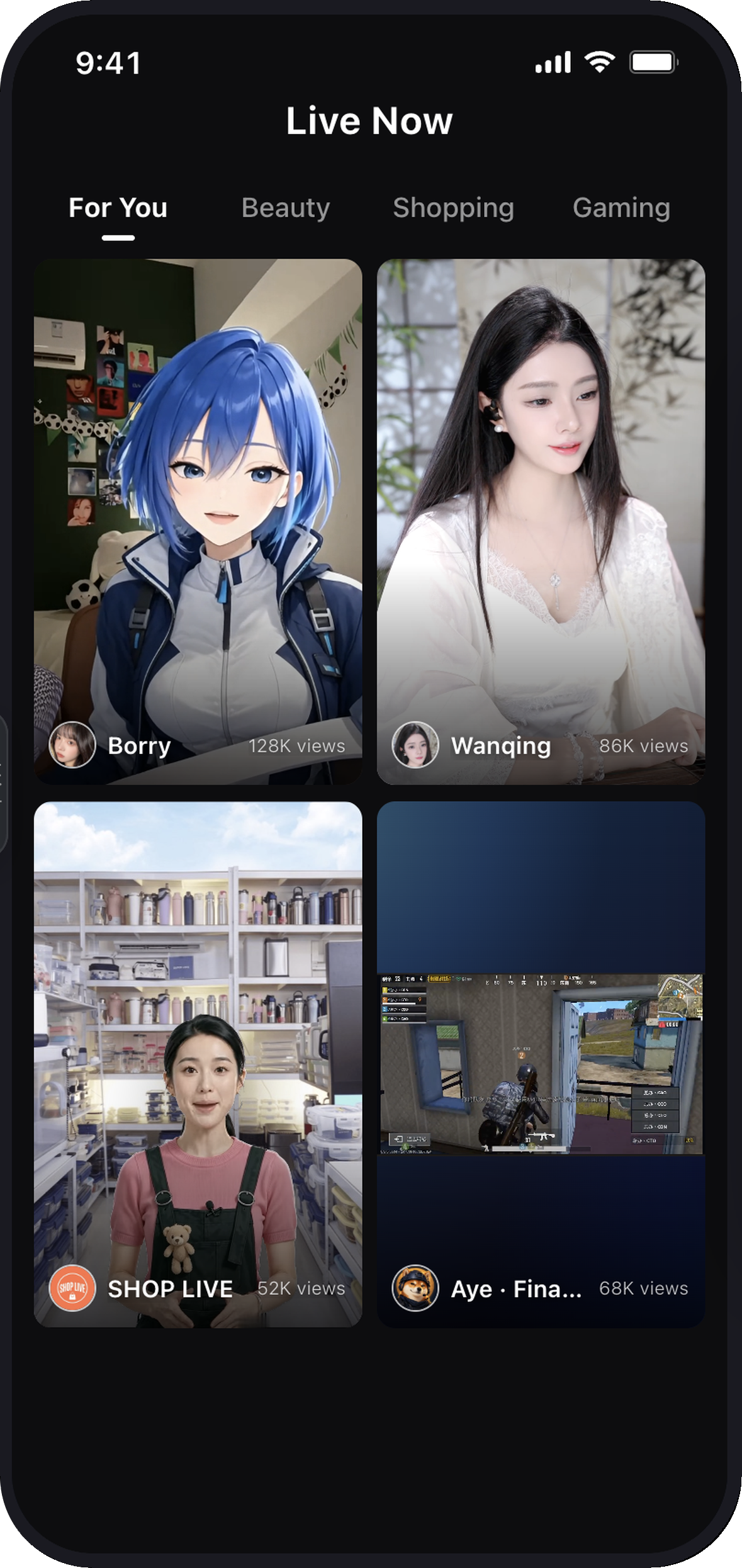
This guide walks you through running the TUILiveKit Android Demo in just 10 minutes. You'll experience a complete video live streaming solution with a fully integrated UI. Once the demo is set up, you'll see screens like the examples below:
Host Preview Before Going Live
Host Live Streaming
Audience Viewing
Host and Audience Co-hosting
Quick Experience
You can directly experience all Live features using the following methods.
Prerequisites
Activate the Service
Refer to Activate the Service to obtain a trial version of TUIRoomKit and retrieve your SDKAppID and SDKSecretKey.
SDKAppID: The application ID for your Room instance, obtained from the console. This acts as the unique identifier for your app.
SDKSecretKey: The secret key associated with your application.
Environment Setup
Android 5.0 (SDK API level 21) or higher
Gradle version 8.0 or above
Two devices running Android 5.0 or higher
JDK version 17, 18, or 19 required
Obtain the Demo
1. Download the source code. You can obtain the Demo in one of two ways:
Download the TUIKit_Android Demo and extract the archive.
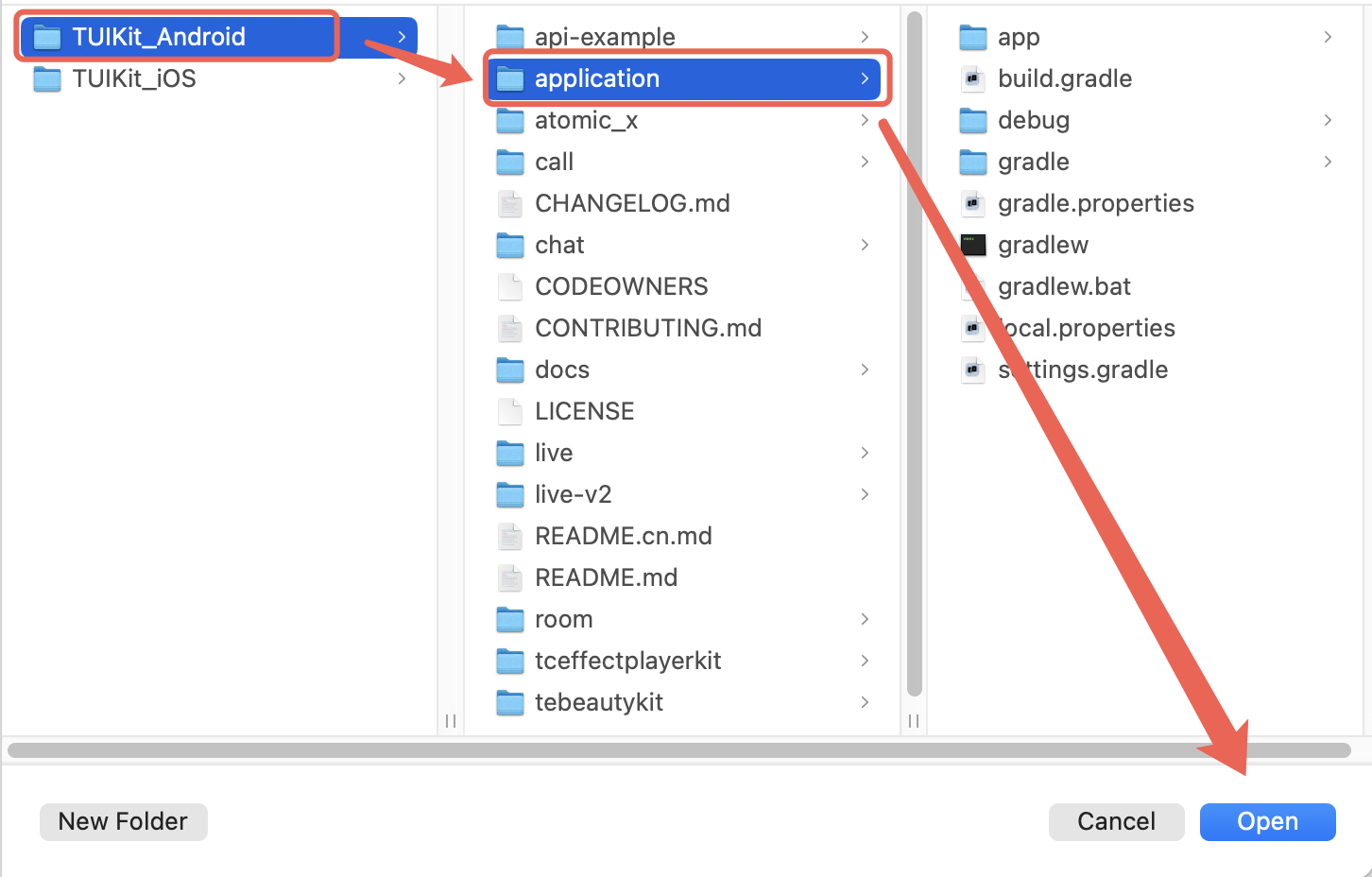
2. Open the project: Launch Android Studio and open the TUIKit_Android project.
Configure the Demo
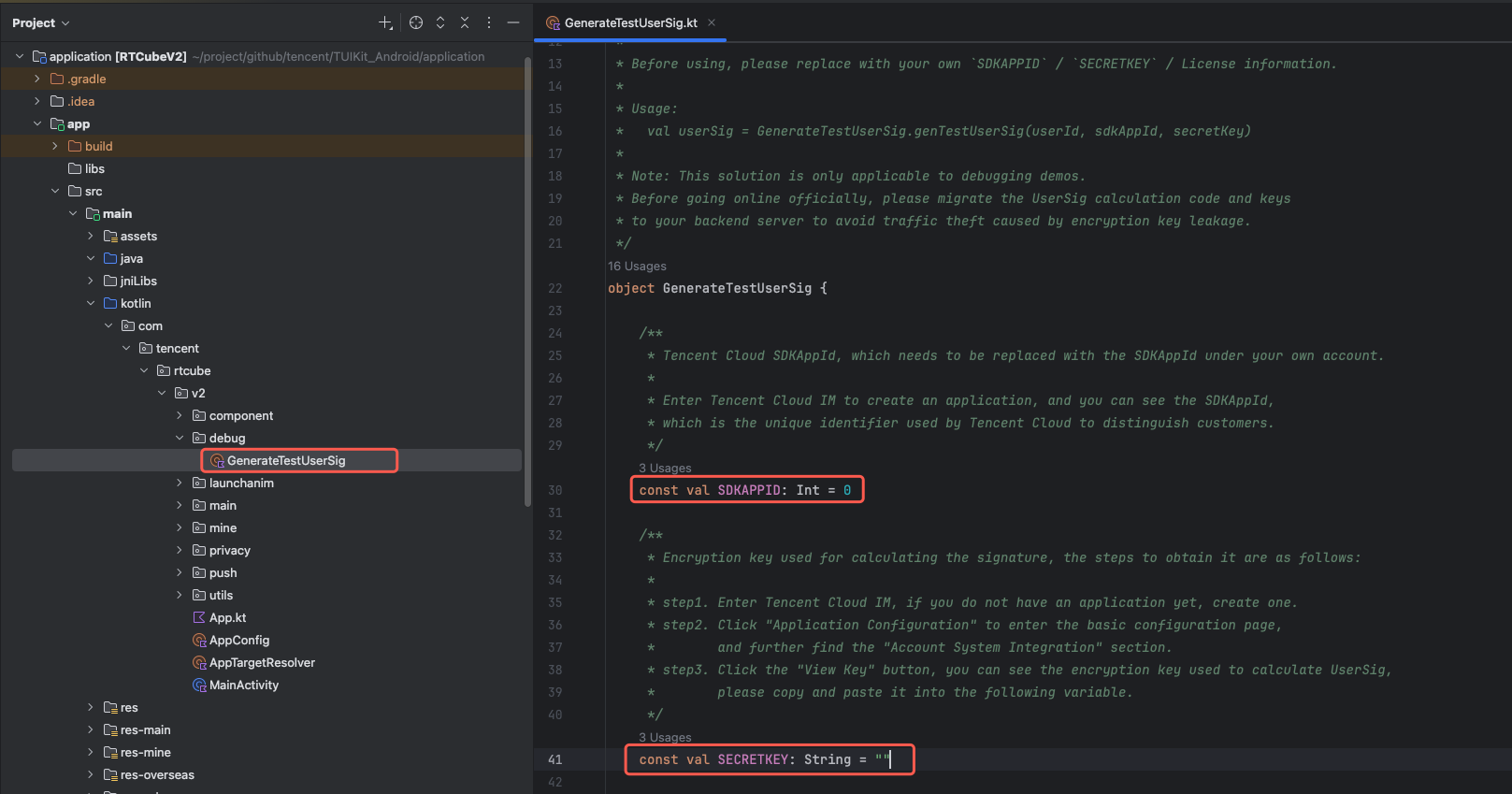
Set SDKAppID and SDKSecretKey: Locate the TUIKit_Android/application/debug/src/main/java/com/tencent/qcloud/tuikit/debug/GenerateTestUserSig.kt file and enter your acquired SDKAppID and SDKSecretKey.
Build and Run the Demo
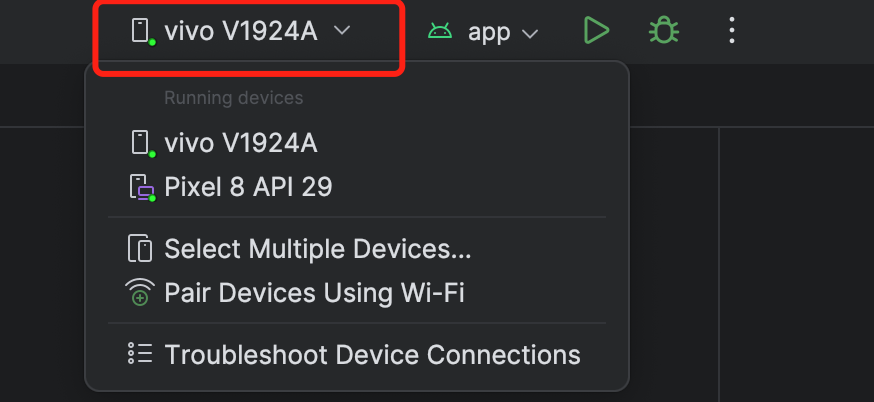
1. In the upper right corner of Android Studio, select the device where you want to run the Demo.
2. After selecting your device, click Run to deploy TUIKit_Android to your chosen device.
Note:
For a full test of the conference room workflow, we recommend running the Demo on two devices and logging in with two distinct users (for example, one device as the host and one as a participant).
Login
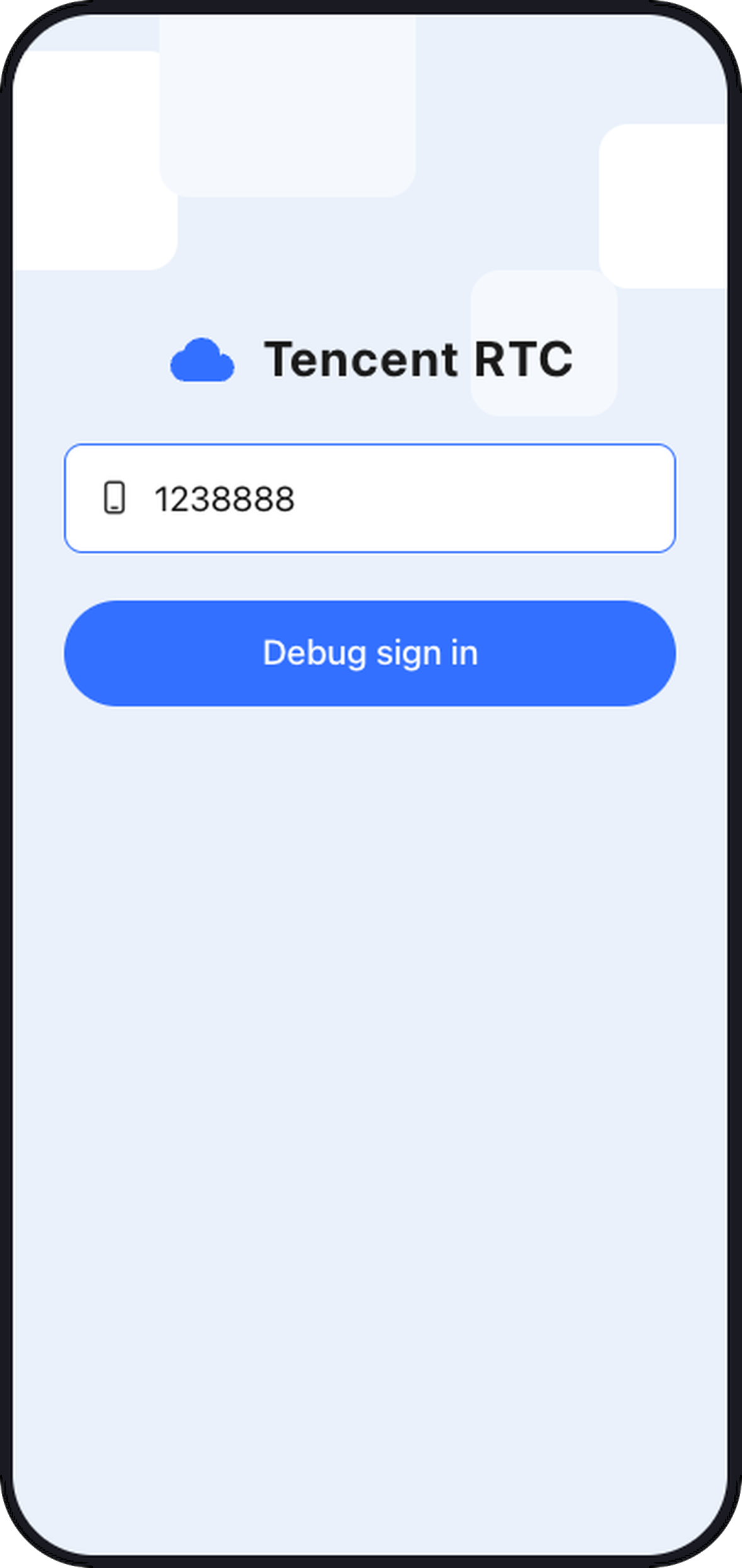
On the login page, enter your user ID and click Login. After a successful login, you'll land on the demo homepage. From there, you can explore all features shown in the screenshots at the beginning of this guide.
Sign-in Page
Home Page
Next Steps
After running the Demo, refer to the following integration guides to add these features to your own project:
Name
Description
Integration Guide
Video Live Streaming
Supports ultra-low latency HD streaming, multi-user co-hosting/PK, real-time beauty filters, bullet comments, and gift interactions—enabling you to build interactive video live streaming scenarios.
Why does the Demo show a signature error or fail to log in?
Verify that the SDKAppID and SDKSecretKey in TUIKit_Android/application/debug/src/main/java/com/tencent/qcloud/tuikit/debug/GenerateTestUserSig.kt match the credentials from the TRTC Console Application Management.
Will running the Demo with a Gradle version lower than 8.0 cause problems?
Yes. Using an outdated Gradle version may lead to dependency download failures or compilation errors. Please upgrade Gradle in Android Studio to version 8.0 or above.
How do I resolve the "Unknown Kotlin JVM target" compilation error?
This error occurs if your local environment is set to a JDK version (such as JDK 21) that is not supported. The Demo uses Kotlin 1.9, which does not support compiling to that JVM target. Set the Gradle JDK in Android Studio to version 17, 18, or 19.
How can I remove the call and live streaming modules from the Demo?
The Demo integrates three core TRTC scenarios: calling (TUICallKit), live streaming (TUILiveKit), and conferencing (TUIRoomKit). If you only need the conference scenario, streamline the project by:
1. Remove the dependencies for TUILiveKit and TUICallKit from settings.gradle, then re-run SyncNow.
2. Delete all code related to calling and live streaming scenarios from the Demo project.
3. Resolve any compilation errors, and rebuild the Demo.
Contact Us
If you have any questions or suggestions during integration or usage, please contact info_rtc@tencent.com.