Run the Demo (Flutter Mobile )
Baixar
Modo Foco
Tamanho da Fonte
This guide walks you through running the
TUILiveKit Flutter Demo in just 10 minutes, so you can quickly experience a complete live video streaming solution with a full-featured UI. After setup, you’ll see results like the following:Host Preview Before Going Live | Host Live Streaming | Audience Viewing | Host and Audience Co-hosting |
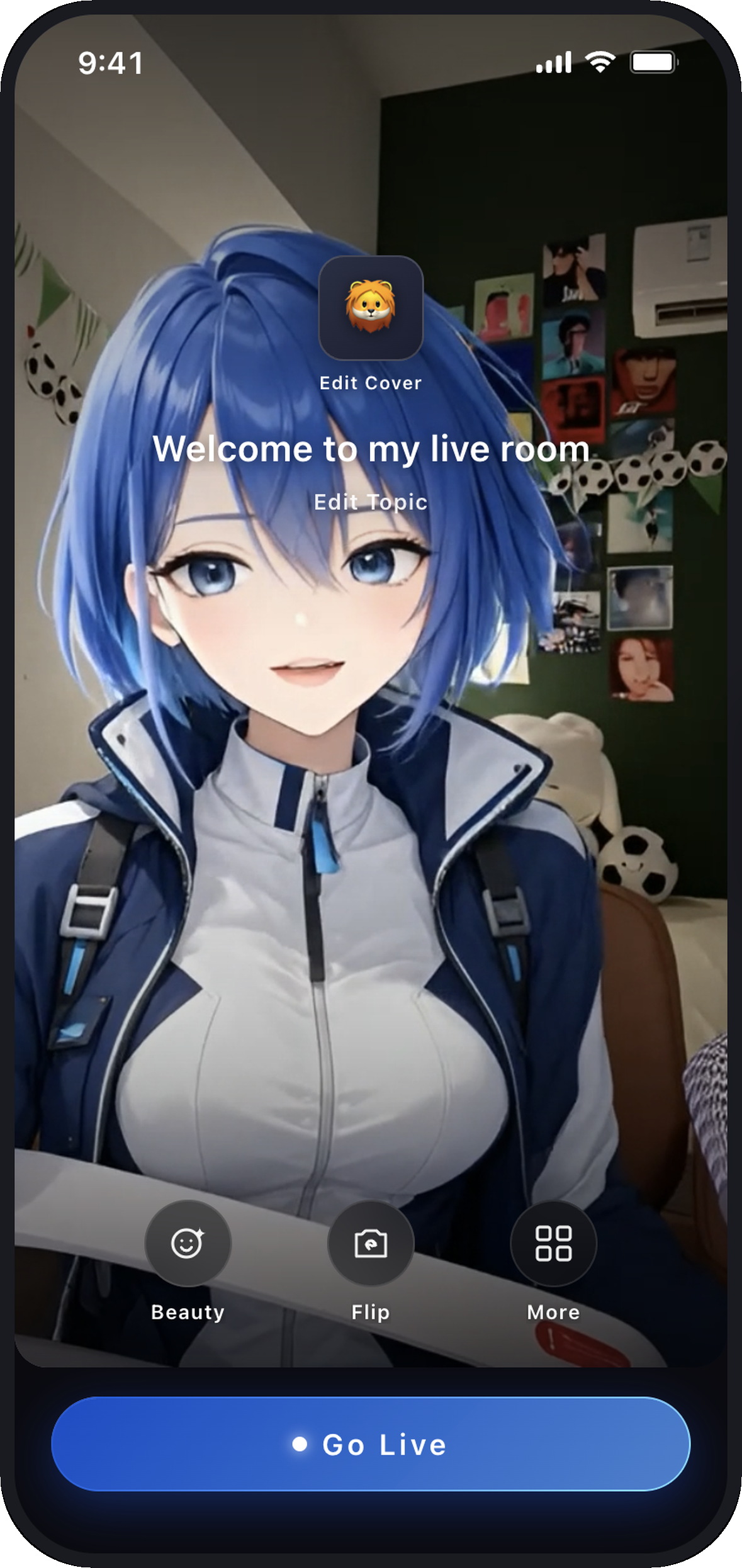 | 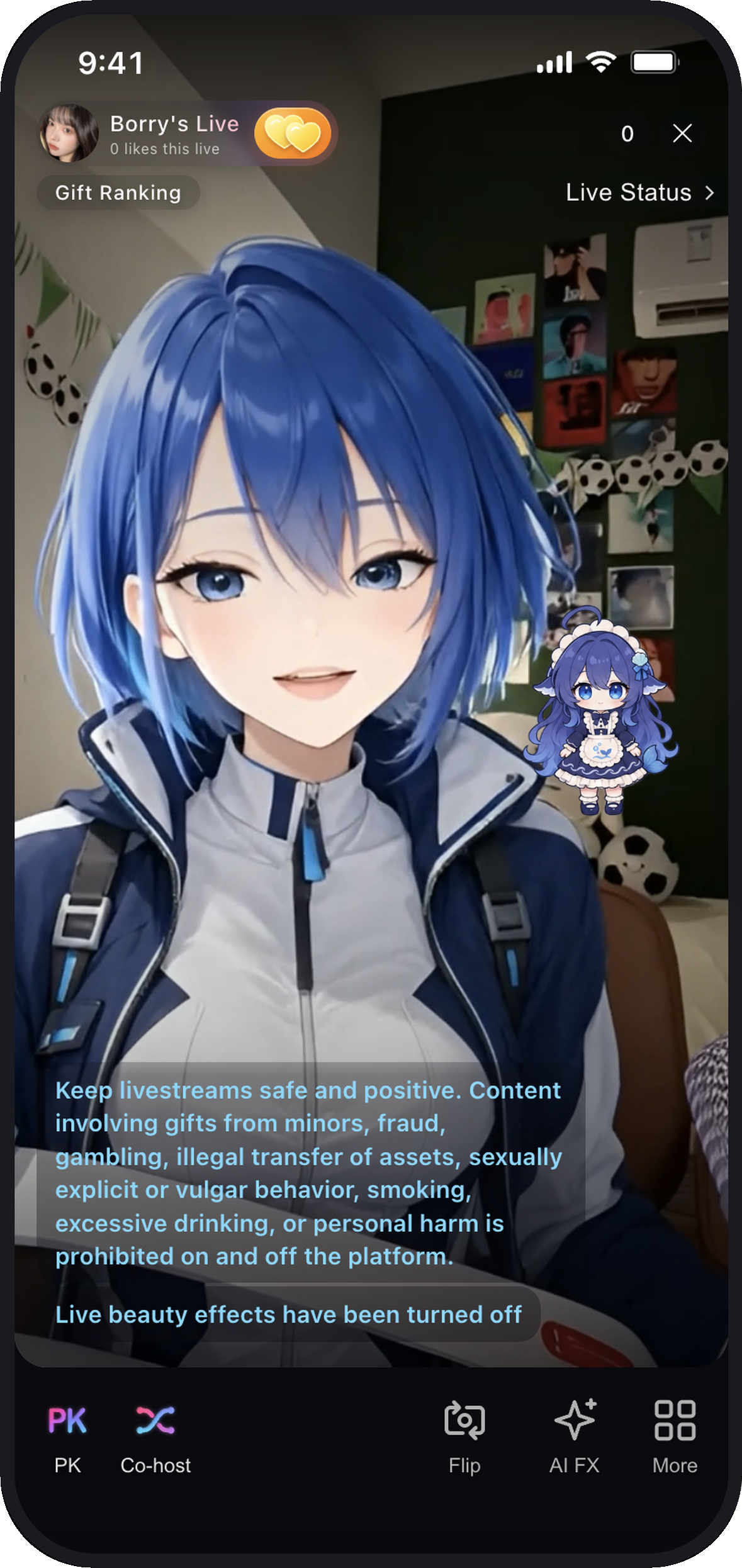 | 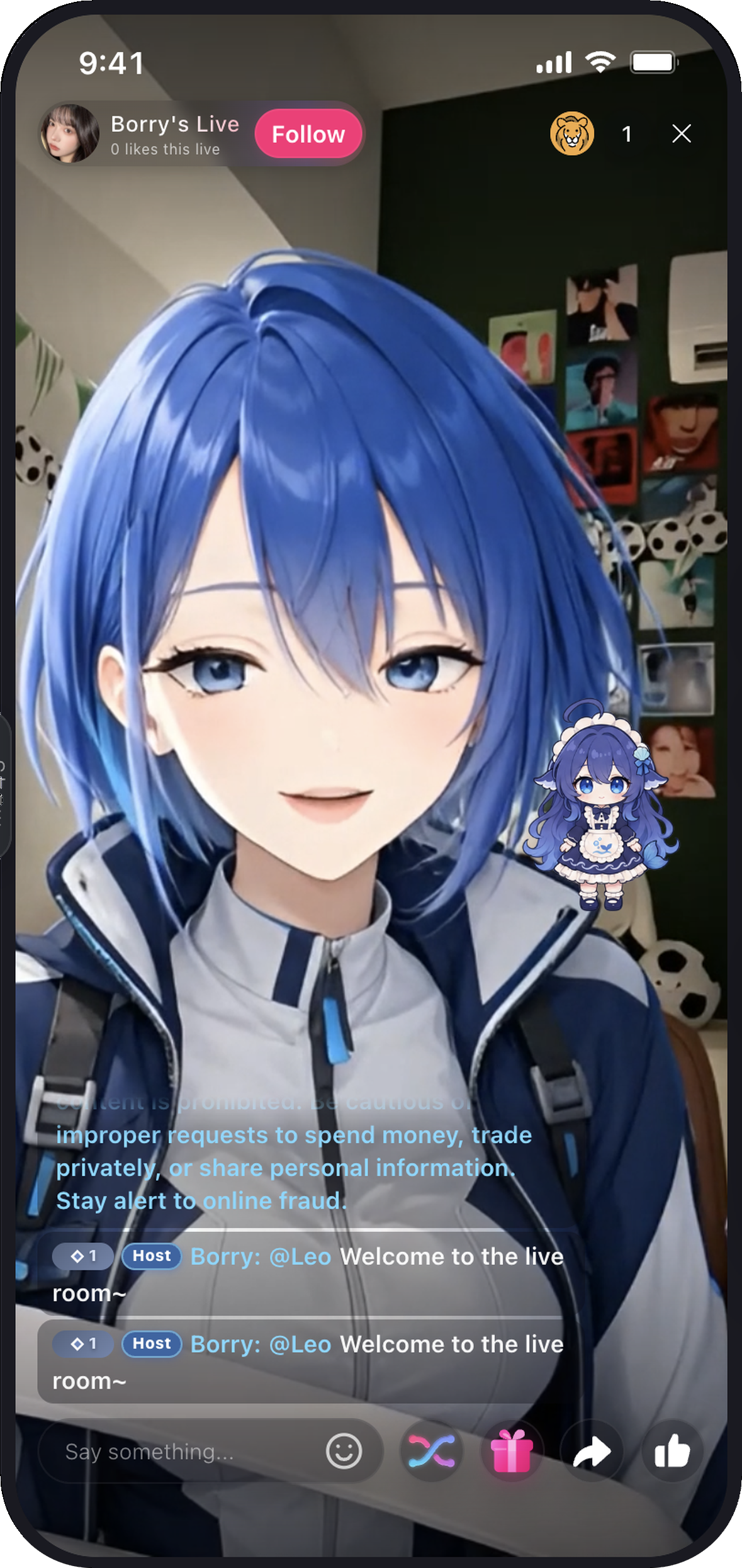 | 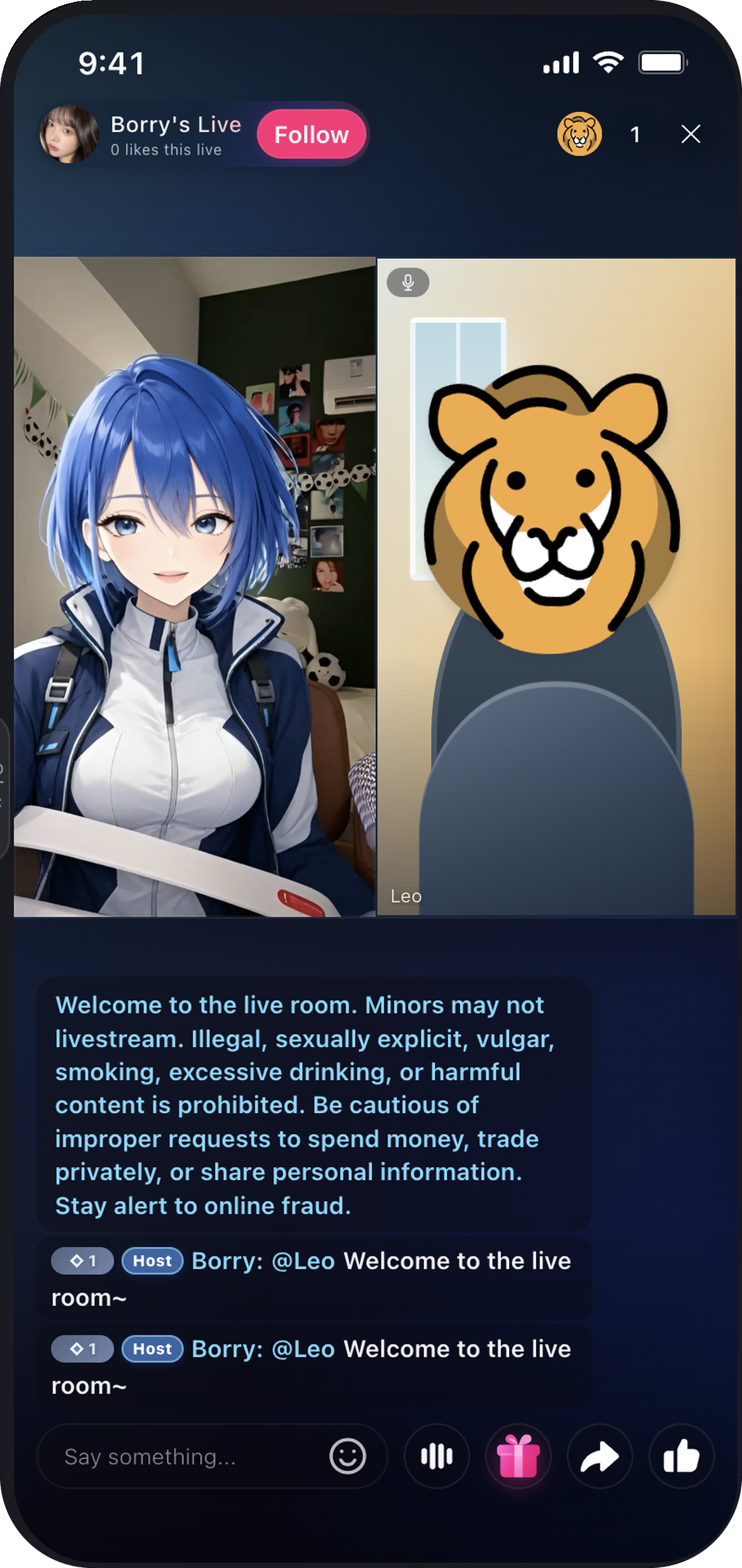 |
Prerequisites
Activate the Service
Refer to Activate the Service to obtain a TUILiveKit trial version. Then, go to the Console for application management, and get the following:
SDKAppID: Application identifier (required). Tencent Cloud uses SDKAppId for billing and details.SDKSecretKey: Application secret key, used to initialize the configuration file with secret information.Environment Preparation
Ensure your development environment meets the following requirements before running the demo:
Platform | Description |
Flutter | Flutter: Version 3.29.3 or later |
Android | Android OS: Devices running Android 5.0 or later |
iOS | iOS: Devices running iOS 14.0 or later |
Get the Demo
1. You can download the source code to obtain the Demo through the following two methods:
Run the following command in the command line:
# github:git clone https://github.com/Tencent-RTC/TUIKit_Flutter# cnb:git clone https://cnb.cool/tencent/cloud/trtc/TUIKit_Flutter
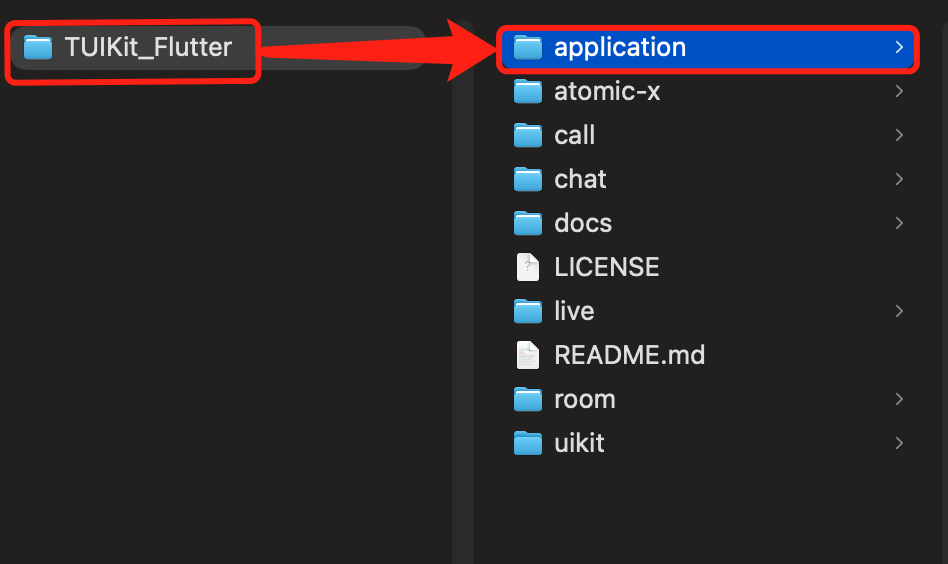
2. Open the application directory of TUIKit_Flutter through Android Studio or VSCode. The subsequent process will take VSCode as an example.
Configuration
1. Configuration SDKAppID and SDKSecretKey: Open project, find
application in engineering in /lib/debug/generate_test_user_sig dart files.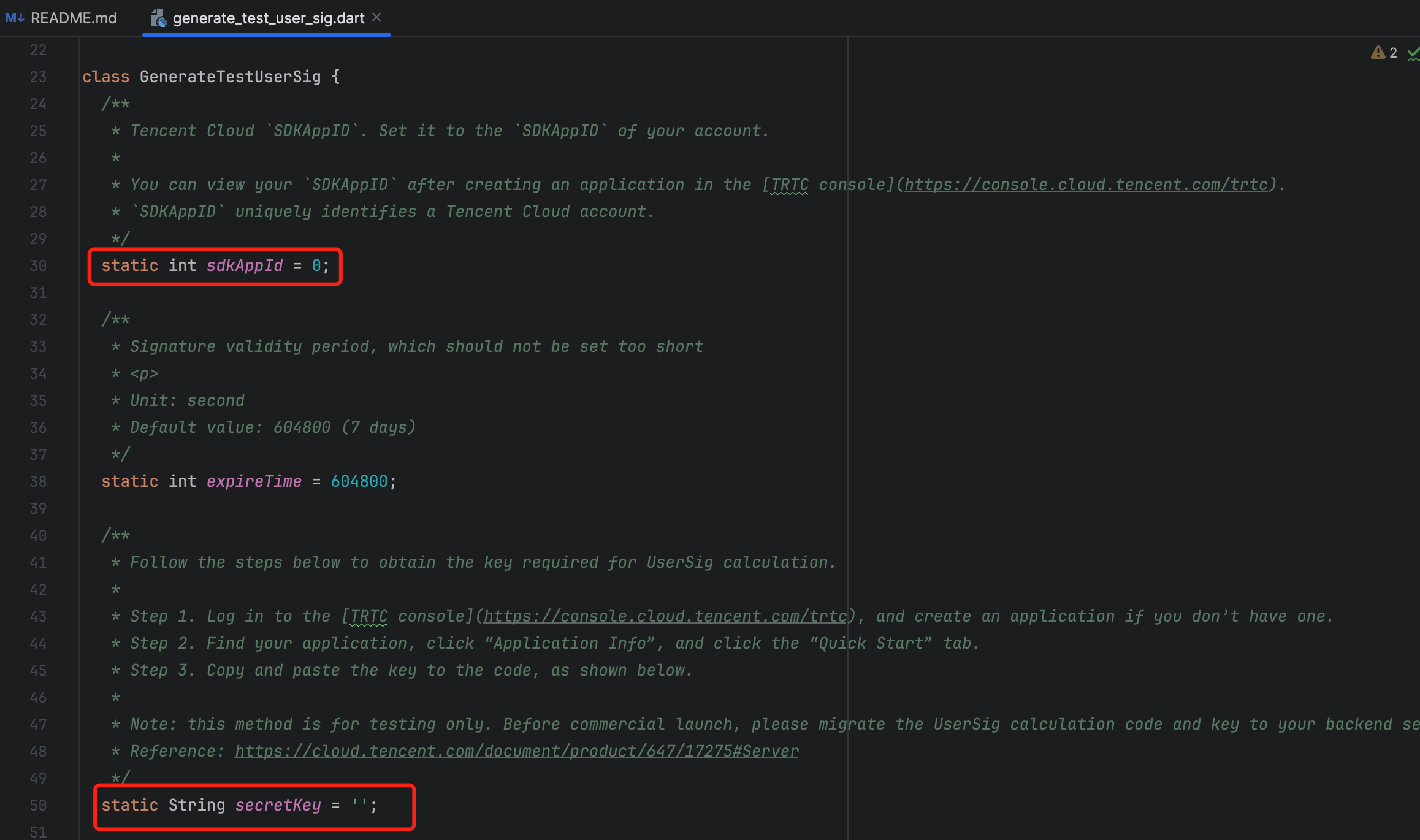
Note:
In this demo, authentication is handled by configuring the
secretKey in the client code. The secretKey can be decompiled and compromised. If leaked, attackers can steal your Tencent Cloud traffic. This approach is only suitable for local demo runs and feature debugging.For production, generate the
UserSig on your server. When a UserSig is required, your app should request a dynamic UserSig from your backend for authentication. See Generating UserSig on the Server for details.2. Configure Apple Developer Signing(iOS Only):
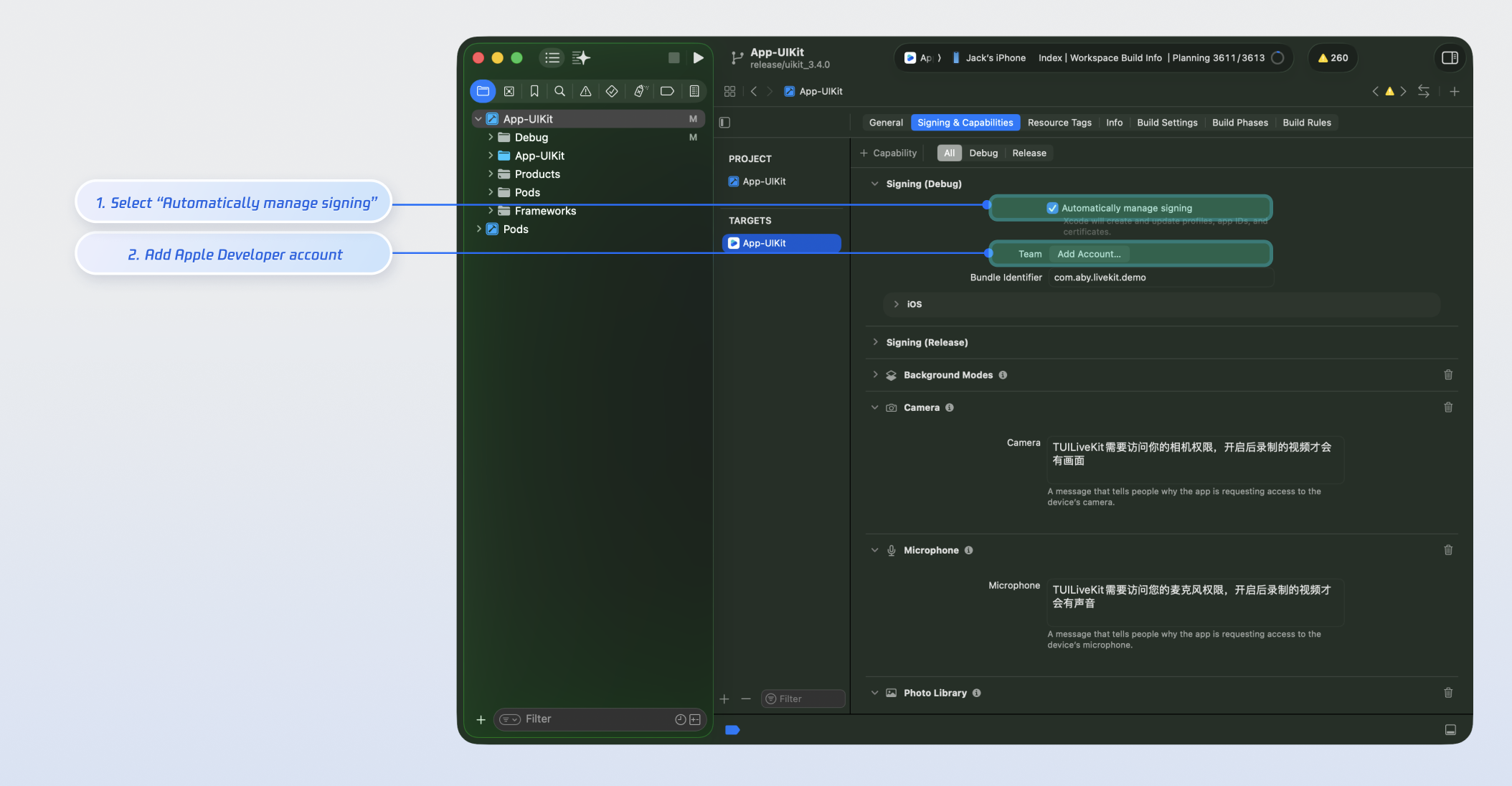
Open the
Runner.xcworkspace project at TUIKit_Flutter/live-v2/live_kit_access/ios in Xcode.In the project's TARGETS under the Signing & Capabilities tab, select Automatically manage signing and configure your Apple Developer account and Bundle Identifier:
Build and Run the Demo
Live streaming scenarios usually involve the use of cameras and microphone devices. Therefore, it is recommended that you use the real device for debugging and running the Demo.
1. Using VSCode open
application/lib/main. The dart, click on the lower right corner of equipment connection button. Select the device you need to run from the pop-up box at the top. After selection, click the Run button in the upper right corner to run the TUIKit_Flutter Demo on your device.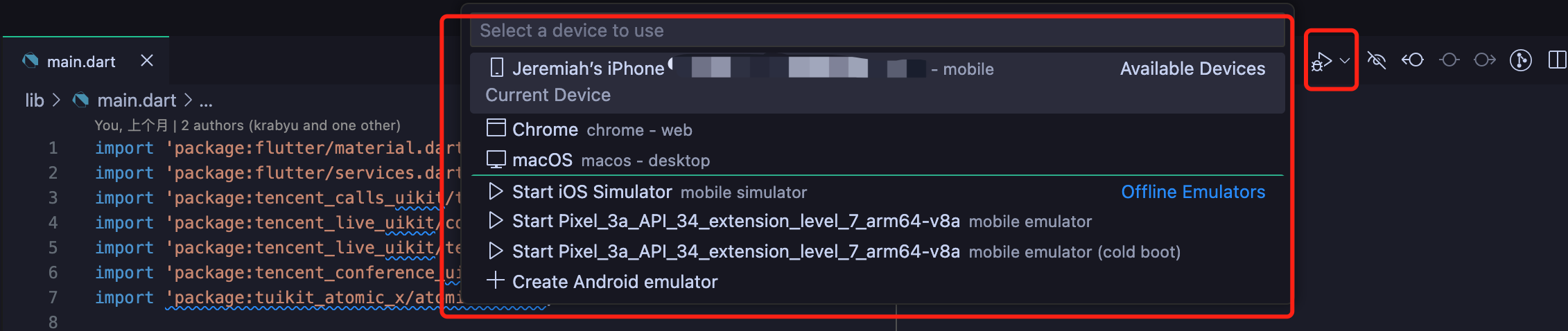
2. You can also run it on your device by executing the following command in the
application directory.flutter run
Note:
To experience the complete live streaming process, it is recommended that you run the Demo on two separate devices and log in as two different users (for example, one device as the host and the other as the viewer).
Login
On the login page, enter your User ID and click Login. After logging in, you’ll access the demo homepage. Use the homepage entry points to explore the features shown in the screenshots above.
Sign-in Page | Home Page |
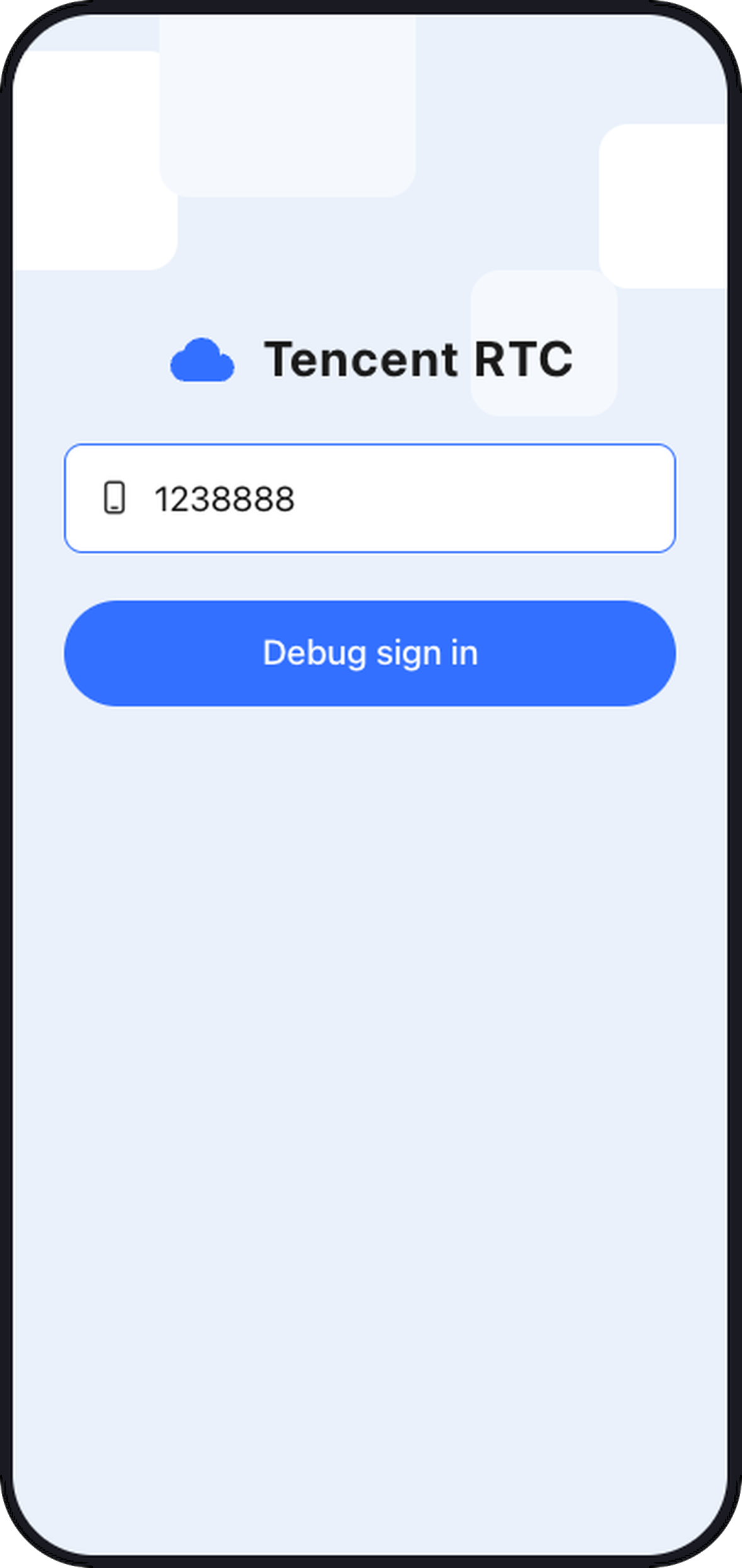 | 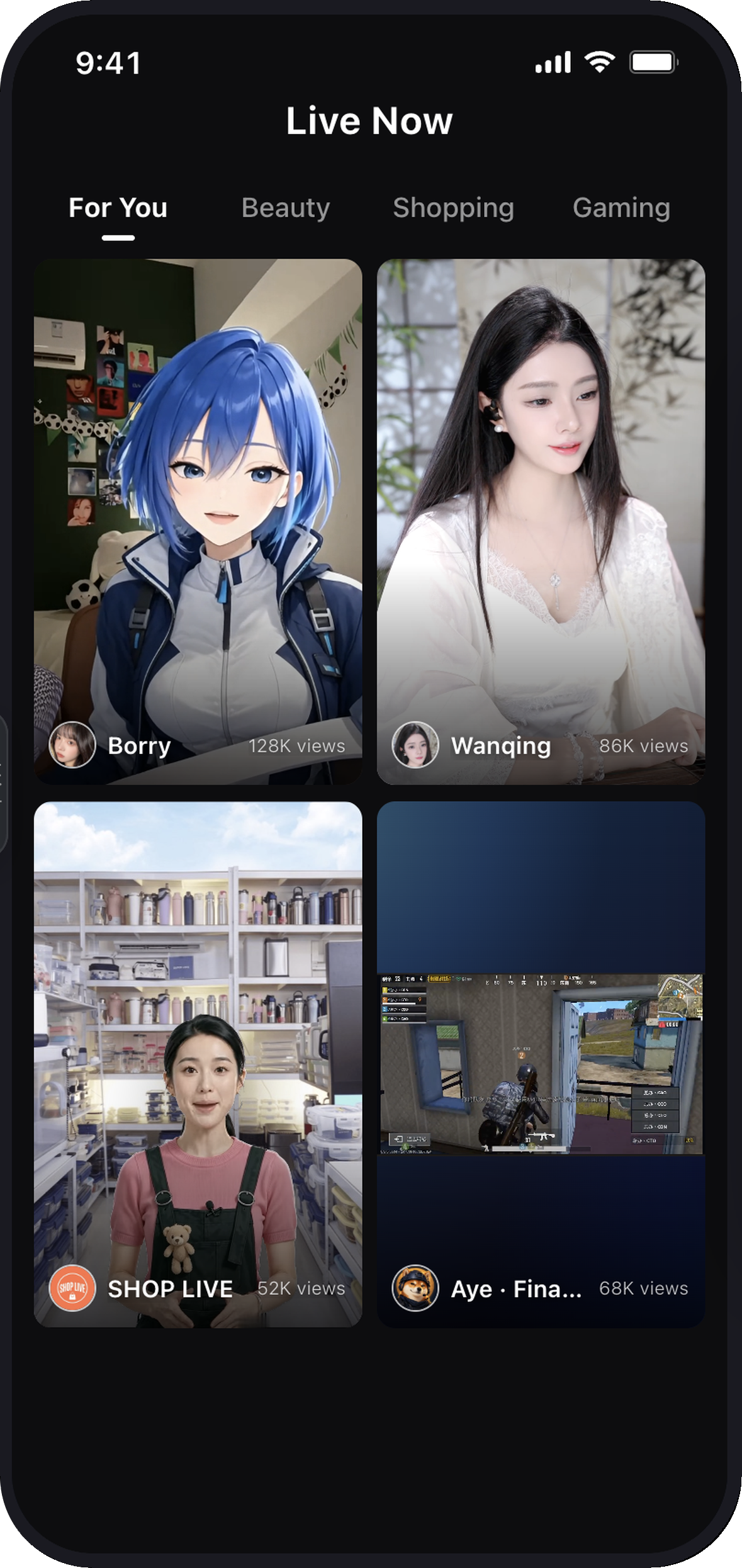 |
Note:
Do not use simple UserIDs such as "1", "123", or "111".
TRTC does not support multi-end login for the same UserID, and these simple UserIDs are likely to be used by others during collaborative development, which can cause login failures. Use distinctive UserIDs during debugging.
Next Steps
After running the Demo, refer to the following integration guides to add these features to your own project:
Feature | Description | Integration Guide |
Video Live Streaming | Supports ultra-low latency HD streaming, multi-user co-hosting/PK, real-time beauty filters, bullet comments, and gift interactions—enabling you to build interactive video live streaming scenarios. |
FAQs
Get a signature error or login failure when running the demo?
Verify that the
sdkAppId and secretKey entered in application/lib/debug/generate_test_user_sig.dart are correct and match the values from the Tencent RTC Console > Application Management page.Contact Us
If you have questions or need support during integration or usage, join the Telegram Technical Group, or contact us.
Ajuda e Suporte
Esta página foi útil?
Você também pode entrar em contato com a Equipe de vendas ou Enviar um tíquete em caso de ajuda.
comentários