Flutter Mobile
Unduh
Mode fokus
Ukuran font
Feature Overview
The TUILiveKit UI component delivers a complete, interactive live streaming workflow. Once integrated, you can quickly build a fully-featured live streaming platform with robust audience interaction.
Host Preview Before Going Live | Host Live Streaming | Audience Viewing | Host and Audience Co-hosting |
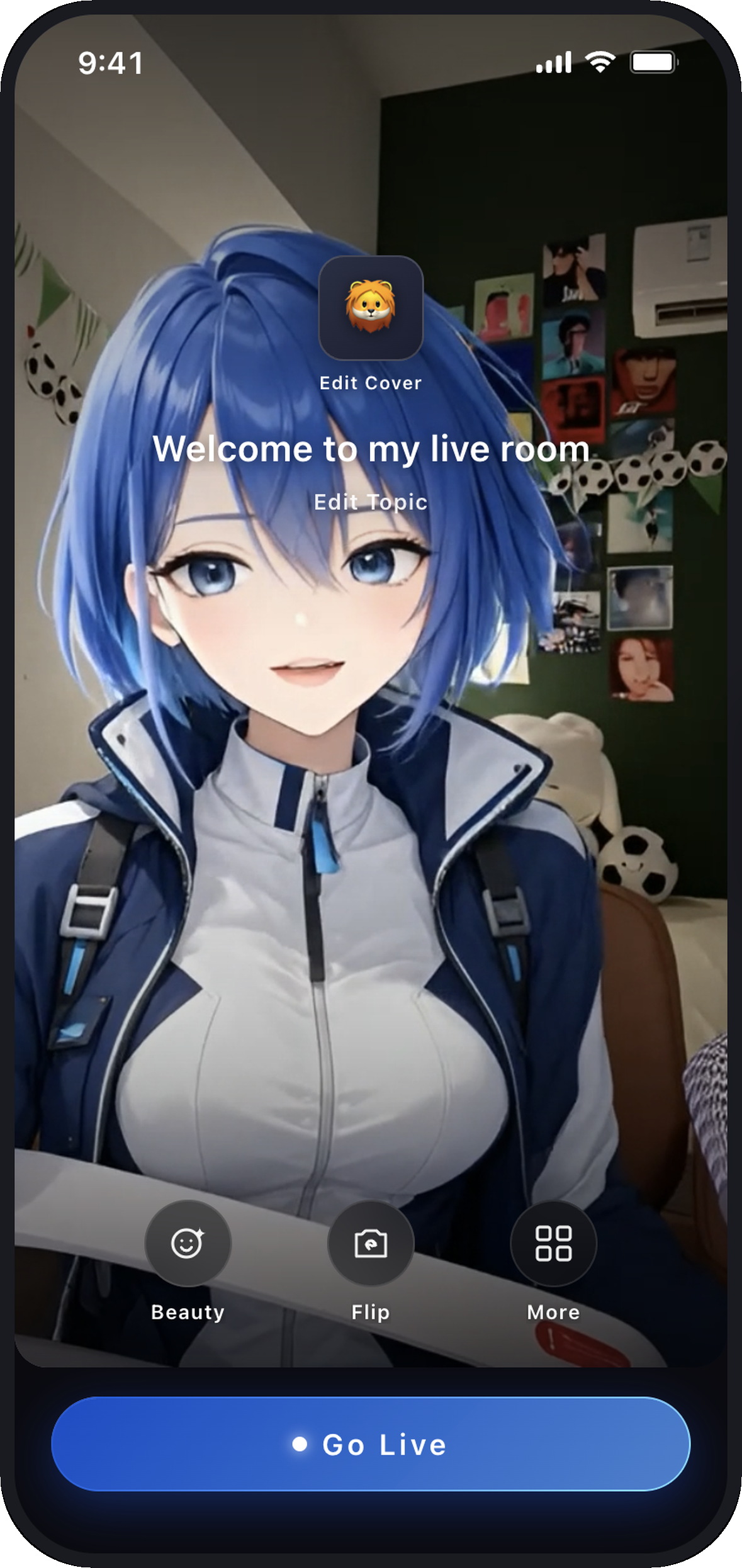 | 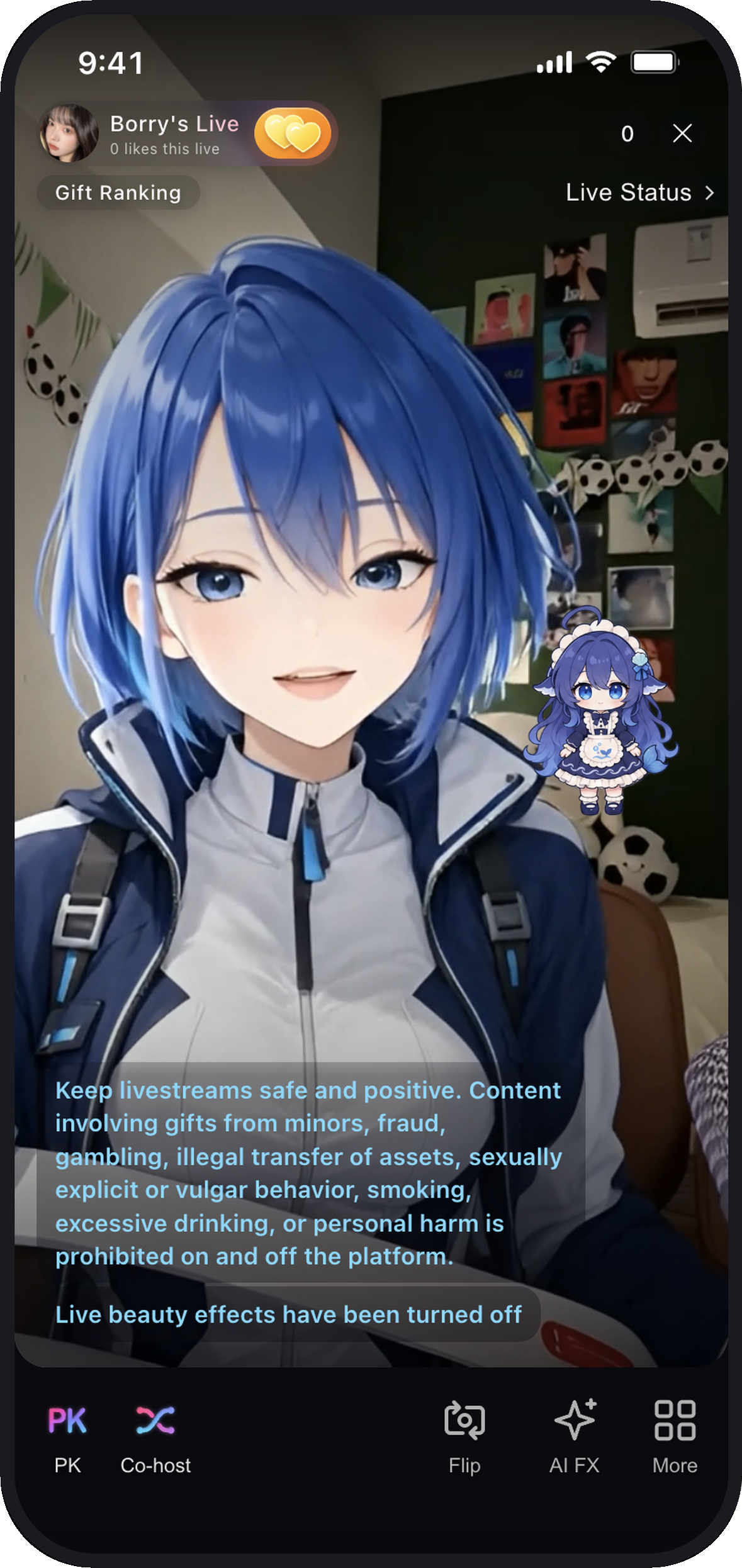 | 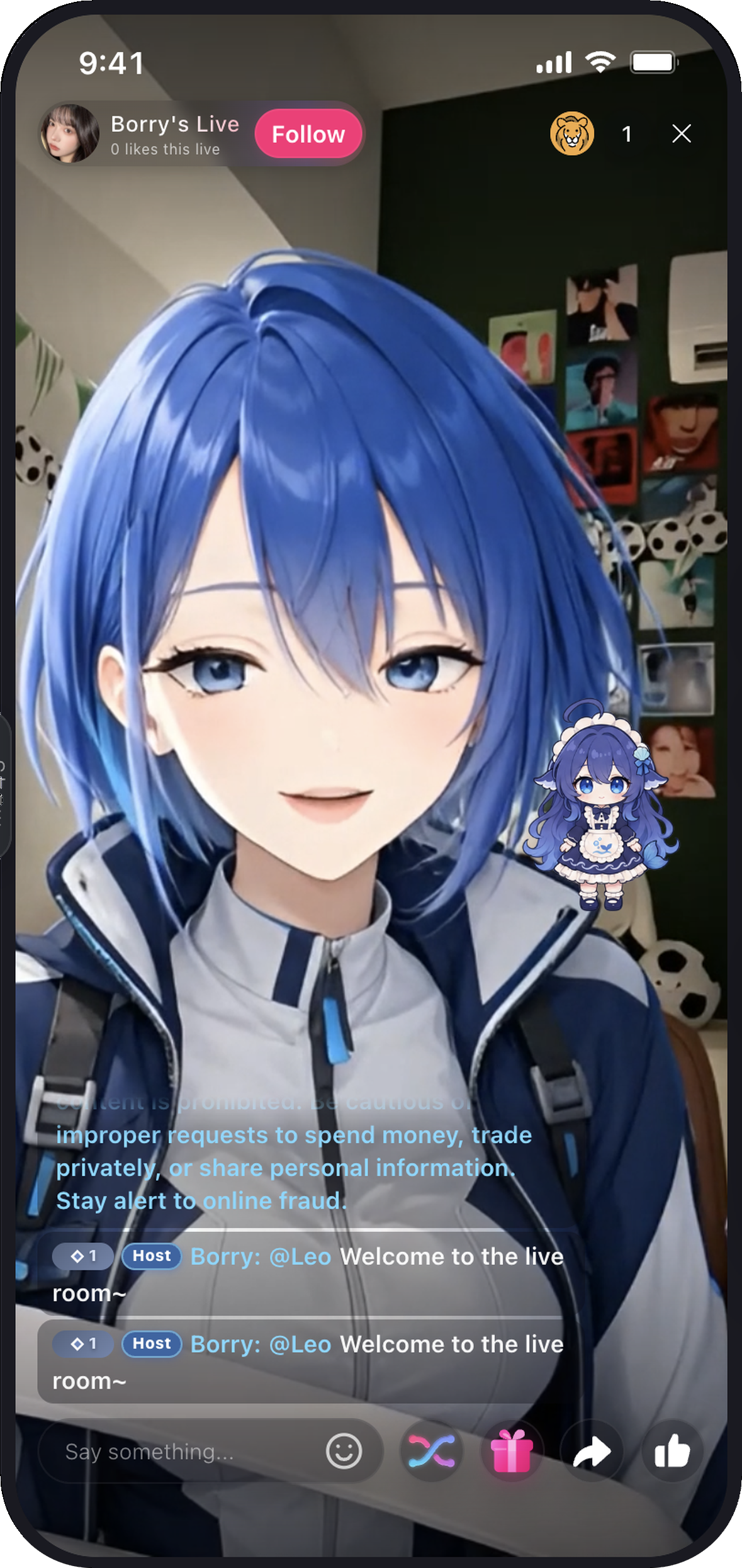 | 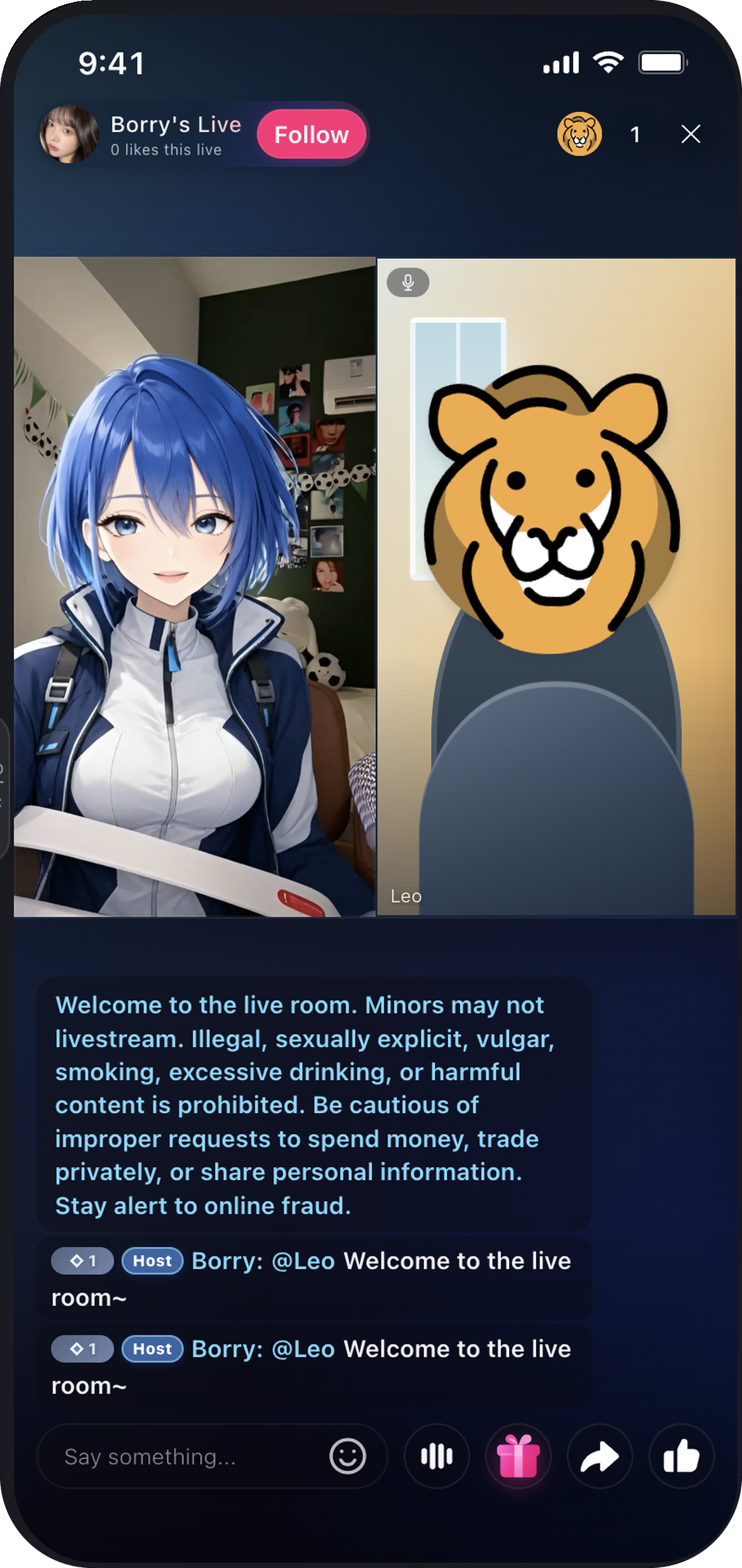 |
Preparations
Activate the Service
Before using TUILiveKit, please refer to Activate the Service to get the TUILiveKit Trial Edition or activate the Pro Edition.
Environment Requirements
Flutter
Flutter 3.27.4 or higher.
Dart 3.6.2 or higher.
Android
Android 5.0 (SDK API Level 21) or later.
Gradle 7.0 or higher.
Android 5.0 or higher mobile devices.
Kotlin 2.1.0 or higher.
iOS
Xcode 15 or later.
iOS 14.0 or later.
CocoaPods environment is installed. If not installed, how to install CocoaPods.
Code Integration
Step 1. Install the TUILiveKit
flutter pub add tencent_live_uikit atomic_x_core
After installation completes, you should see output similar to:
Resolving dependencies...Downloading packages.........+ tencent_live_uikit x.x.x......Changed xx dependencies!xx packages have newer versions incompatible with dependency constraints.Try `flutter pub outdated` for more information.
Step 2. Configure the Project
1. f you're building for Android, add certain SDK classes to the obfuscation exclusion list because the SDK uses Java reflection internally.
Configure and enable obfuscation rules in your project's
android/app/build.gradle file:android {......defaultConfig {......// Enable Multidex supportmultiDexEnabled true}buildTypes {release {......// Enable proguard rulesminifyEnabled trueproguardFiles getDefaultProguardFile('proguard-android.txt'), 'proguard-rules.pro'}}}
Add the following code in the
android/app/proguard-rules.pro file. If the file does not exist, create a new one:-keep class com.tencent.** { *; }
2. Declare required Audio/Video permissions in
android/app/src/main/AndroidManifest.xml. The component itself only declares network and foreground service permissions; camera, microphone, and other permissions must be declared by your app:<uses-permission android:name="android.permission.INTERNET" /><uses-permission android:name="android.permission.ACCESS_NETWORK_STATE" /><uses-permission android:name="android.permission.CAMERA" /><uses-permission android:name="android.permission.RECORD_AUDIO" /><uses-permission android:name="android.permission.MODIFY_AUDIO_SETTINGS" /><uses-permission android:name="android.permission.BLUETOOTH" /><uses-permission android:name="android.permission.BLUETOOTH_CONNECT" />
3. Align plugin versions.
In android/app/settings.gradle, configure the plugin versions as follows:
plugins {id "dev.flutter.flutter-plugin-loader" version "1.0.0"id "com.android.application" version "8.2.1" apply falseid "org.jetbrains.kotlin.android" version "2.1.10" apply false}
1. Set the deployment target in ios/Podfile and enable camera and microphone permission macros. The permission_handler_apple strategy is controlled by preprocessor macros; if not defined, the relevant code will not be compiled and permission requests will return denied:
platform :ios, '15.0'post_install do |installer|installer.pods_project.targets.each do |target|flutter_additional_ios_build_settings(target)target.build_configurations.each do |config|config.build_settings['GCC_PREPROCESSOR_DEFINITIONS'] ||= ['$(inherited)','PERMISSION_CAMERA=1','PERMISSION_MICROPHONE=1',]endendend
2. Add permission descriptions and declare background audio mode in the top-level of
ios/Runner/Info.plist (audience should still hear the live stream when the app is in the background):<key>NSCameraUsageDescription</key><string>TUILiveKit requires access to your camera. Enabling this allows video for co-hosting.</string><key>NSMicrophoneUsageDescription</key><string>TUILiveKit requires access to your microphone. Enabling this allows audio for co-hosting.</string><key>UIBackgroundModes</key><array><string>audio</string></array>
3. For iOS release builds, you must retain global symbols: In Xcode, go to TARGETS > Runner > Build Settings > Deployment, and set Strip Style to Non-Global Symbols. Otherwise, runtime errors may occur and you may not be able to enter the room.
4. After modifying native dependencies (Podfile, pubspec.yaml), run flutter pub get and pod install, and perform a full rebuild. Hot Reload does not update native configuration.
Complete Login
After integrating the code, call
LoginStore.shared.login to authenticate. This step is required before you can use any TUILiveKit features. Make sure all parameters are set correctly.Note:
In the example code, the login API is called directly. However, In real-world projects, always call TUILiveKit’s
login after completing your own user authentication and login logic. This prevents business logic conflicts or data inconsistencies, and ensures TUILiveKit integrates smoothly with your user management and permission system.import 'package:atomic_x_core/atomicxcore.dart';import 'package:flutter/material.dart';Future<void> login() async {// 1. Call the login API. userSig should be issued by your backendfinal CompletionHandler result = await LoginStore.shared.login(sdkAppID: 1400000001, // Replace with your SDKAppID from the service consoleuserID: 'denny', // Replace with your UserIDuserSig: 'xxxxxxxxxxx', // Replace with the UserSig generated by your backend);// 2. Check login resultif (result.isSuccess) {debugPrint('login success');} else {debugPrint('login failed: ${result.errorCode} ${result.errorMessage}');}}
Login API Parameters
Parameter | Type | Description |
SDKAppID | Int | |
UserID | String | The unique ID for the current user. Must contain only English letters, numbers, hyphens, and underscores. |
UserSig | String | Authentication credential for TRTC. Please note: Development Environment: You can use the local GenerateTestUserSig.genTestSig function to generate a UserSig or generate a temporary UserSig via the UserSig Generation Tool.Production Environment: To prevent key leakage, you must use a server-side method to generate UserSig. For details, see Generating UserSig on the Server. |
Handle Login Exceptions (Optional)
LoginStore offers login status callbacks to help you handle exceptions, including "Kicked Offline" and "Signature Expired":Kicked Offline: If a user is kicked offline while logged in, the SDK triggers the onKickedOffline callback. Prompt the user in your UI and call LoginStore.shared.login to re-login.
Signature Expired: If the onUserSigExpired callback is triggered, the user's userSig has expired. If their login state is still valid on your backend, request a new userSig and call LoginStore.shared.login to refresh their login.
import 'dart:async';import 'package:atomic_x_core/atomicxcore.dart';import 'package:flutter/foundation.dart';class LoginService {StreamSubscription<LoginEvent>? subscription;void subscribeLoginStatus() {subscription = LoginStore.shared.loginEventStream.listen((LoginEvent event) {switch (event) {case LoginEvent.kickedOffline:case LoginEvent.loginExpired:debugPrint('login state changed: $event');}});}void dispose() {subscription?.cancel();}}
Next Steps
Congratulations! You have successfully integrated the TUILiveKit component and completed the login. You can now implement features such as host streaming, audience viewing, and live stream list. Please refer to the table below for integration guides:
Feature | Description | Integration Guide |
Host Streaming | The complete workflow for a host to start a stream, including pre-stream setup and various in-stream interactions. | |
Audience Viewing | Audience can watch live streaming after entering the anchor's live streaming room, with features like audience mic connection, live room information, online audience, and bullet screen display. | |
Live Stream List | Display the live stream list interface and features, including the live stream list and room information display. |
FAQs
Repeated Login
You do not need to log in each time you enter a room. Typically, a single call to
LoginStore.shared.login is sufficient. We recommend aligning LoginStore.shared.login and LoginStore.shared.logout with your own authentication logic.Running or Unable to Enter Room after Packaging in iOS Release?
In Xcode, select your application target (usually Runner) from the TARGETS list, choose Item > Build Settings > Deployment, and set Strip Style to
Non-Global Symbols to preserve the necessary global symbol information. Otherwise, runtime exceptions may prevent you from entering the room.Contact Us
If you have questions or need help during integration, join our Telegram technical group or contact us for support.
Bantuan dan Dukungan
Apakah halaman ini membantu?
Anda juga dapat Menghubungi Penjualan atau Mengirimkan Tiket untuk meminta bantuan.
masukan