Integration (HarmonyOS)
ダウンロード
フォーカスモード
フォントサイズ
This section guides you through setting up your environment to integrate the
TUILiveKit UI component library.Feature Overview
TUILiveKit UI components deliver a complete, interactive live streaming workflow. Once integrated, you can quickly build a fully-featured, interactive live streaming platform.Host Preview Before Going Live | Host Live Streaming | Audience Viewing | Host and Audience Co-hosting |
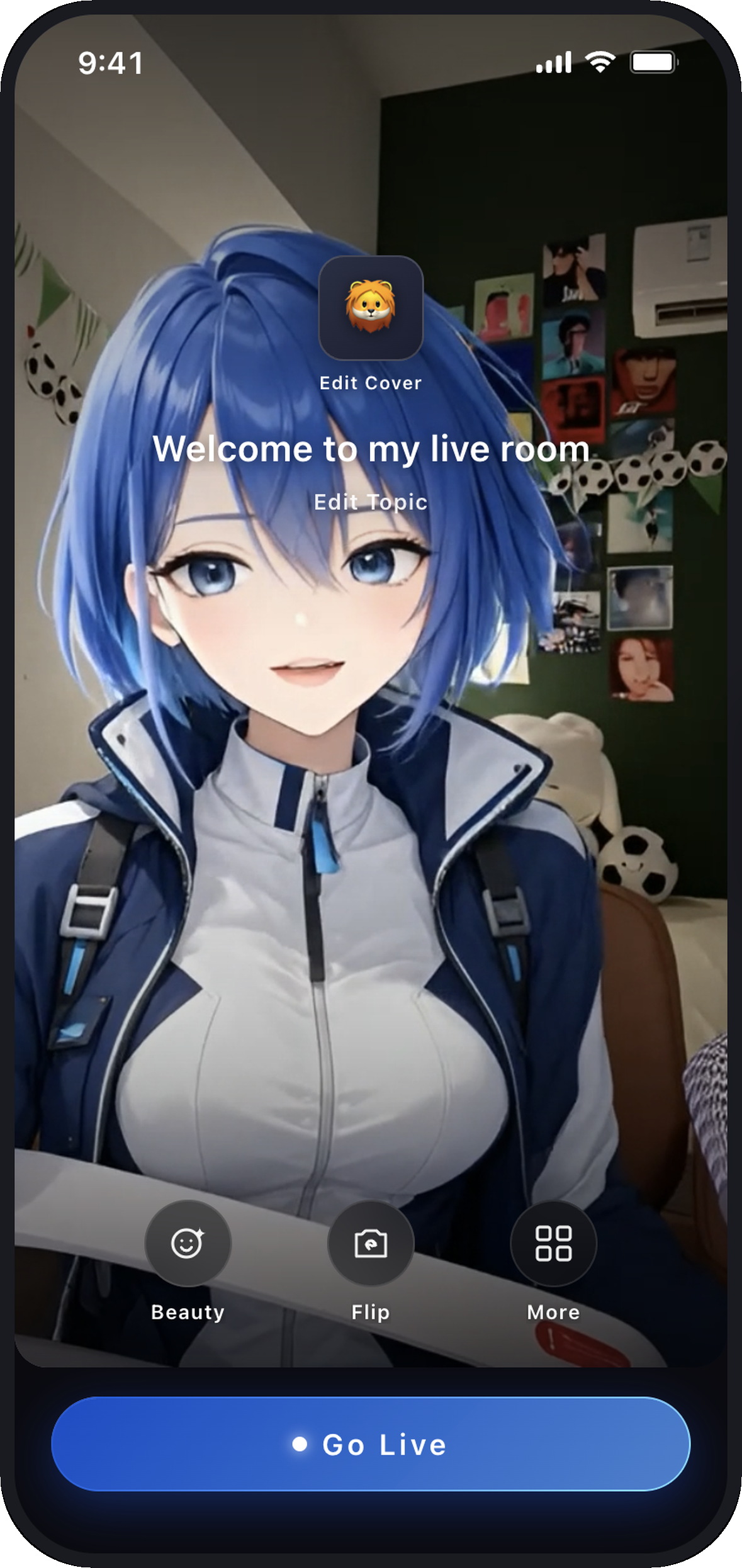 | 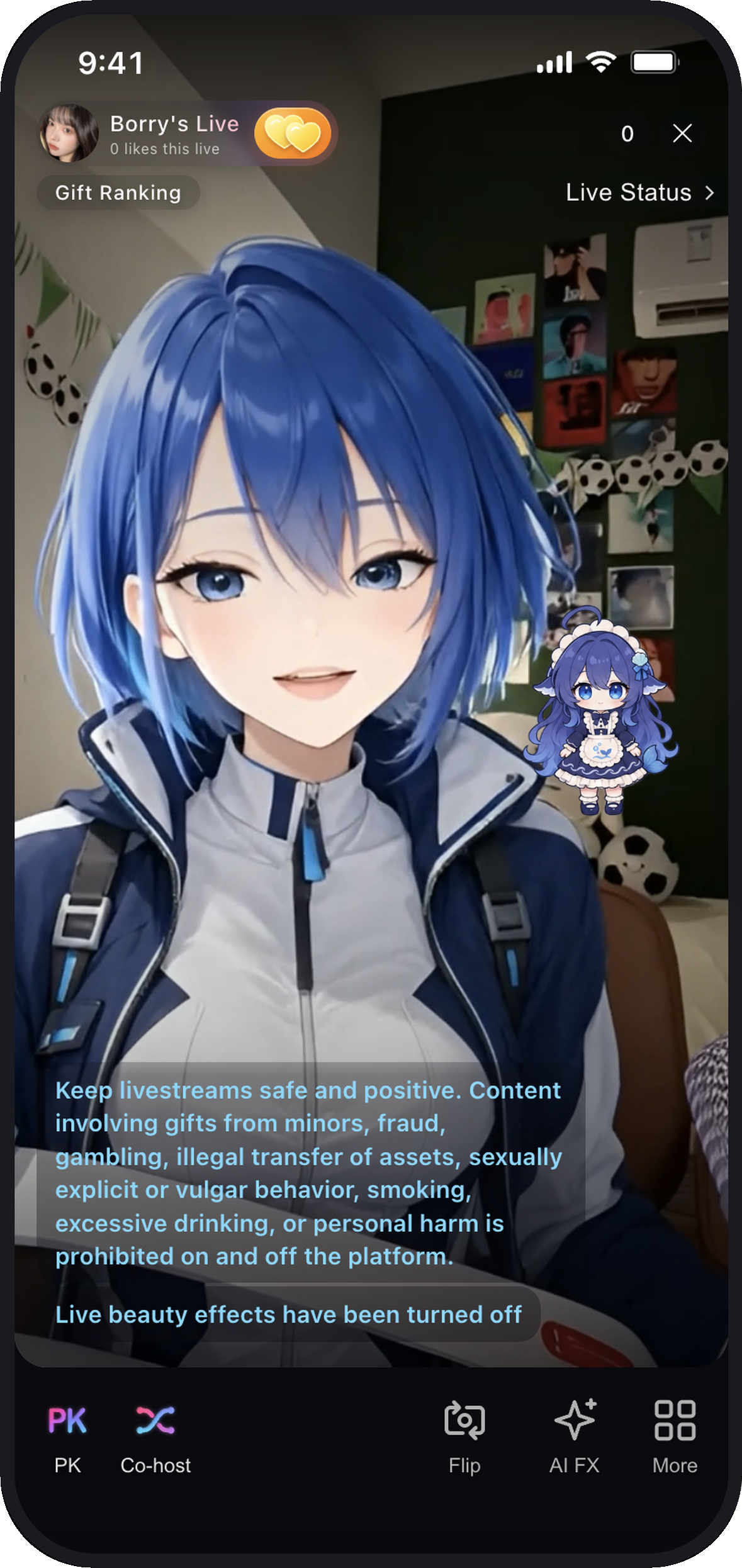 | 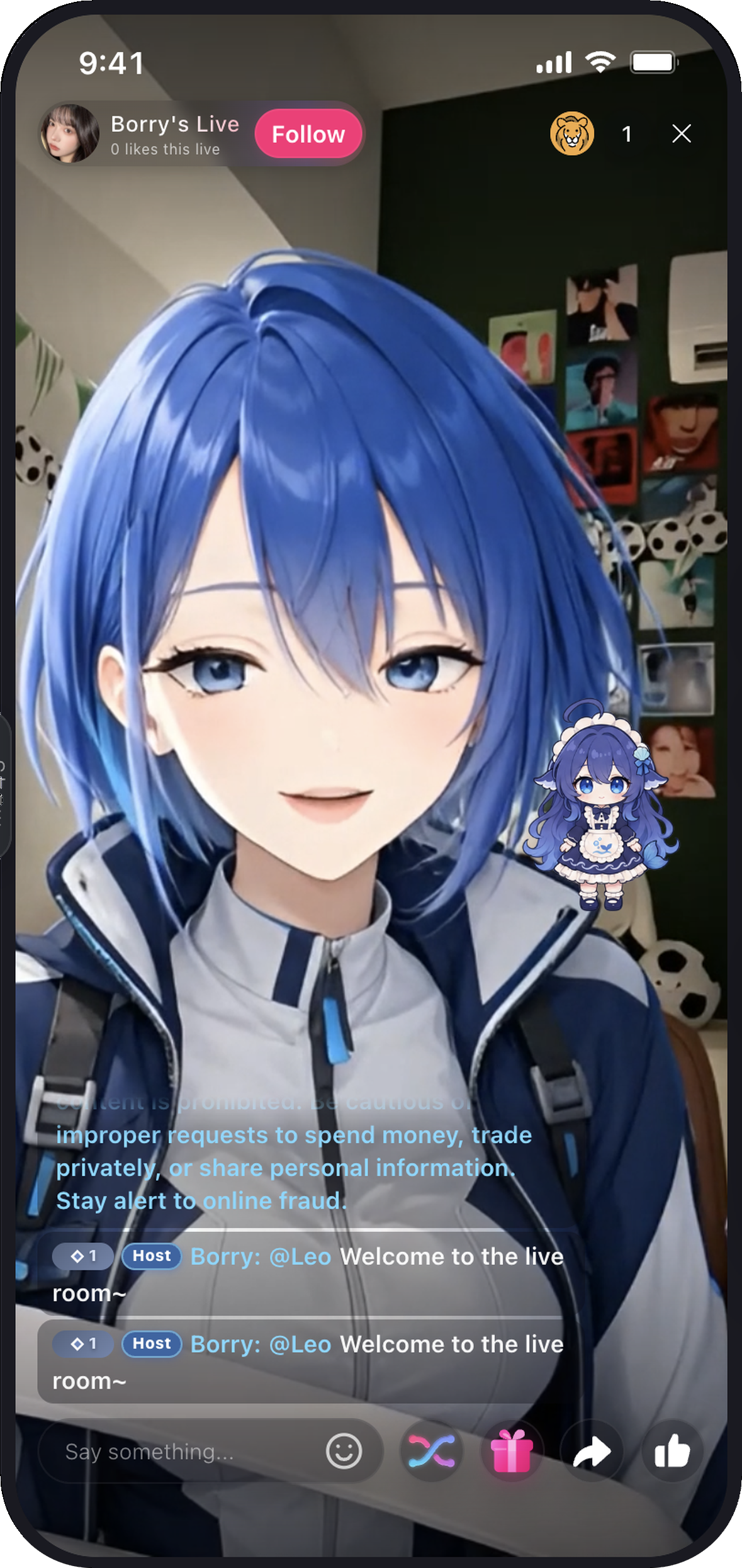 | 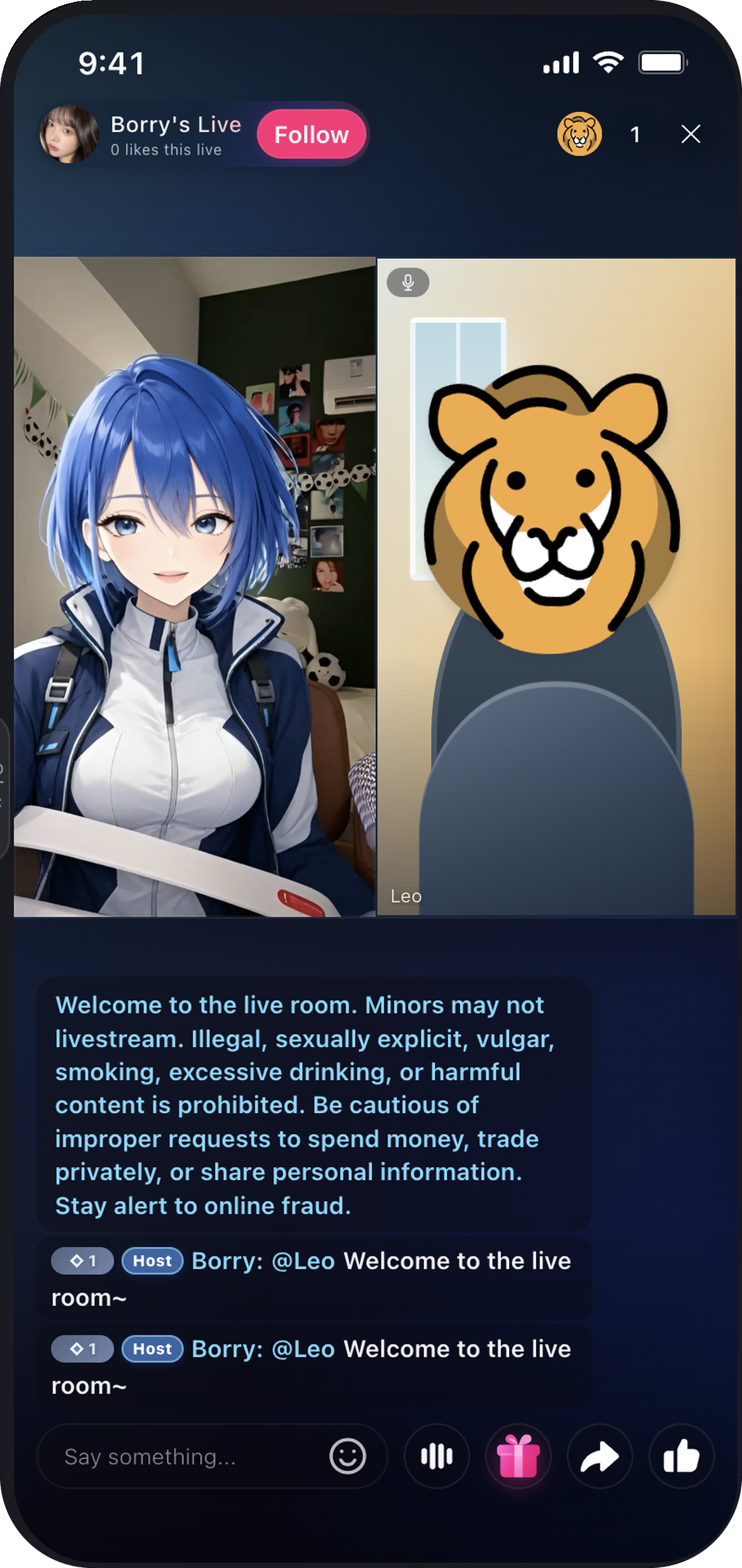 |
Preparations
Activate the Service
Before using TUILiveKit, please refer to Activate Service to get the TUILiveKit trial version or activate the paid version.
Environment Requirements
DevEco Studio: Install HarmonyOS SDK 6.1.1 (API 24) and use DevEco's built-in JBR as the JDK.
Project Configuration: Set Hvigor modelVersion to 6.1.1; targetSdkVersion to 6.1.1(24); compatibleSdkVersion to 6.0.0(20); runtimeOS to HarmonyOS.
Device: Use phone devices running HarmonyOS 6.0.0 (API 20) or above.
Code Integration
Step 1: Download TUILiveKit Component
1. Clone or download the code from GitHub, then copy the live-v2/tuilivekit directory to your Hvigor project root (at the same level as the entry module).
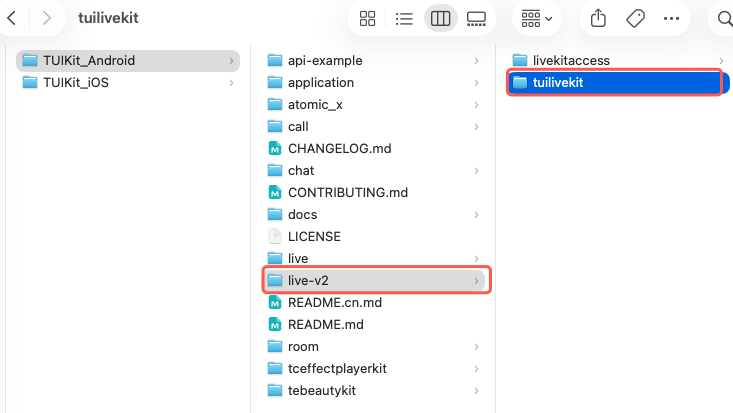
2. Declare dependencies: In entry/oh-package.json5, add the local component and the AtomicXCore core library:
{"name": "entry","version": "1.0.0","dependencies": {"tuilivekit": "file:../../TUILiveKit","@tencentcloud/atomicxcore": "5.3.0"}}
3. Register modules: In your project root
build-profile.json5, add the component module under modules. Make sure the srcPath matches the directory name's case exactly:{"app": {"products": [{"name": "default","targetSdkVersion": "6.1.1(24)","compatibleSdkVersion": "6.0.0(20)","runtimeOS": "HarmonyOS","buildOption": {"strictMode": {"caseSensitiveCheck": true,"useNormalizedOHMUrl": true}}}]},"modules": [{"name": "entry","srcPath": "./entry"},{"name": "tuilivekit","srcPath": "../TUILiveKit"}]}
4. Install dependencies: Run the following command in your project root directory:
ohpm install --all
Step 2: Configure Project
The HAR component does not declare permissions itself. You must declare Audio/Video permissions in the host entry module. Add the following to the module node in
entry/src/main/module.json5:{"module": {"name": "entry","type": "entry","mainElement": "EntryAbility","deviceTypes": ["phone"],"requestPermissions": [{"name": "ohos.permission.INTERNET"},{"name": "ohos.permission.GET_NETWORK_INFO"},{"name": "ohos.permission.CAMERA","reason": "$string:app_name","usedScene": {"abilities": ["EntryAbility"],"when": "inuse"}},{"name": "ohos.permission.MICROPHONE","reason": "$string:app_name","usedScene": {"abilities": ["EntryAbility"],"when": "inuse"}}]}}
Configure your
bundleName in AppScope/app.json5, and complete debug signing setup in DevEco Studio under File > Project Structure > Signing Configs.Note:
Keep compatibleSdkVersion at 6.0.0(20). Setting it to a version not supported by the device will cause installation failures. The component listens for foreground/background switching via applicationStateChange, so you do not need to declare background mode in module.json5.
Complete Login
After integrating the code, complete the login process. This step is required to access TUILiveKit features. Make sure all parameters are configured correctly:
Note:
The sample code calls the login API directly. In production, always perform your own user authentication and related login operations before calling TUILiveKit’s login service. This prevents business logic confusion or data inconsistency caused by premature login service calls.
import { LoginStore } from '@tencentcloud/atomicxcore'@Componentstruct LoginService {private readonly loginStore: LoginStore = LoginStore.shared()login(): void {// 1. Call the login API. The userSig should be issued by your business backendthis.loginStore.login(1400000001, // Replace with the SDKAppID from the service activation console'denny', // Replace with your UserID'xxxxxxxxxxx', // Replace with the UserSig generated by your backendgetContext(this),).then(() => {// 2. Login successfulconsole.info('login success')}).catch((error: Error) => {console.error(`login failed: ${error.message}`)})}build() {Column() {}}}
Login API Parameter Description
Parameter | Type | Description |
SDKAppID | Int | |
UserID | String | The unique ID for the current user. Must contain only English letters, numbers, hyphens, and underscores. |
userSig | String | A ticket for Tencent Cloud authentication. Please note: Development Environment: You can use the local GenerateTestUserSig.genTestSig function to generate a UserSig or generate a temporary UserSig via the UserSig Generation Tool.Production Environment: To prevent key leakage, you must use a server-side method to generate UserSig. For details, see Generating UserSig on the Server. |
Handling Login Exceptions [Optional]
LoginStore provides login event subscriptions to help you handle possible login exceptions, including being kicked offline and signature expiration:
Kicked offline: If the user is kicked while online, the SDK triggers the LoginEvent.KICKED_OFFLINE event. Prompt the user in the UI and call LoginStore.shared().login to re-login.
Signature expired: If you receive the LoginEvent.LOGIN_EXPIRED event, the userSig has expired. If the user's login state is still valid in your backend, request a new userSig and re-login.
import { LoginEvent, LoginStore } from '@tencentcloud/atomicxcore'@Componentstruct LoginEventObserver {private readonly loginStore: LoginStore = LoginStore.shared()observeLoginEvents(): void {this.loginStore.loginEventEmitter.subscribe(this, (event: LoginEvent) => {if (event === LoginEvent.KICKED_OFFLINE) {console.info('kicked offline')} else if (event === LoginEvent.LOGIN_EXPIRED) {console.info('login expired')}})}build() {Column() {}}}
Next Steps
Congratulations! You have successfully integrated the TUILiveKit component and completed the login. You can now implement features such as host streaming, viewer watching, and the live stream list. Please refer to the table below for integration guides:
Feature | Description | Integration Guide |
Video Live Streaming | Includes a full suite of features such as host broadcasting, audience viewing, interactive co-hosting, beauty filters, gifts, and bullet chat. | |
Live Stream List | Display the live stream list interface and features, including the live stream list and room information display. |
FAQs
Do I need to declare camera and microphone permissions after integration?
Yes. The HAR component's module.json5 does not include requestPermissions. Declare INTERNET, GET_NETWORK_INFO, CAMERA, and MICROPHONE permissions in the host entry module. The streaming page will dynamically request camera and microphone permissions at runtime.
ohpm dependency resolution failed or tuilivekit not found?
Run ohpm install --all in your Hvigor project root. Ensure the file: path in entry/oh-package.json5 and the srcPath in build-profile.json5 point to the actual TUILiveKit directory. If your project has enabled caseSensitiveCheck, the path casing must match the disk exactly.
Build error: Unable to locate a Java Runtime?
Set JAVA_HOME to DevEco Studio's built-in JBR, add $JAVA_HOME/bin to your PATH, and rerun the build command.
フィードバック